
Free Bookmark Templates
Explore professionally designed free printable bookmark templates to customize online. Enjoy high-quality, customizable designs. Download now.






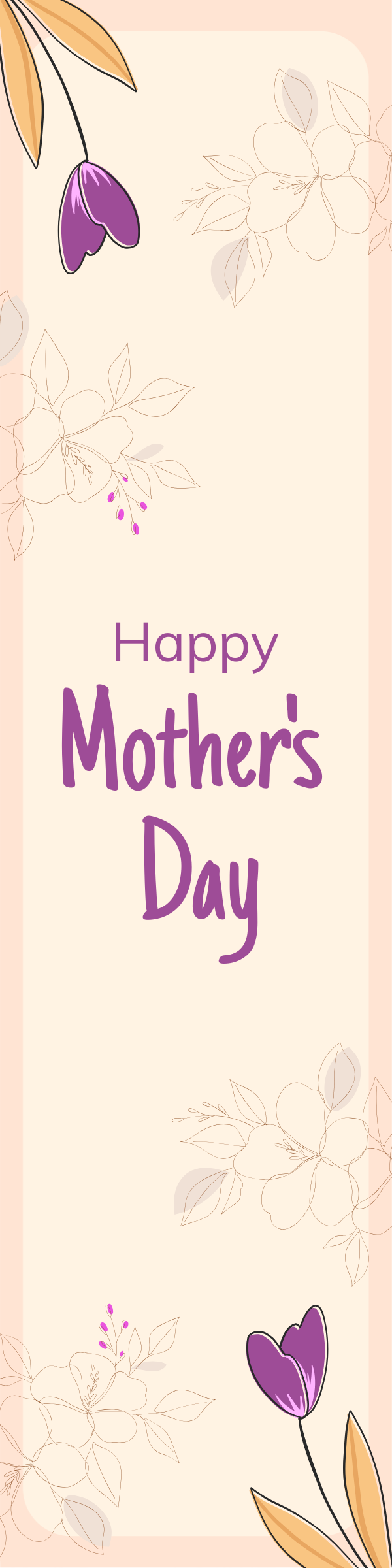
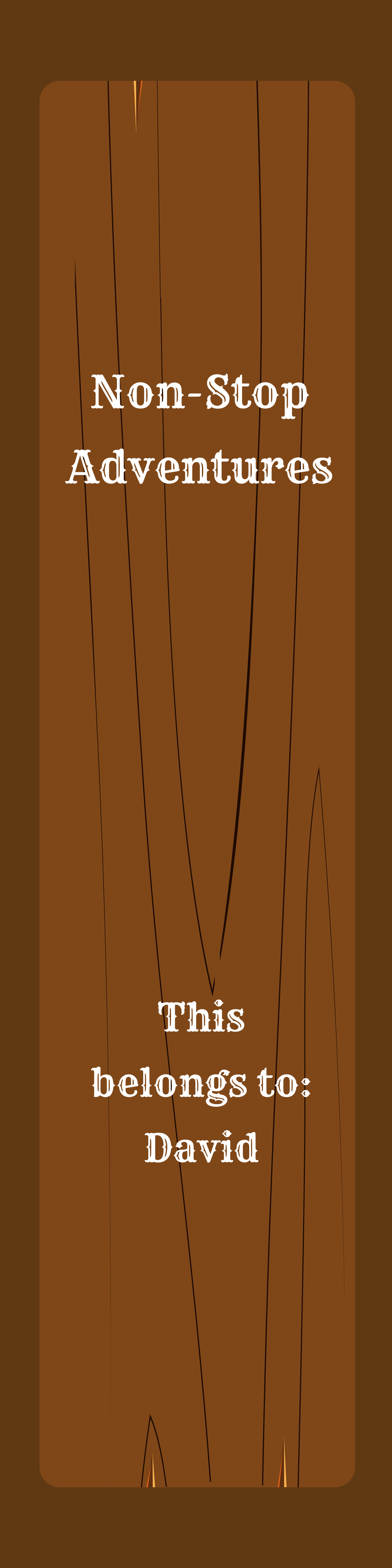




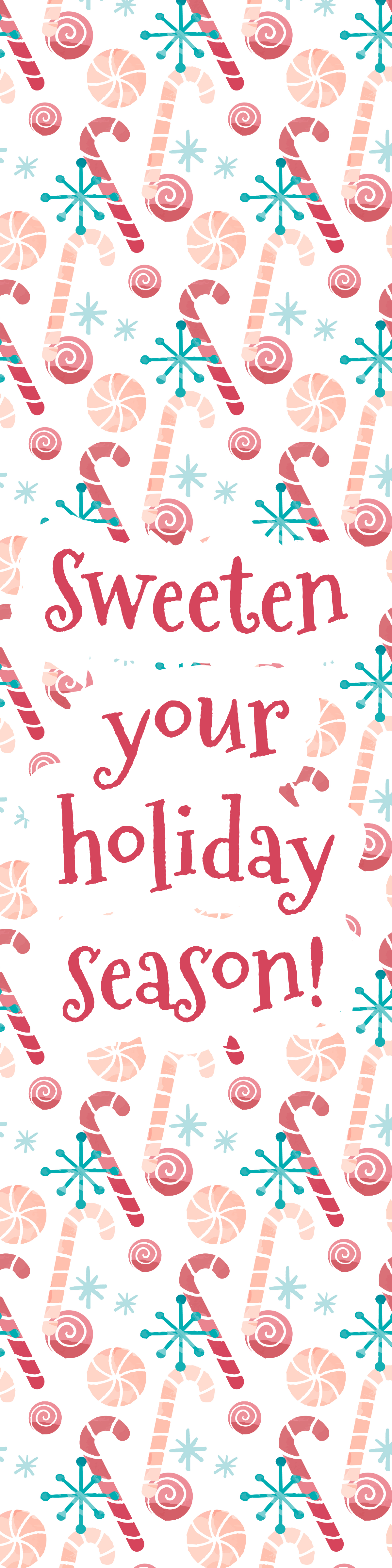






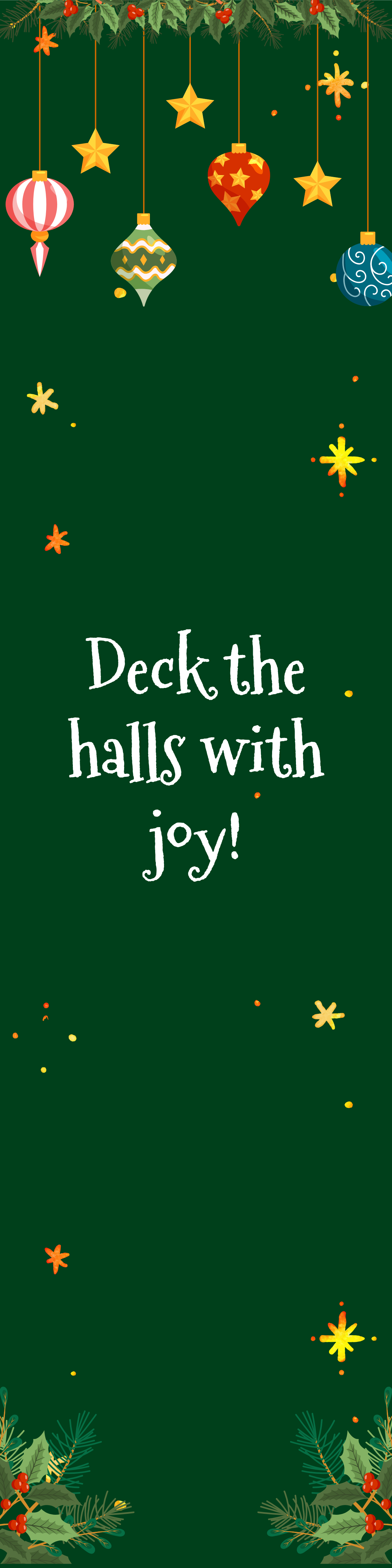








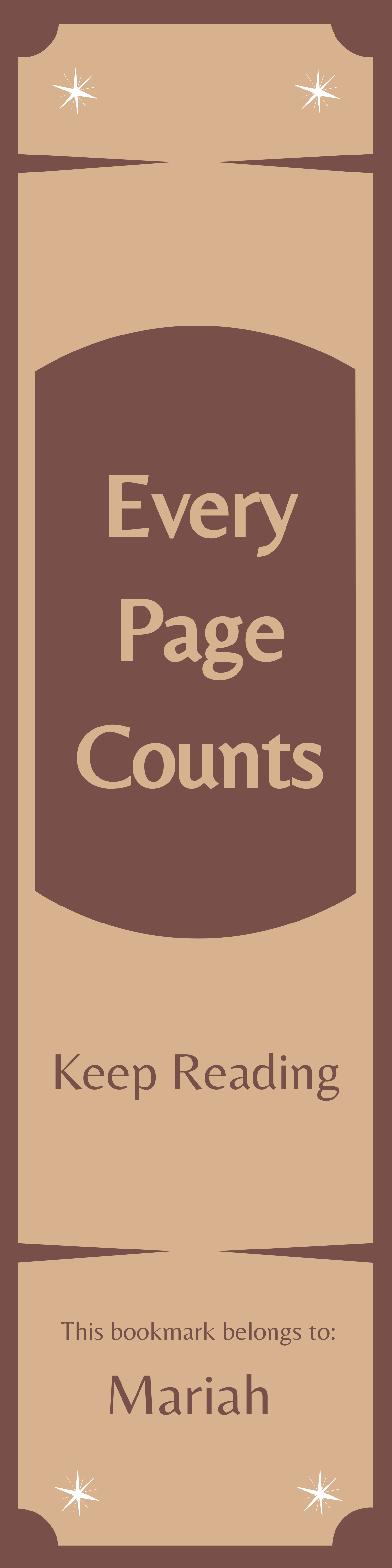





















Free Bookmark Templates: Customizable Design Guide, Sizes, and Download Formats

What is a Bookmark?
A Bookmark is a physical or digital marker used to keep your place in a book or document. These templates are designed with customizable layouts and visual elements to help you create unique and practical bookmarks.

Why should I use a Bookmark?
You should use a Bookmark to easily mark and return to specific pages in books or documents, improving your reading and organization experience. Custom bookmarks also serve as creative promotional tools or personalized gifts.

Who uses Bookmarks?
Bookmarks are used by readers, students, teachers, librarians, and businesses for tracking reading progress, organizing materials, or promoting brands with customized designs and practical usability.

What are the best tips for designing my Bookmark?
Here are effective tips for designing your Bookmark to make it functional and attractive:
- Choose a readable font that suits your style
- Include relevant graphics or logos for branding
- Use a balanced color scheme for visual appeal
- Keep the layout simple for easy recognition
- Incorporate contact information if for promotion
- Consider a durable material when printing
- Use clear margins to avoid clutter
- Add a call to action if applicable
- Test print sizes to ensure fit
- Align design with your purpose for effectiveness

What file formats can I download for my Bookmark?
Template.net Bookmark templates support multiple export formats for both editing and printing. You can download bookmarks in PSD, Illustrator, Apple Pages, Word, and Publisher formats, including PSD, Illustrator, Apple Pages, Word, and Publisher.

Can I create a Bookmark using AI?
Template.net provides an AI-powered tool that generates new Bookmark designs from prompts to help you quickly create unique bookmarks. Try the Bookmark generator for instant customizable results.

What are the standard print sizes for Bookmarks?
Common print sizes for Bookmarks ensure compatibility with books and usability. Typical dimensions include:
- 2 × 6 inches for narrow tall bookmarks
- 2.5 × 7 inches for standard bookmarks
- 2 × 8 inches for elongated designs
- 3 × 9 inches for larger bookmarks
- Custom sizes depending on book dimensions

What visual elements should I include in my Bookmark design?
Your Bookmark design should include key visual elements to maximize impact and clarity. Consider adding:
- Book title or quote for personalization
- Illustrations or icons relevant to the theme
- Brand logos or contact info for marketing
- Decorative borders or patterns for style
- Clear typography for readability
- Background colors or textures for visual interest
What are the benefits of using a Bookmark?
Using Bookmarks provides practical and creative benefits for readers and businesses. Key advantages include:
- Easy page tracking in books without damage
- Personalized reading experience
- Effective branding and promotion for companies
- Affordable and reusable marketing tool
- Creative gift options for book lovers
- Encourages reading habits among users
