
Free Page Templates
Get creative with customizable page templates that offer professional quality designs. Perfect for any occasion. Start designing now!



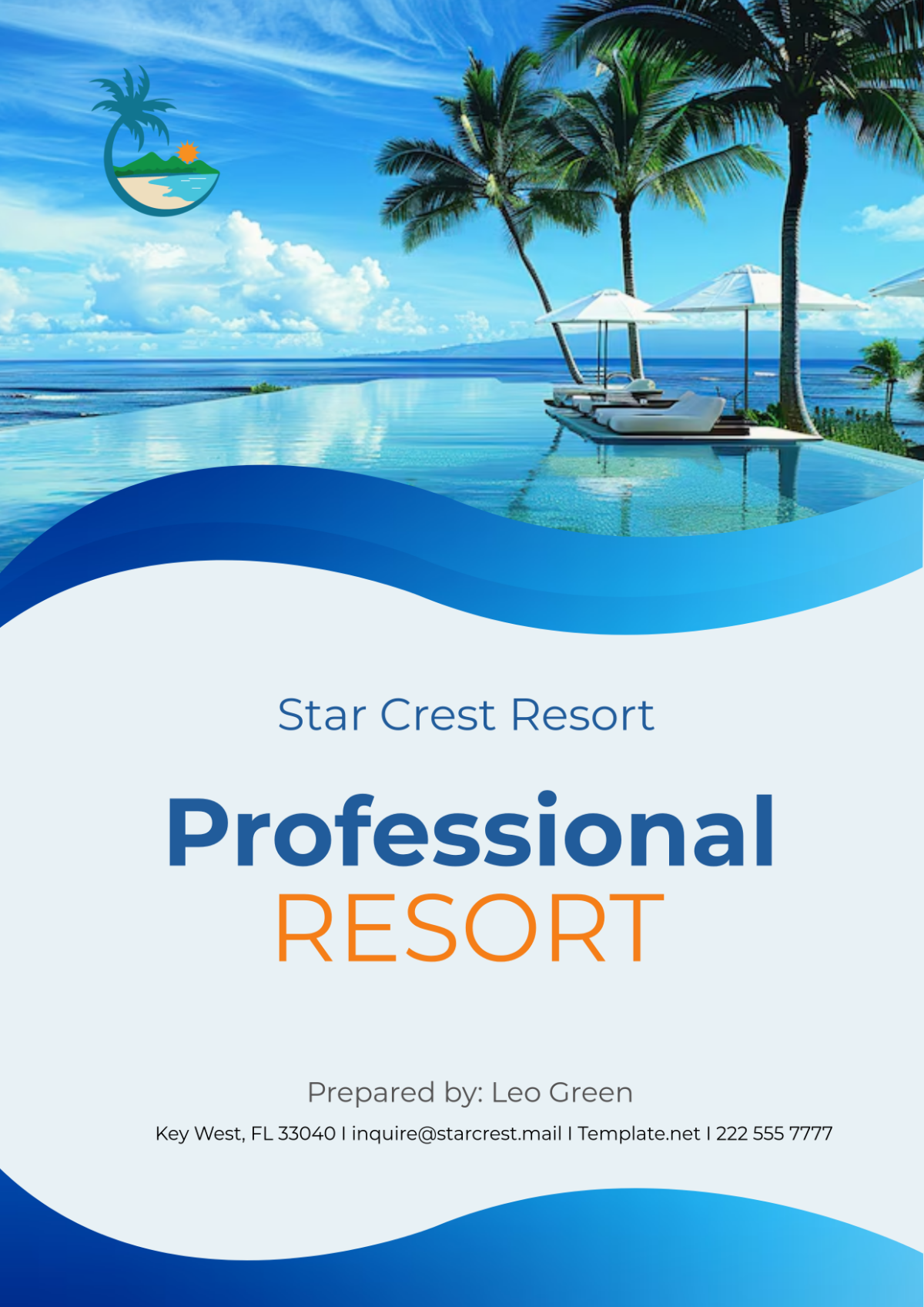
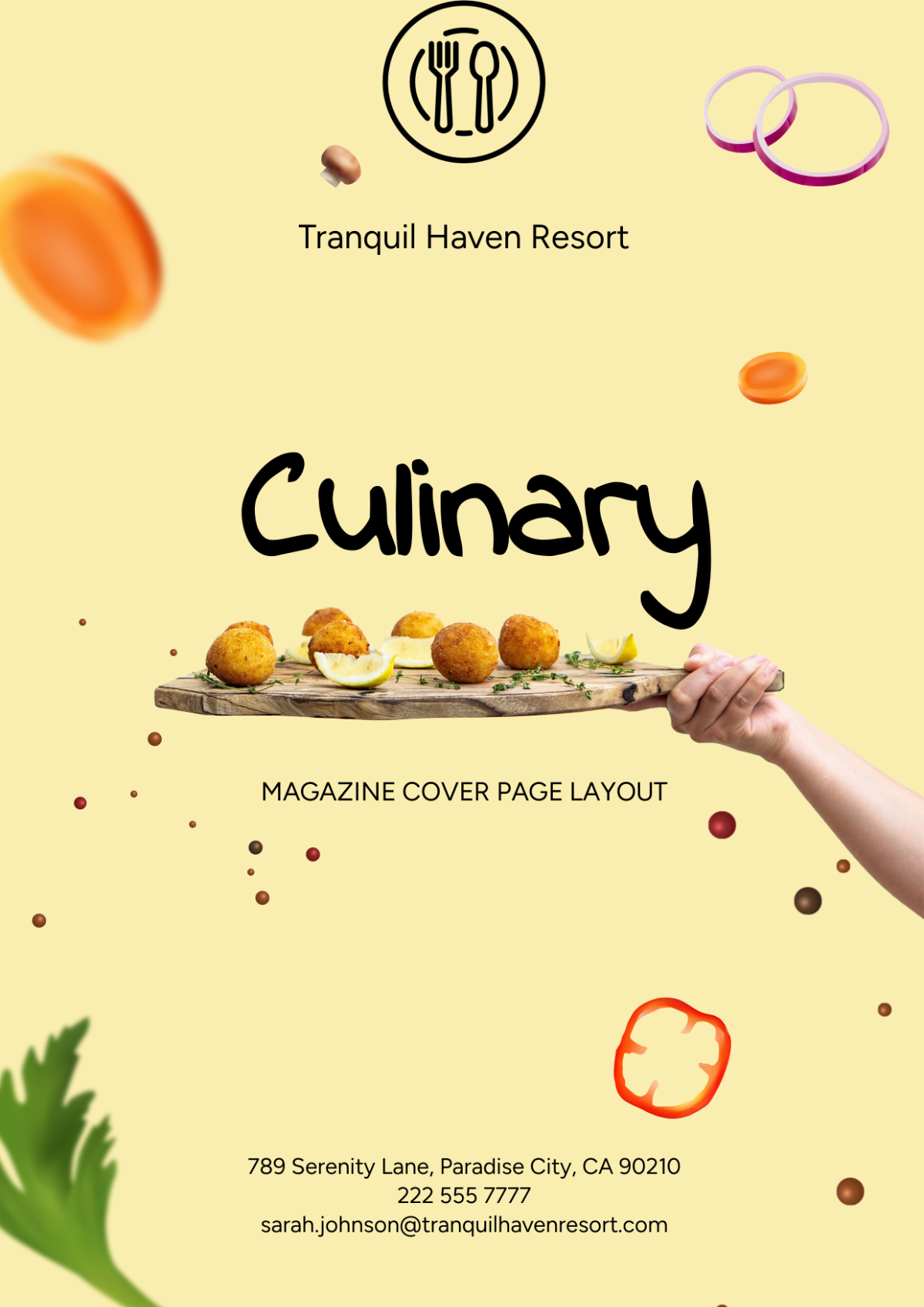











Free Page Templates: Editable Customization Guide, Uses, and Download Formats
Page templates offer professional quality designs that are customizable for various occasions and uses. Template.net provides online templates that you can edit and customize directly in your browser to suit your specific needs.

What is a Page?
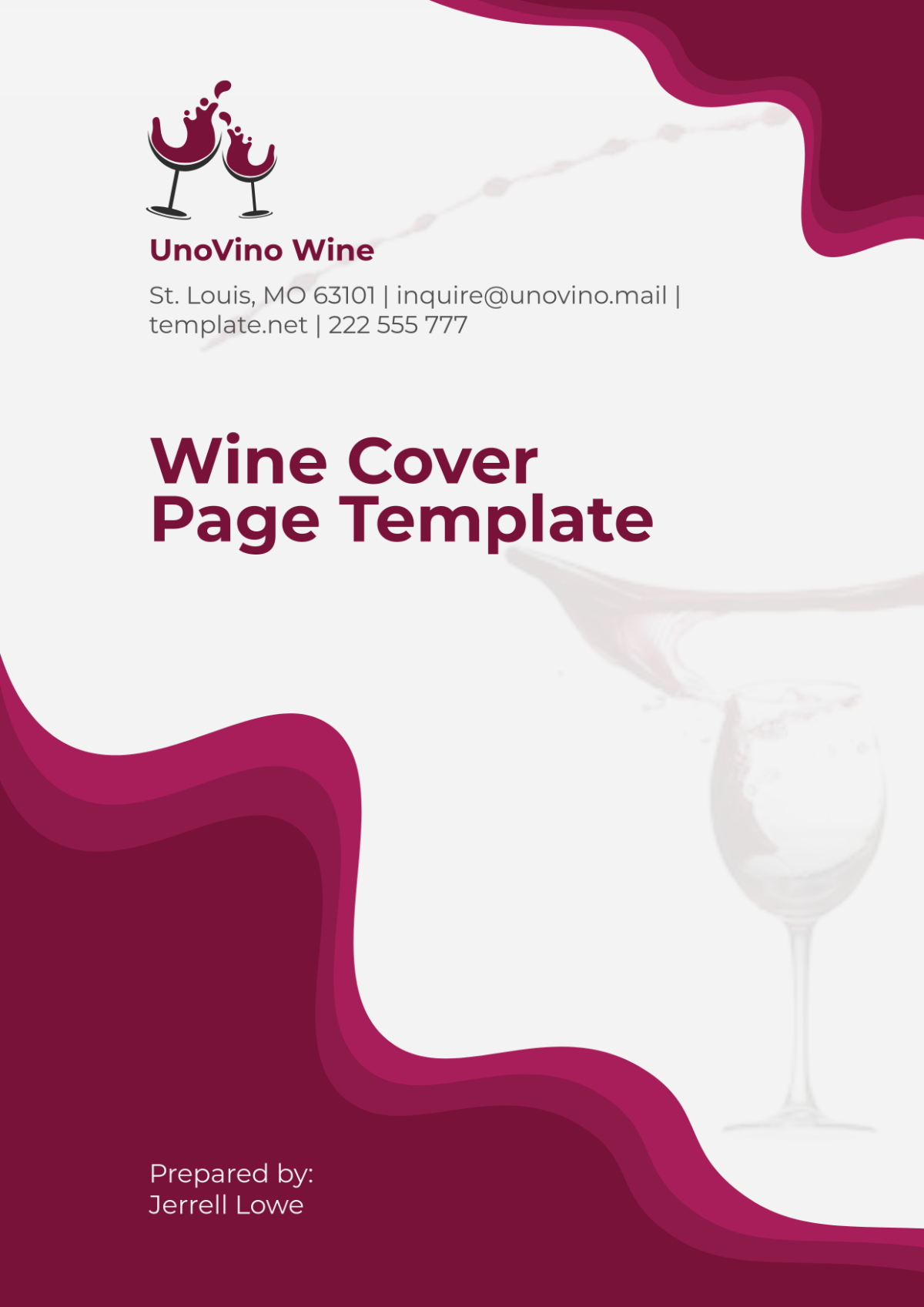
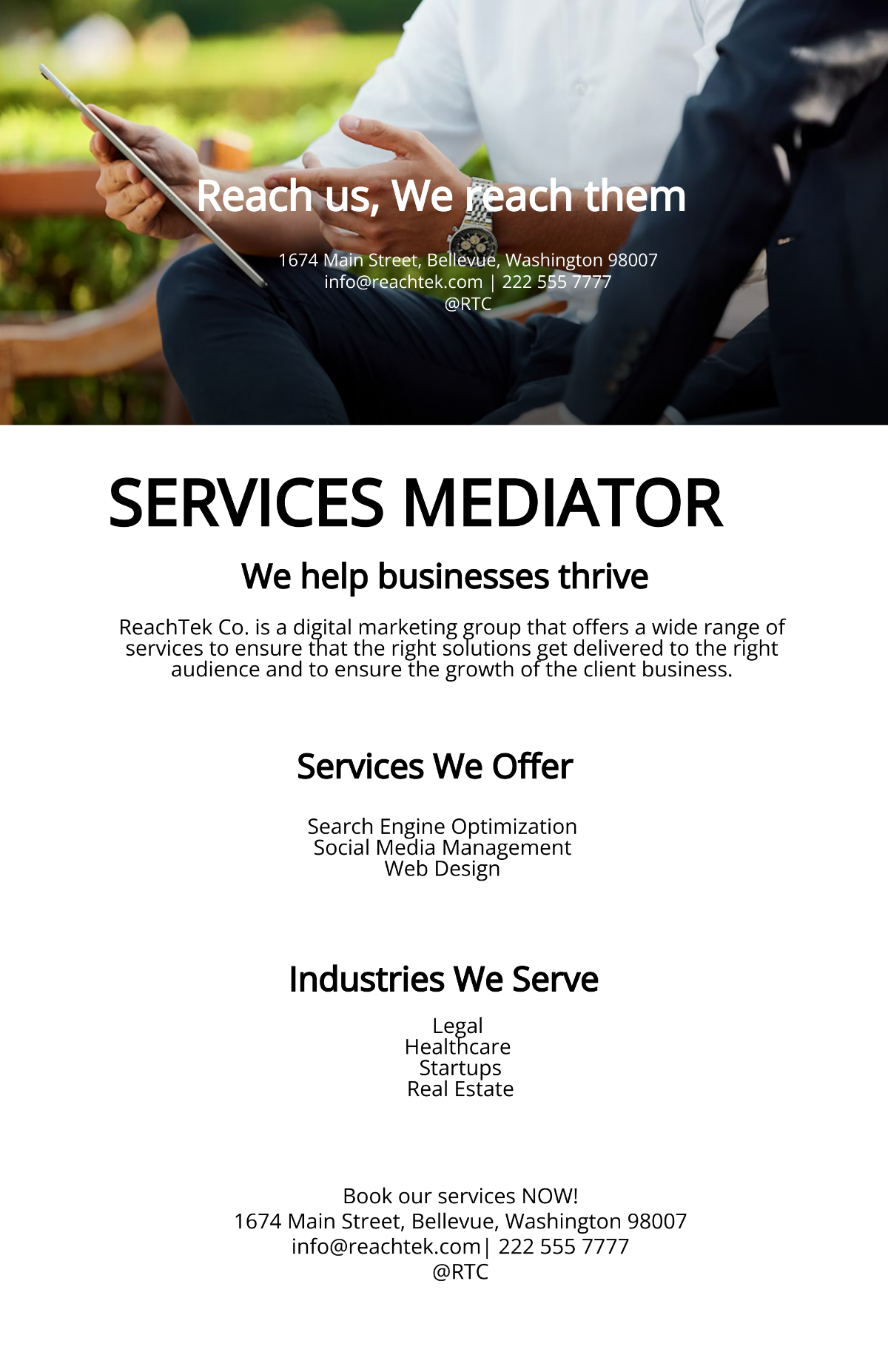
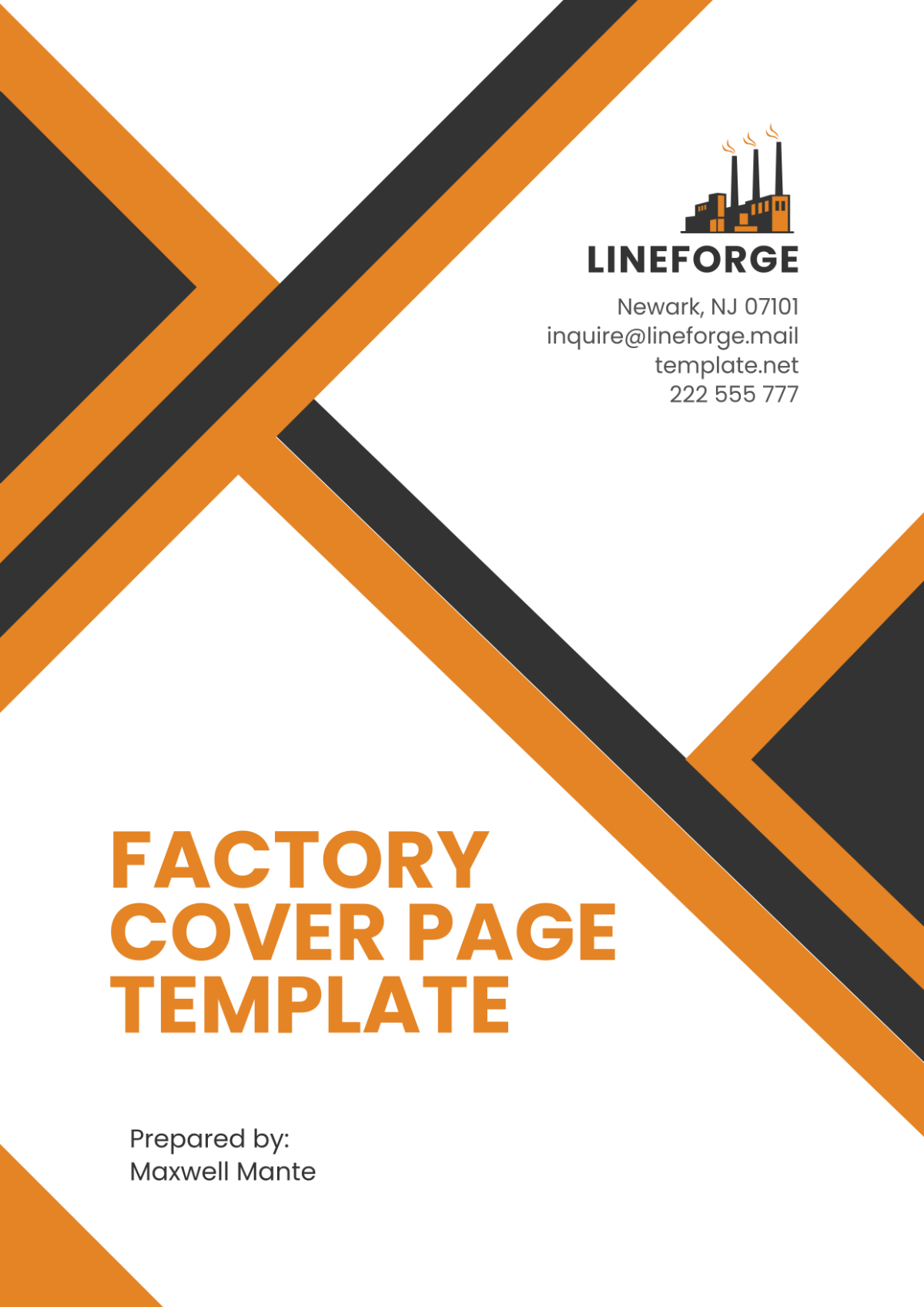
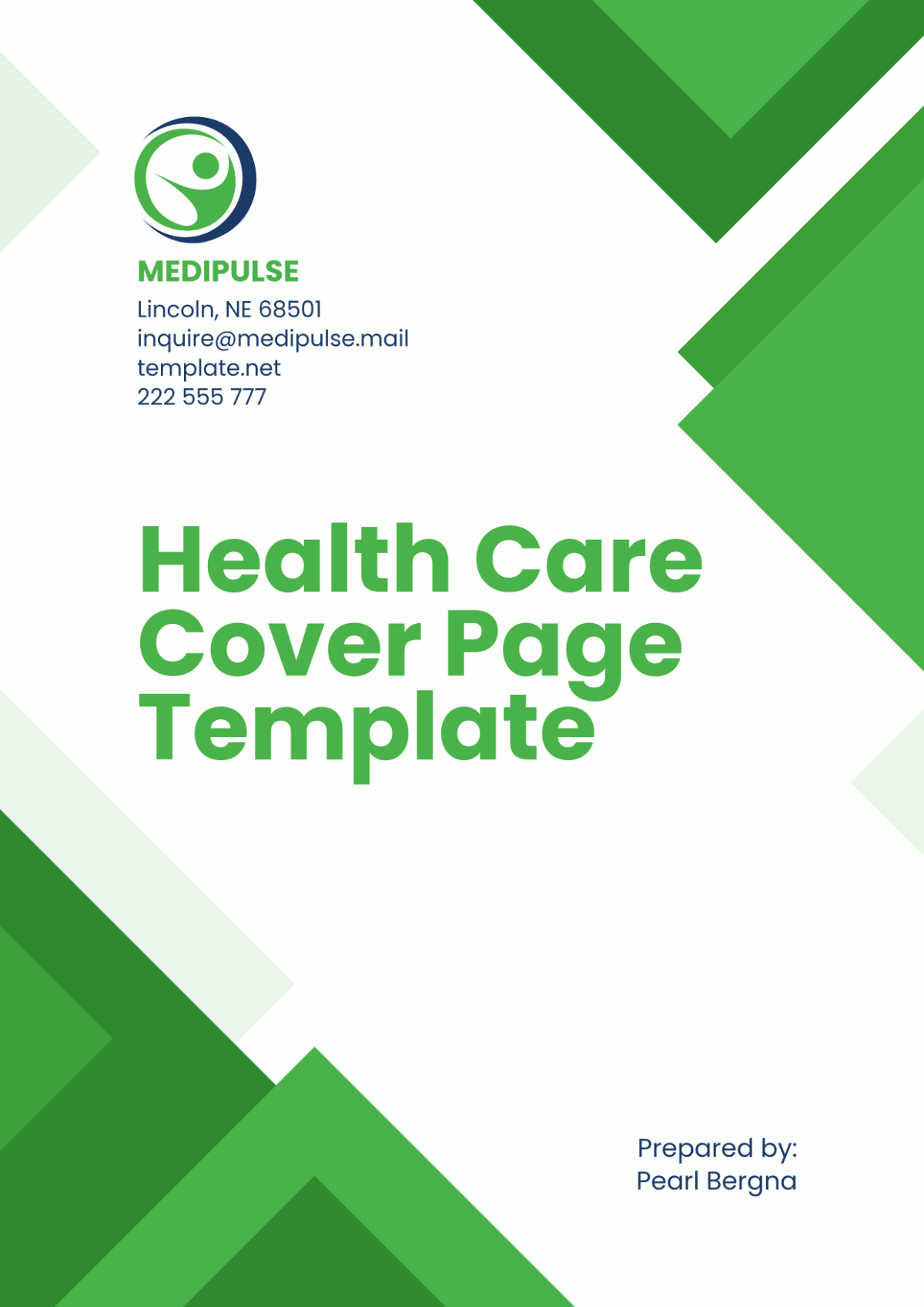
A Page is a customizable layout or design that serves as a single sheet or section for presenting information, images, or content. It provides a framework to organize text and visuals with professional quality and can be edited or completed online to fit many purposes.

Why should I use a Page?
You should use a Page because it offers a structured and visually appealing way to communicate information. Customizable Page templates allow you to save time with pre-made designs that are easy to modify, ensuring consistency and professionalism in your documents or projects.

Who uses Page?
Page templates are used by professionals, students, marketers, designers, and business owners who need to create polished documents or presentations. Anyone requiring a clean and adaptable layout for reports, invitations, newsletters, or digital content can benefit from using Page templates.

What are the best tips for completing my Page?
To complete your Page effectively, focus on clarity, balance, and relevance. Use legible fonts, appropriate color schemes, and align content neatly. Incorporate strong headings, visuals, and white space to make your Page engaging and easy to read.

Can I create a Page using AI?
While Template.net offers customizable Page templates to edit in the browser, AI-generated Page creation is available elsewhere on the domain. You can explore AI tools to assist with generating Page content but primary editing features focus on manual customization.

What file formats can I download for my Page?
Template.net Page templates support multiple export formats for flexible use. You can download your customized Page as Publisher, InDesign, Apple Pages, HTML5, or PDF.

What essential elements should my Page include?
An effective Page includes essential elements that enhance readability and visual appeal. These elements are:
- Header for titles or logos
- Body text for main content
- Images or graphics to support information
- Footer for page numbers or contact info
- Margins and spacing for clean layout

How does using a Page template benefit my workflow?
Using a Page template streamlines your workflow by providing a ready-made structure that reduces design time. Customizable templates ensure consistency across documents, facilitate collaboration, and allow quick updates without starting from scratch.

What professional standards should I consider when customizing a Page?
When customizing a Page, consider professional standards such as alignment, font hierarchy, color contrast, and accessibility. Adhering to these standards ensures your Page is visually coherent, readable, and suitable for your target audience or industry.
