






Free Concept Map Templates: Customizable Visual Structure Guide and Uses

What is a Concept Map?
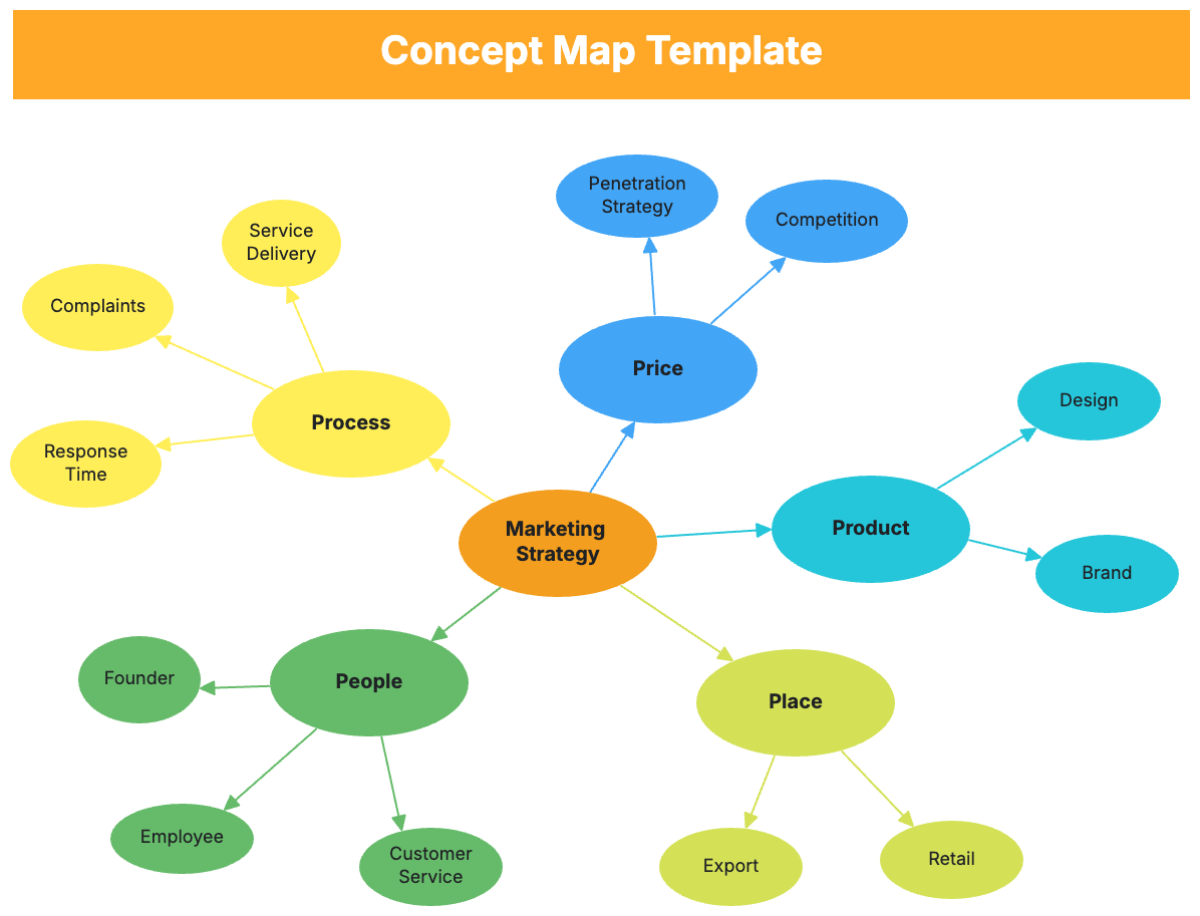
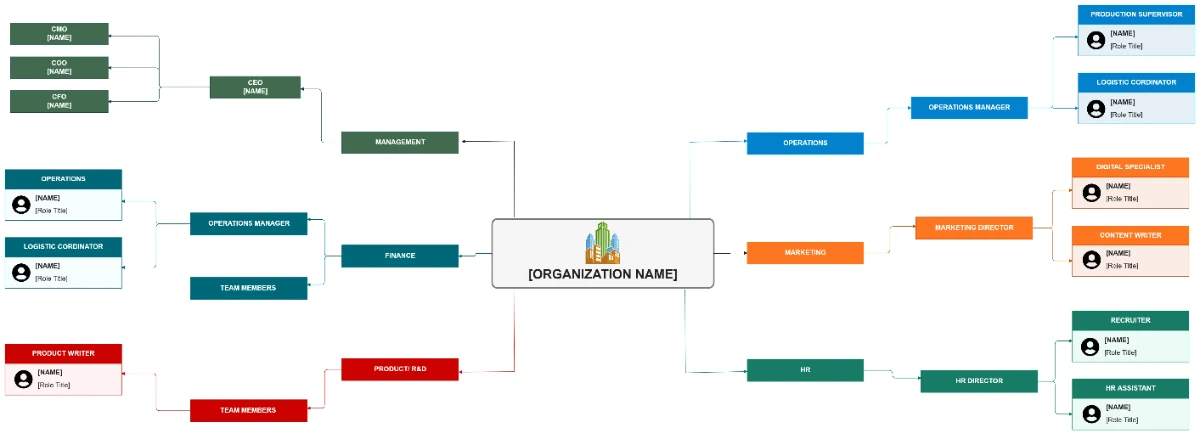
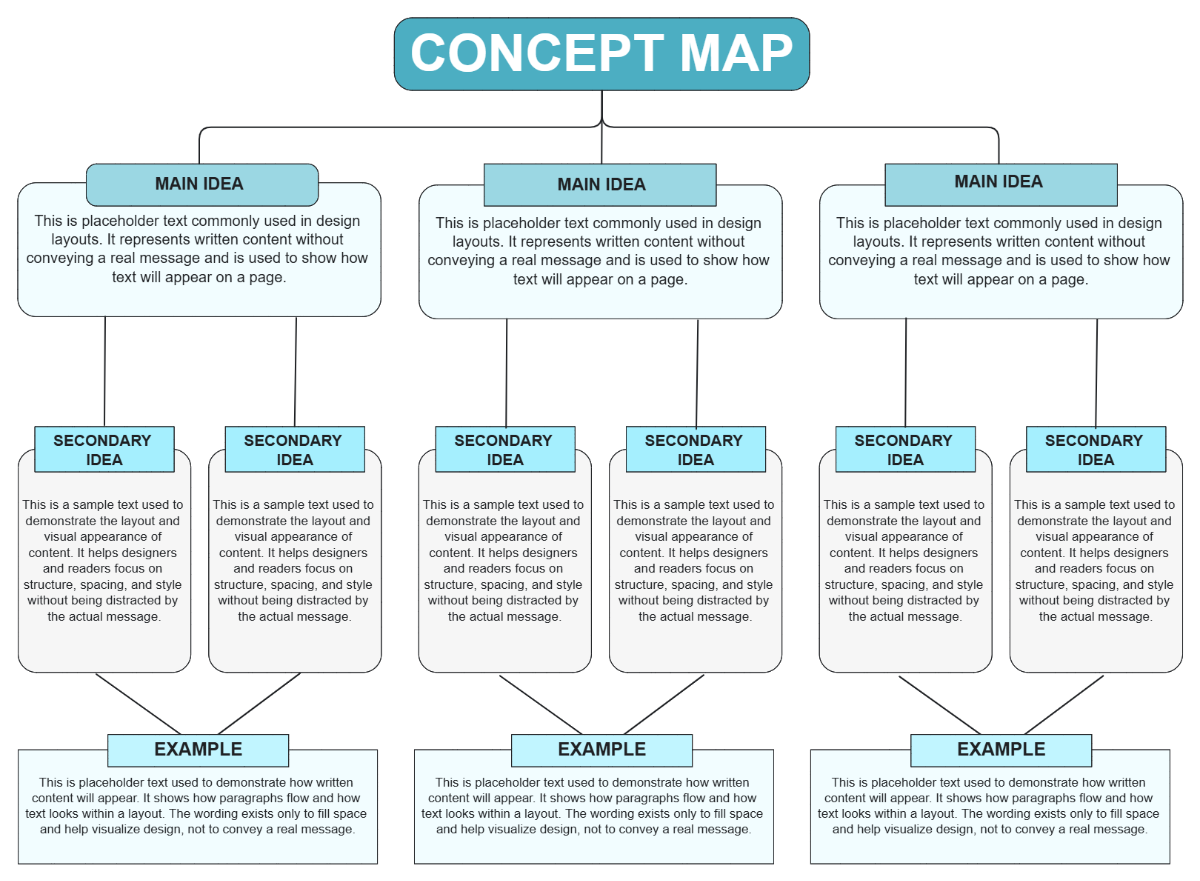
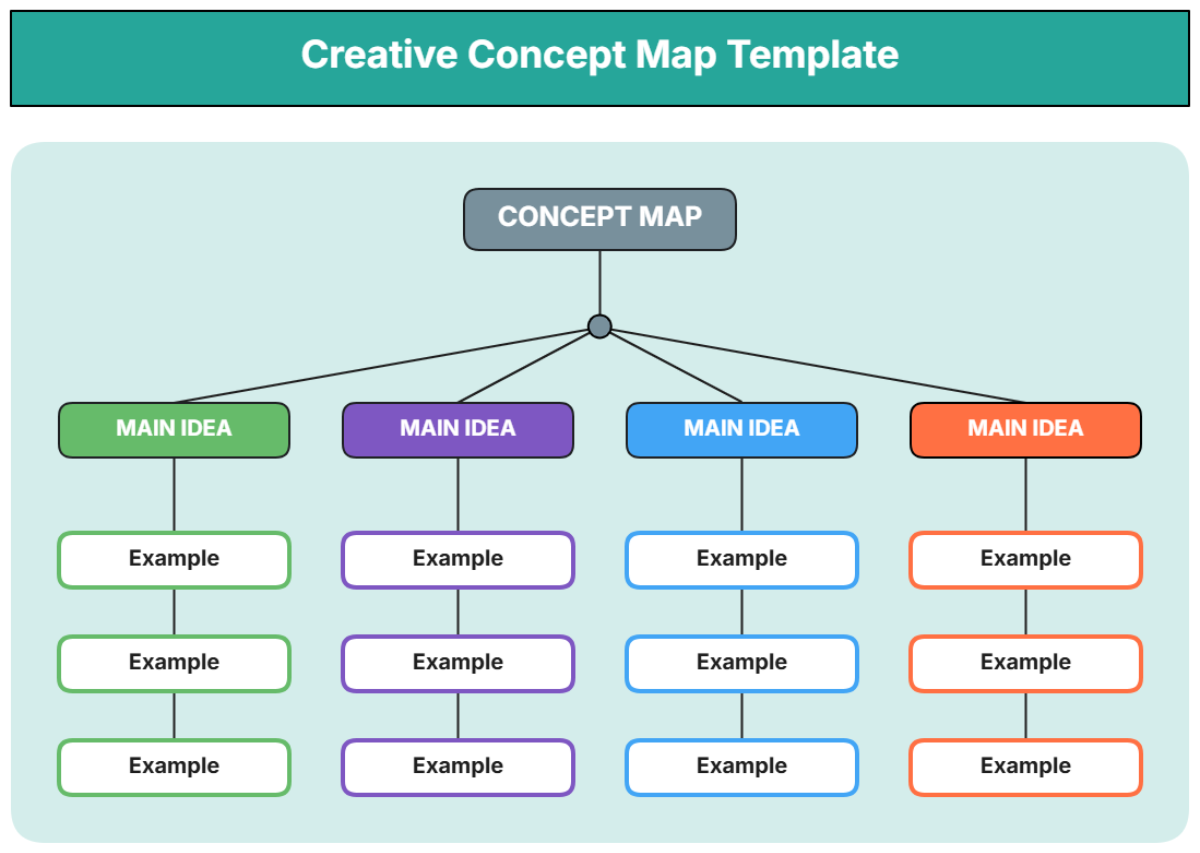
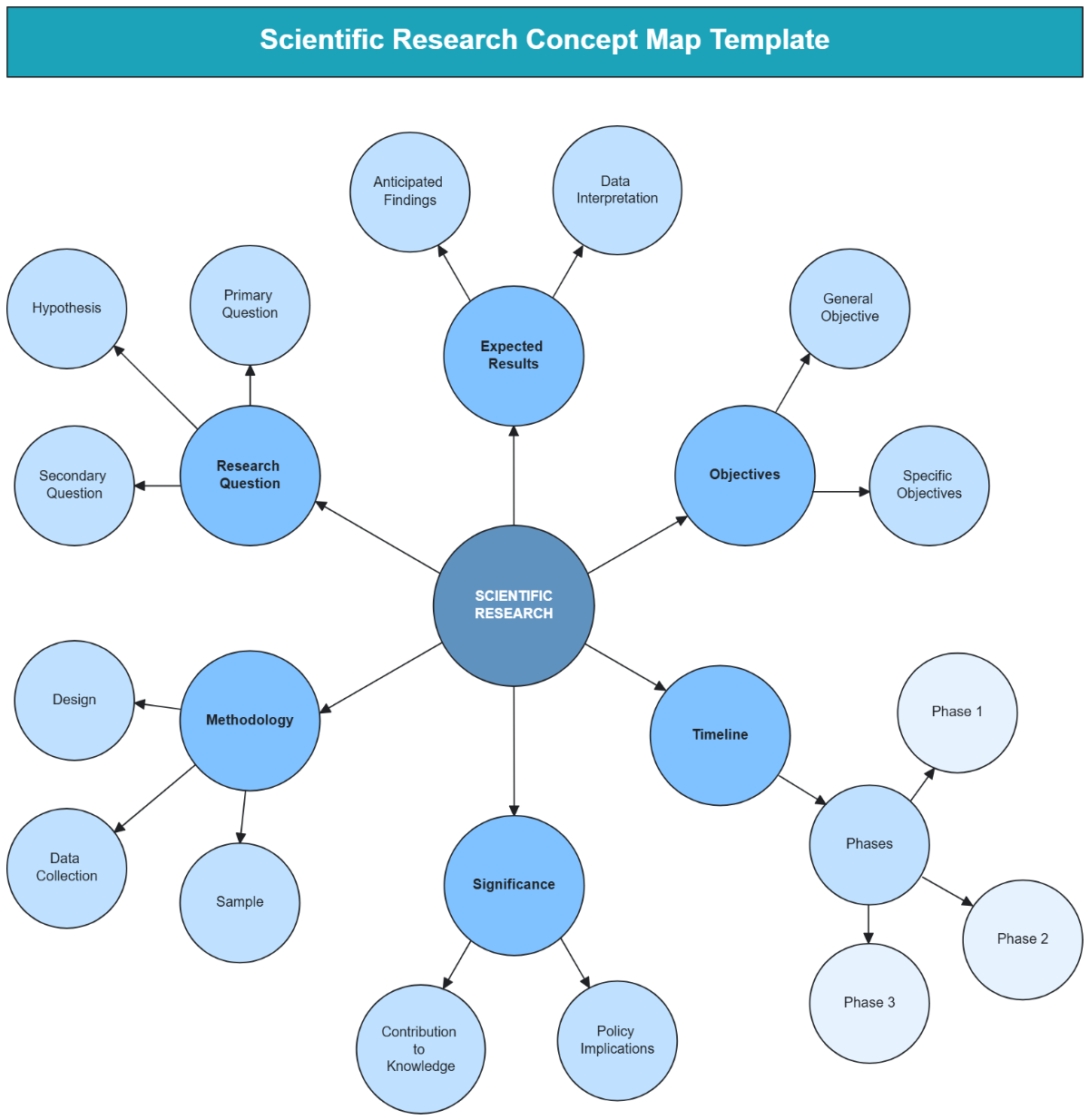
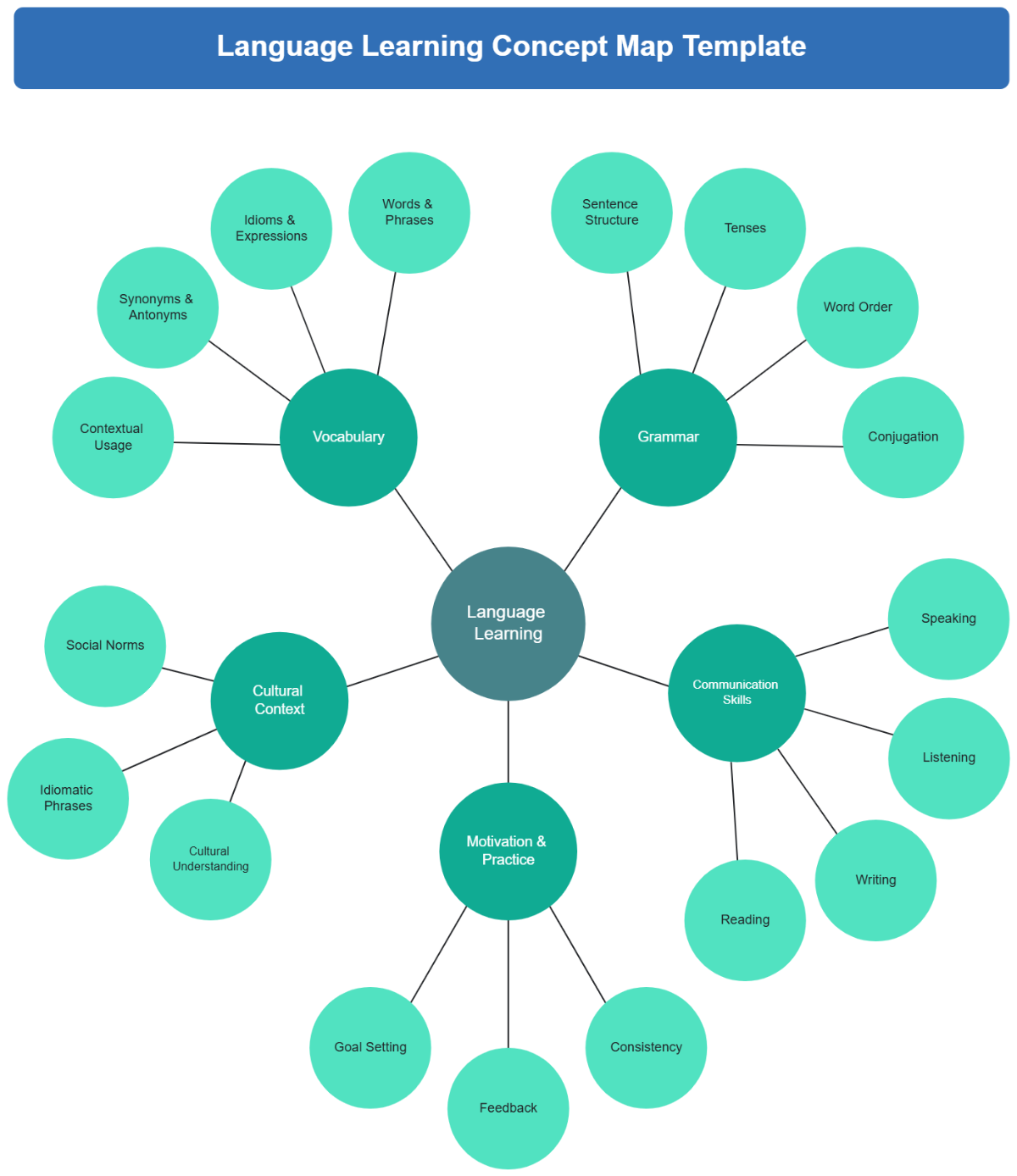
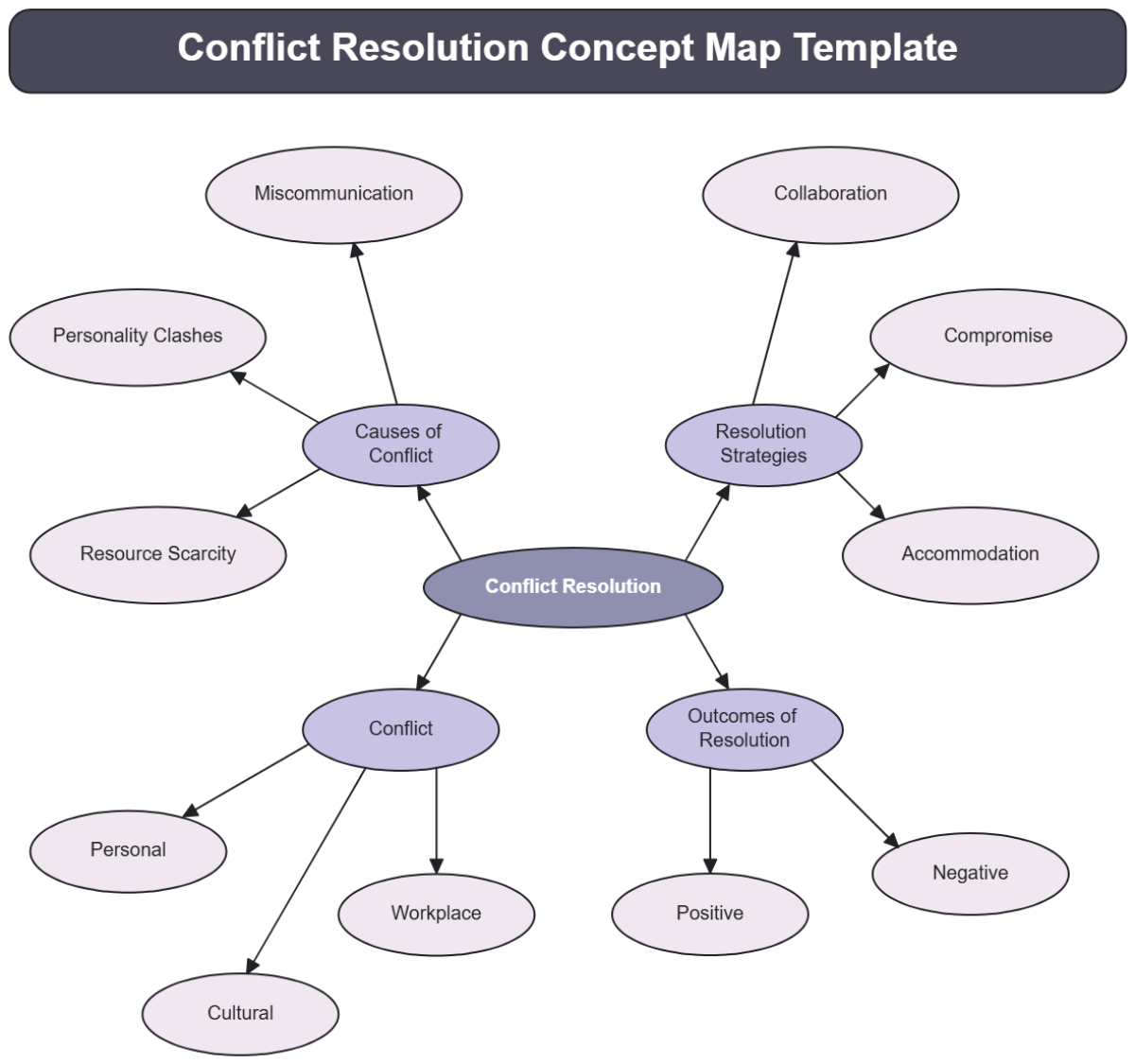
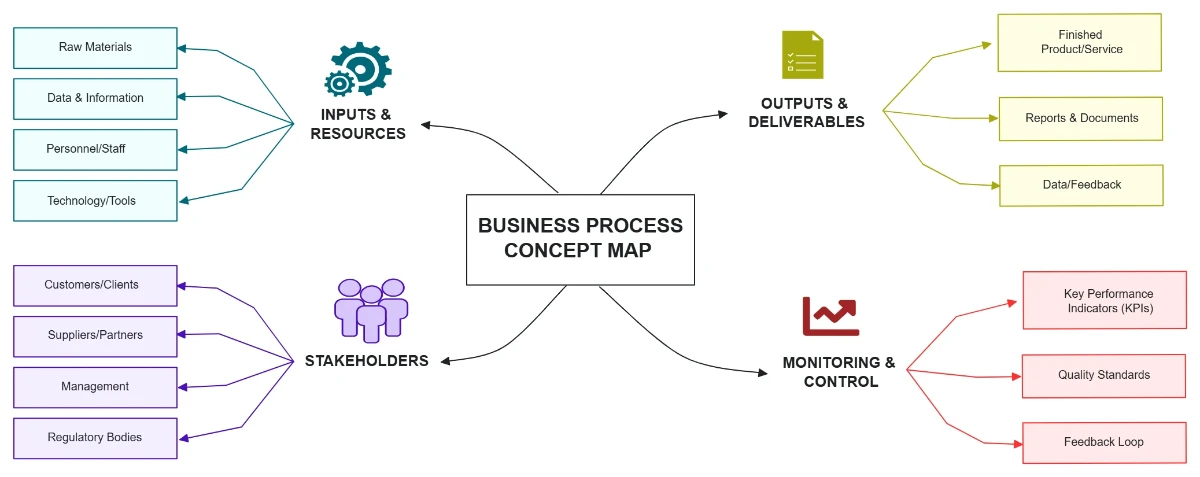
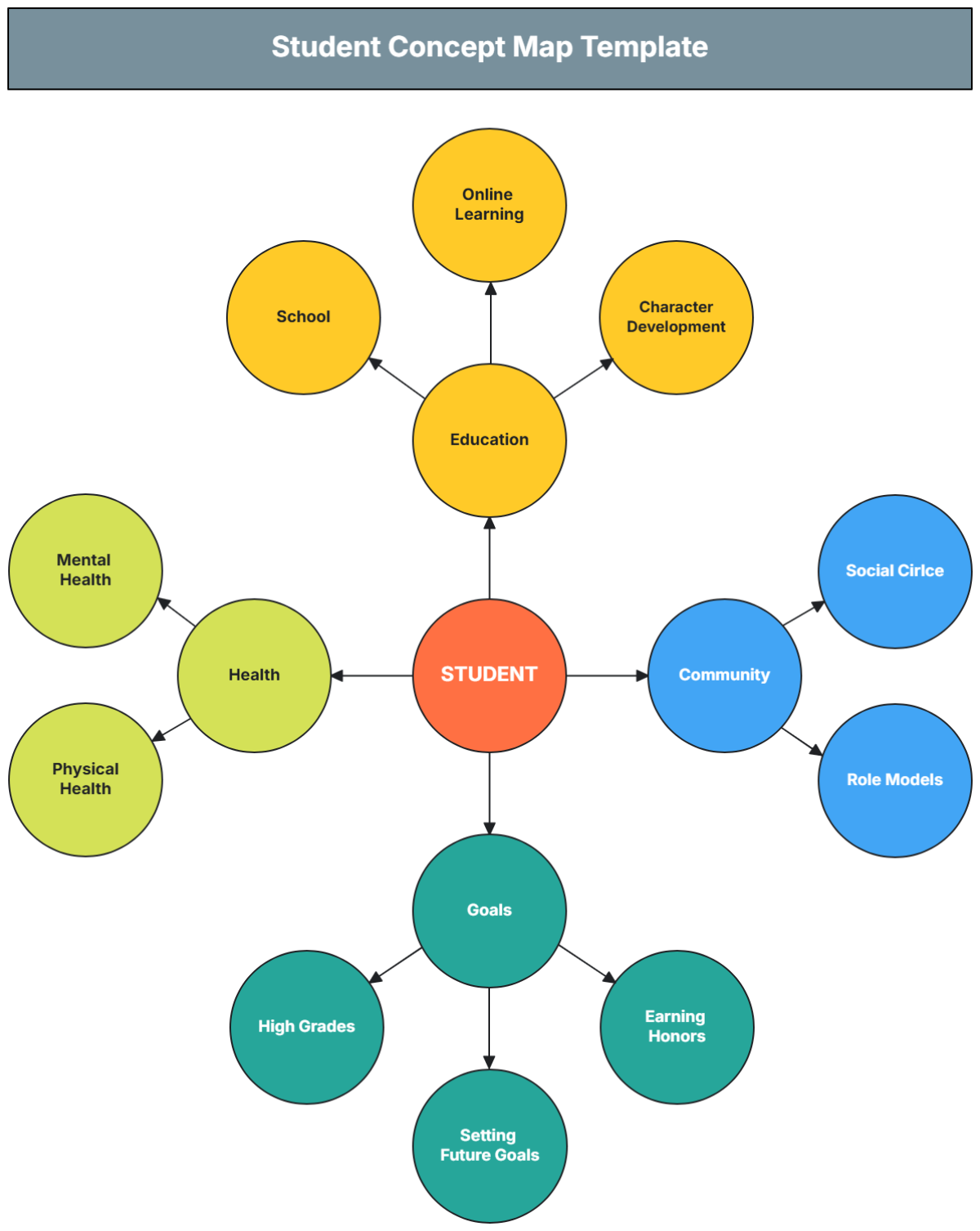
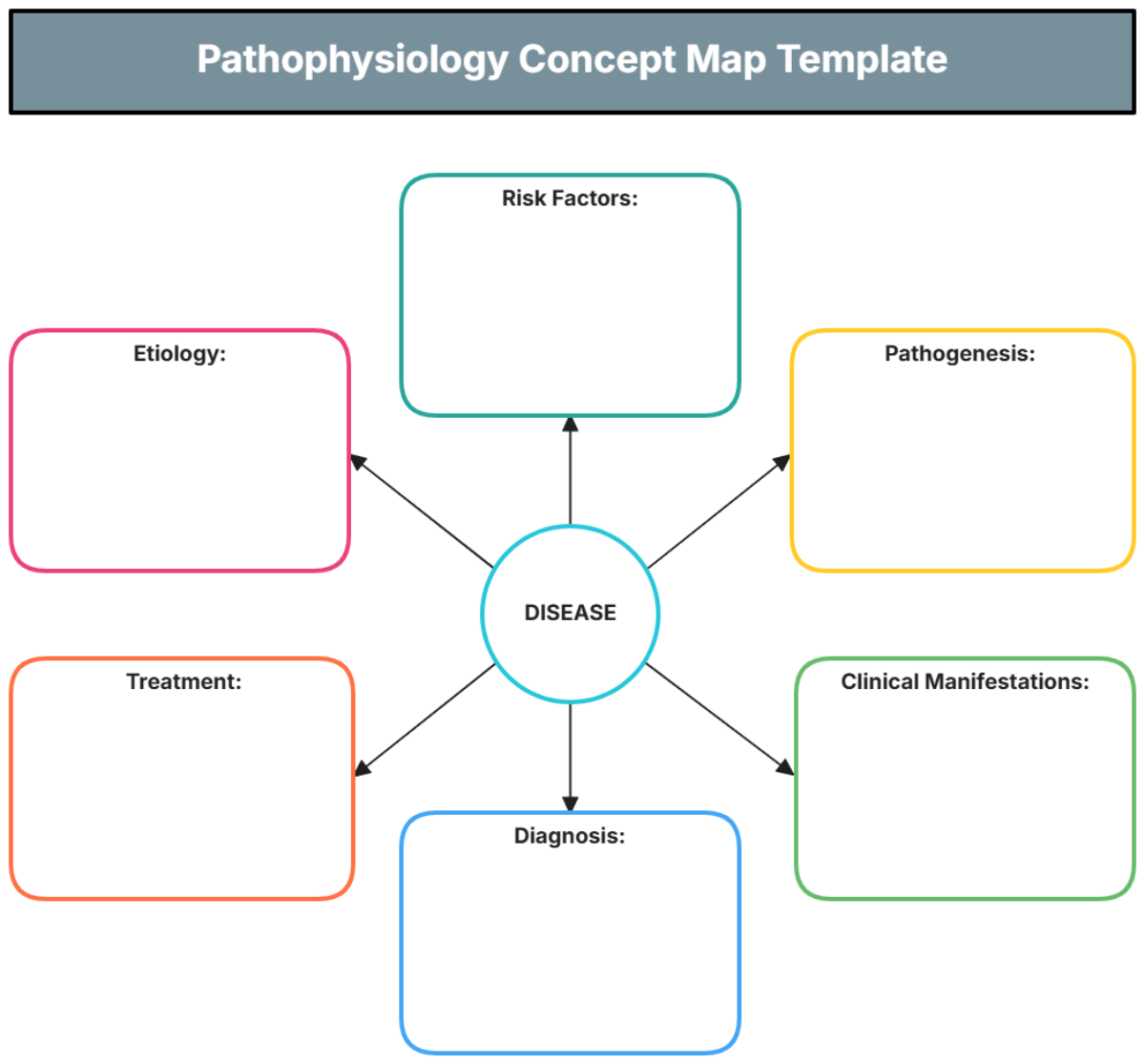
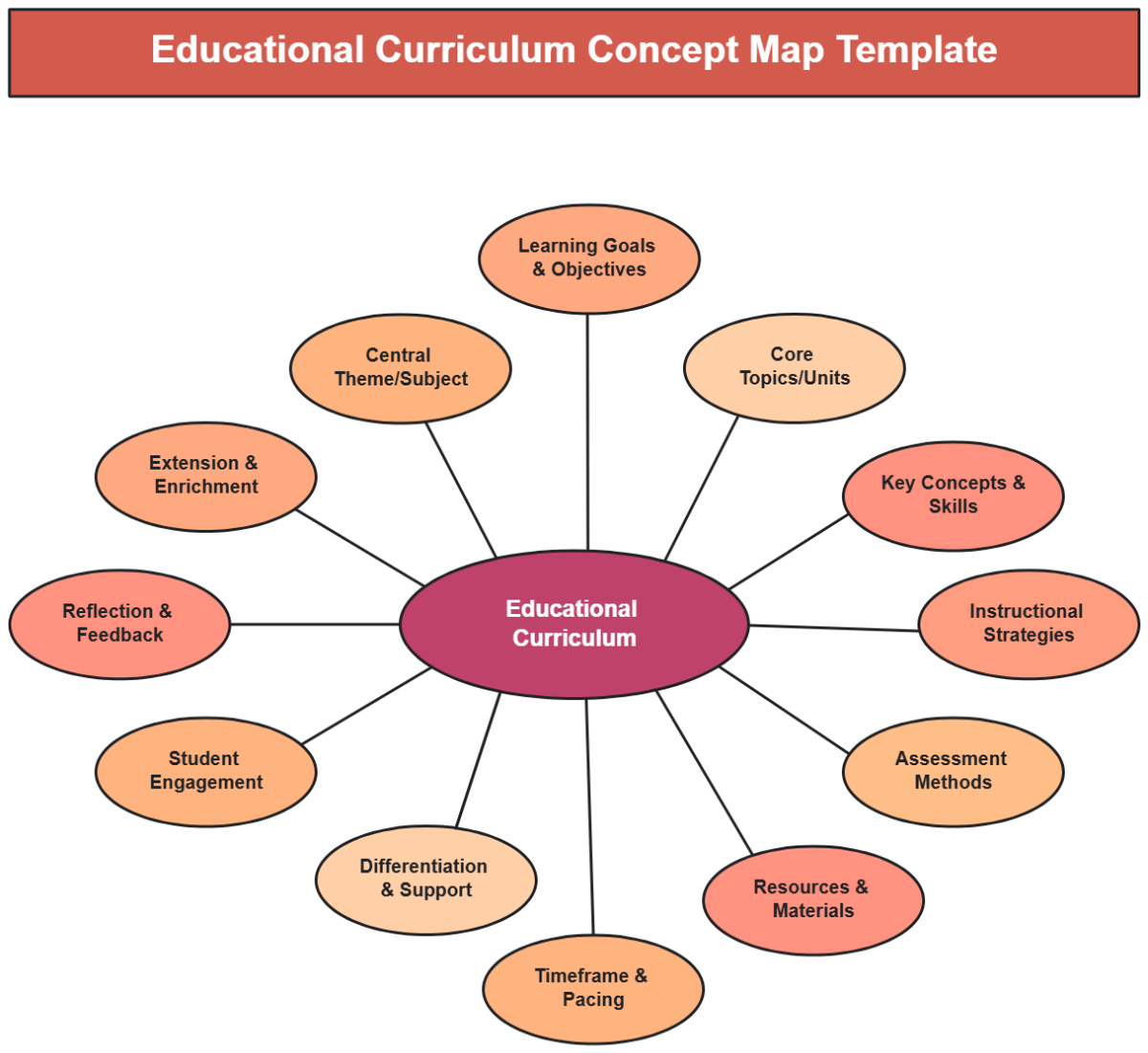
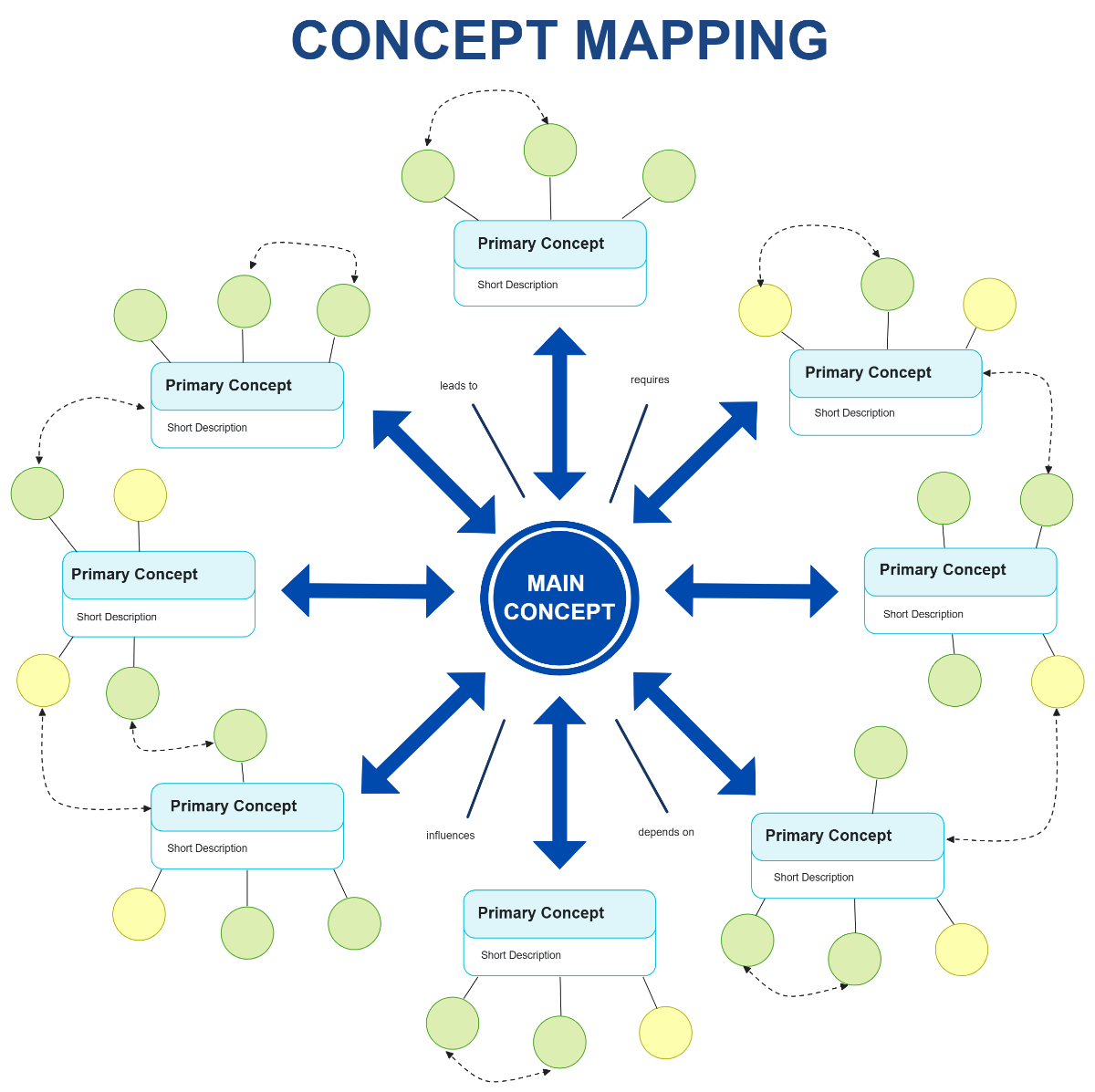
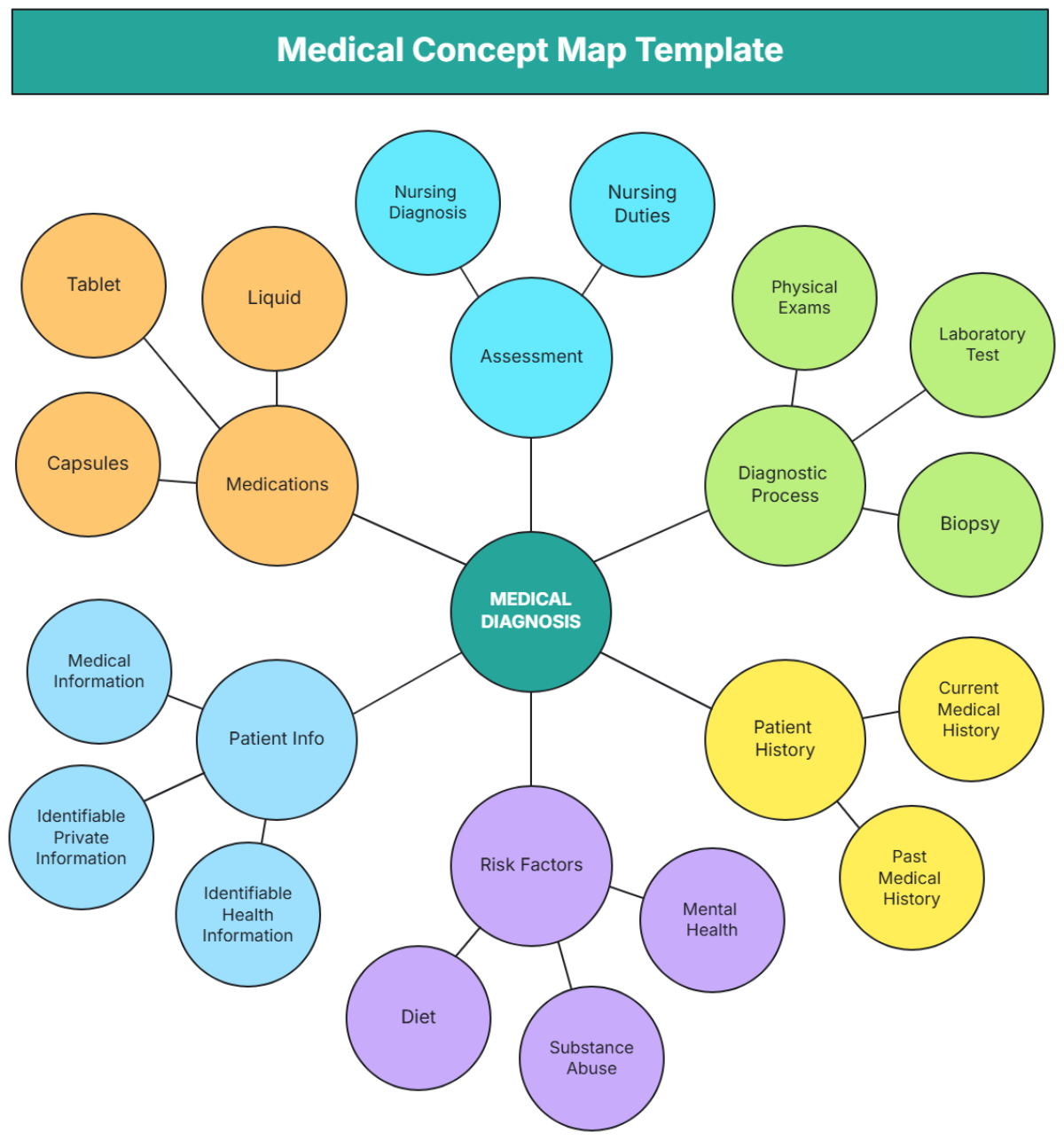
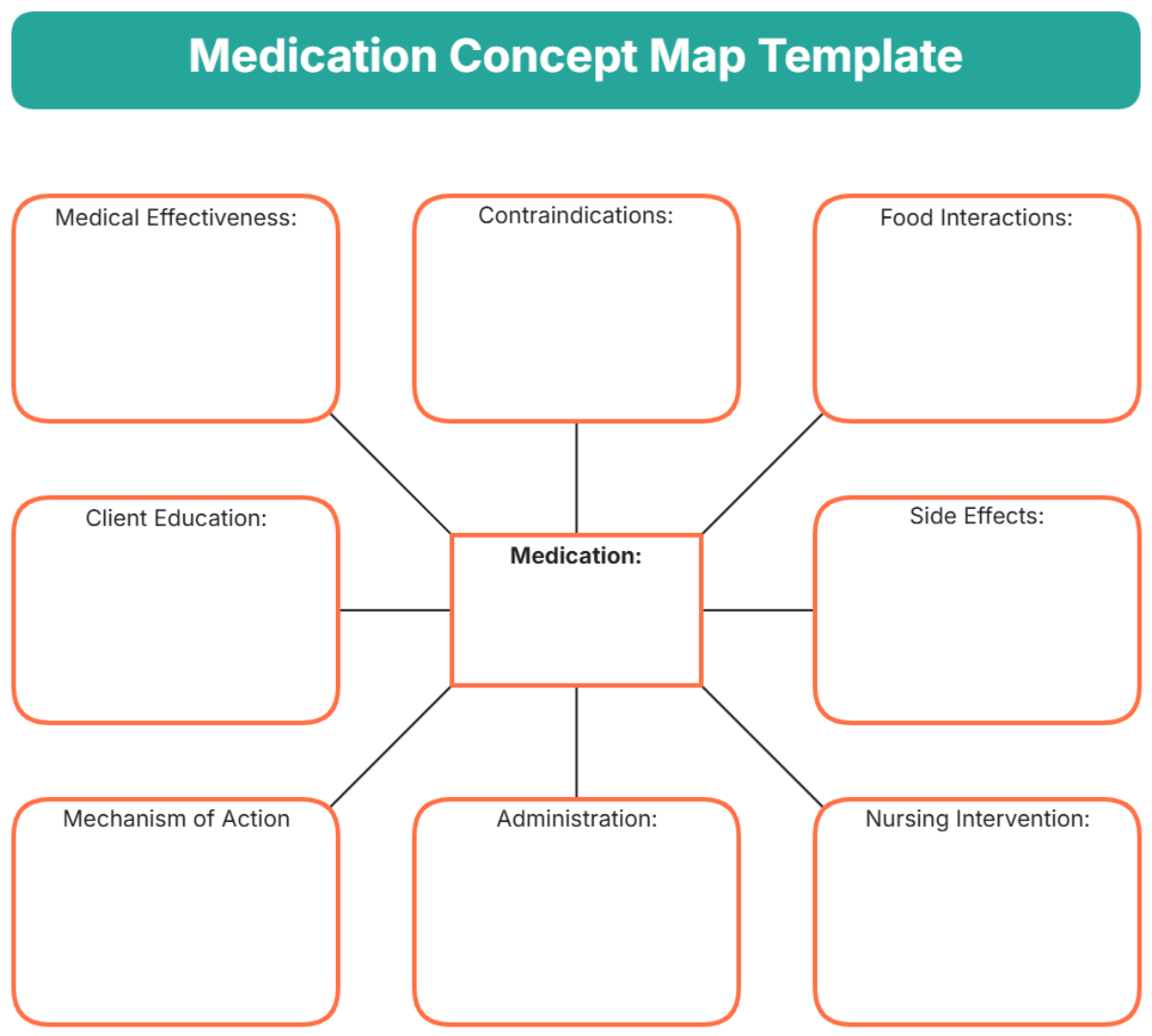
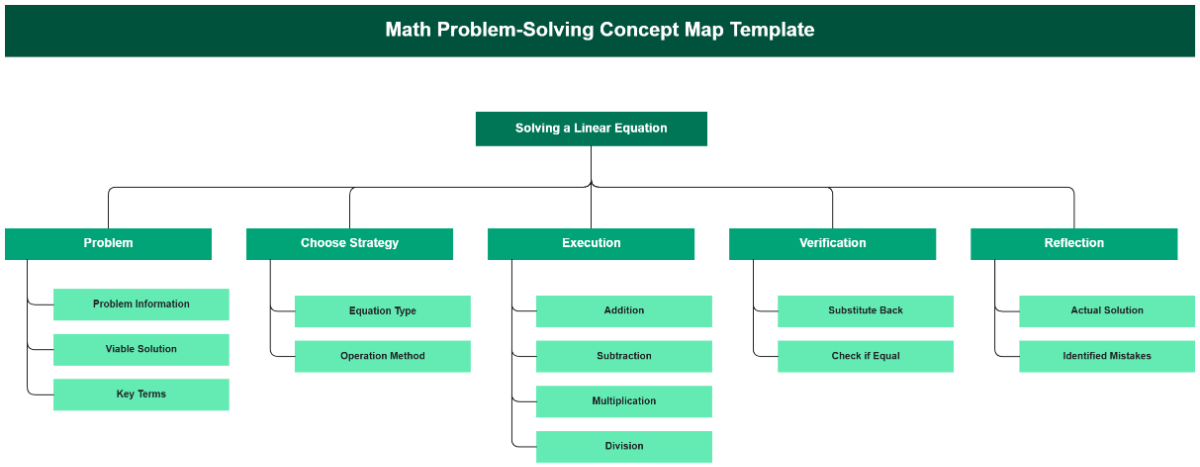
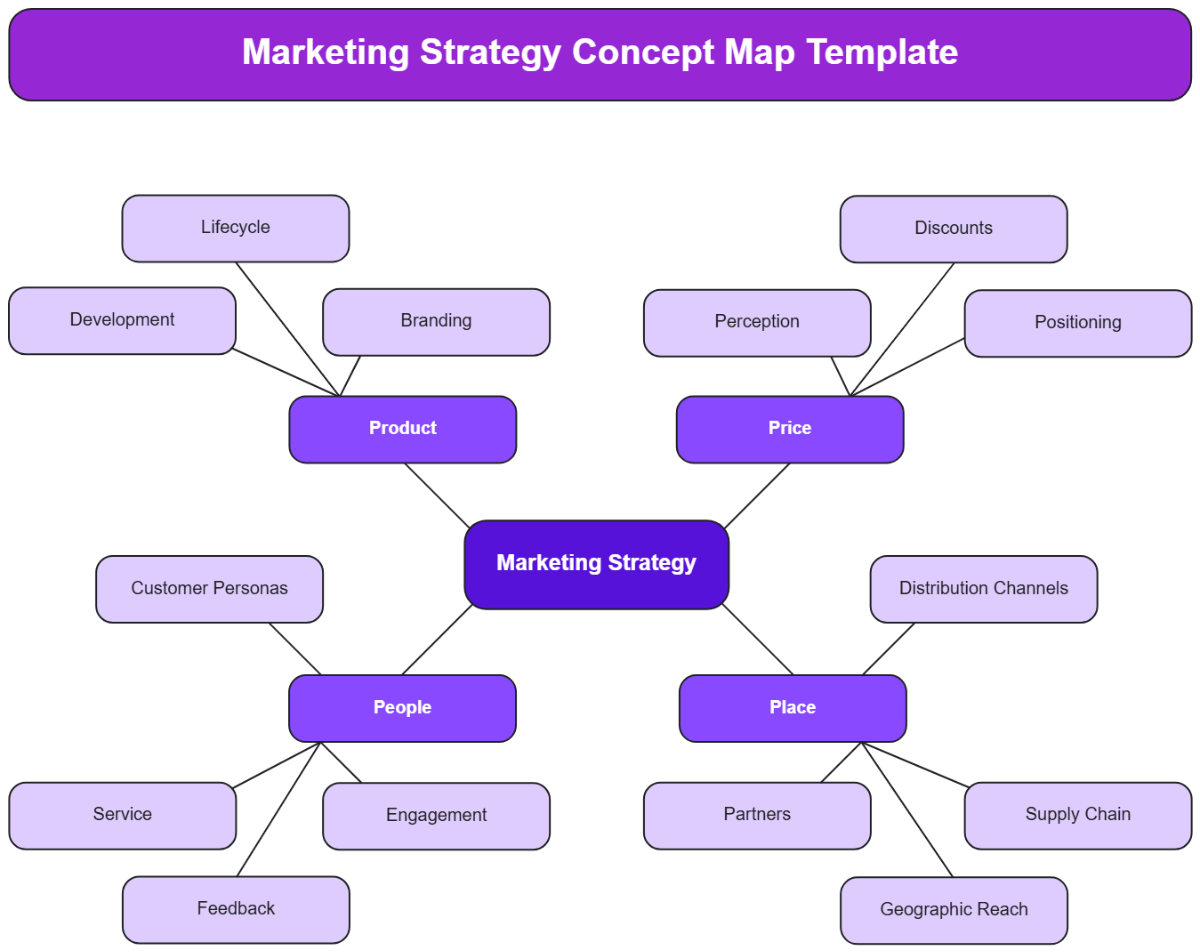
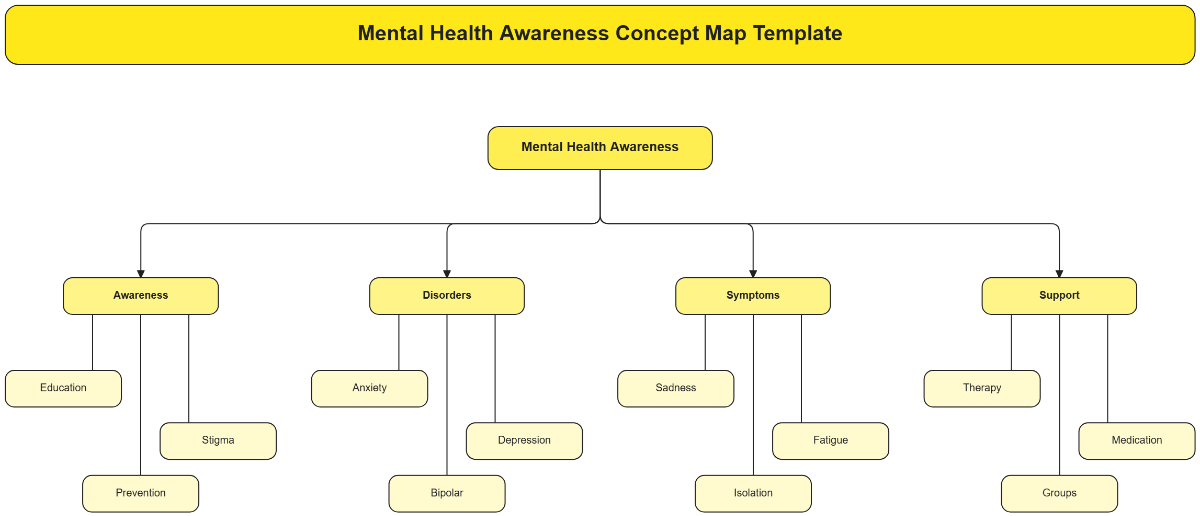
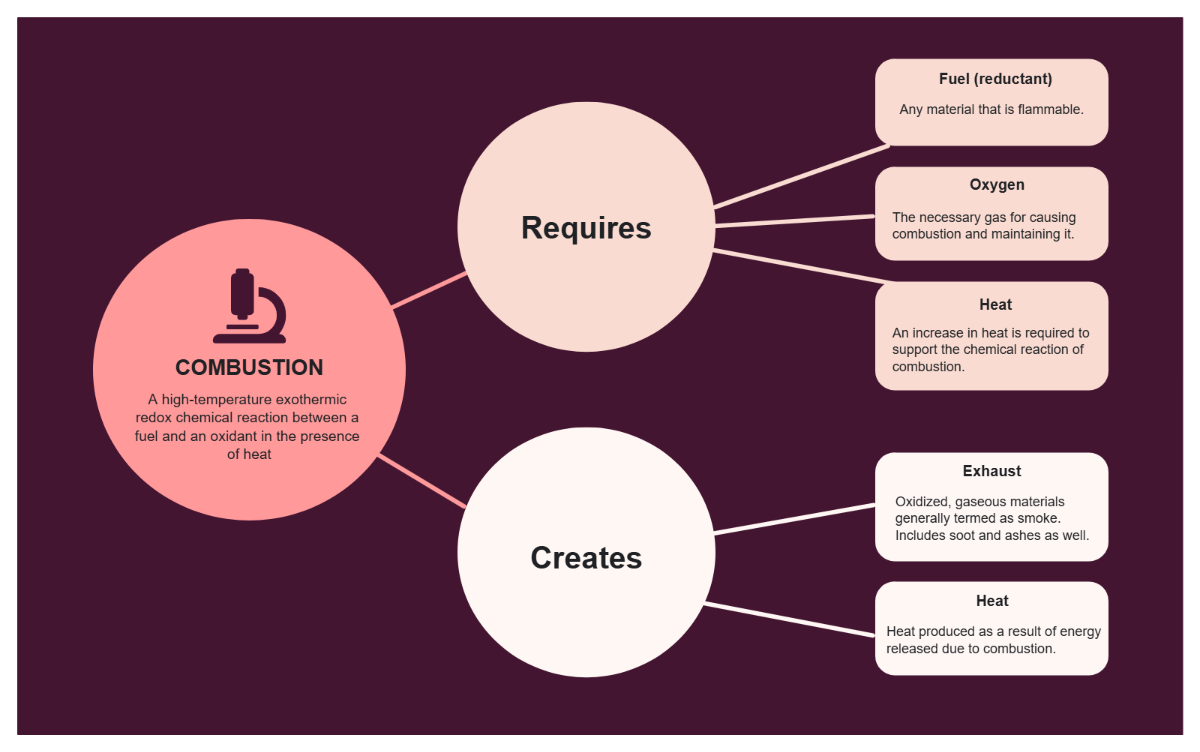
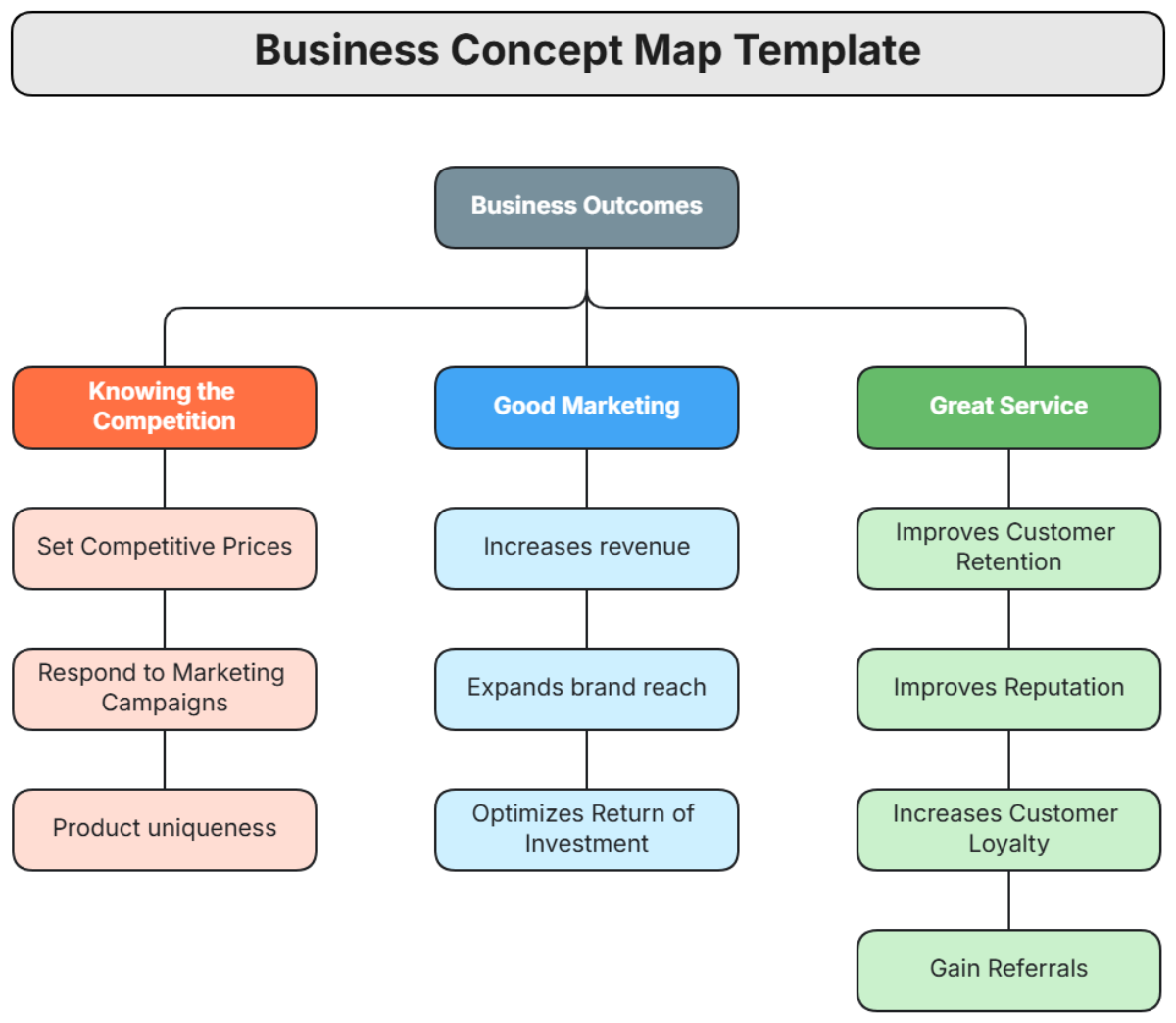
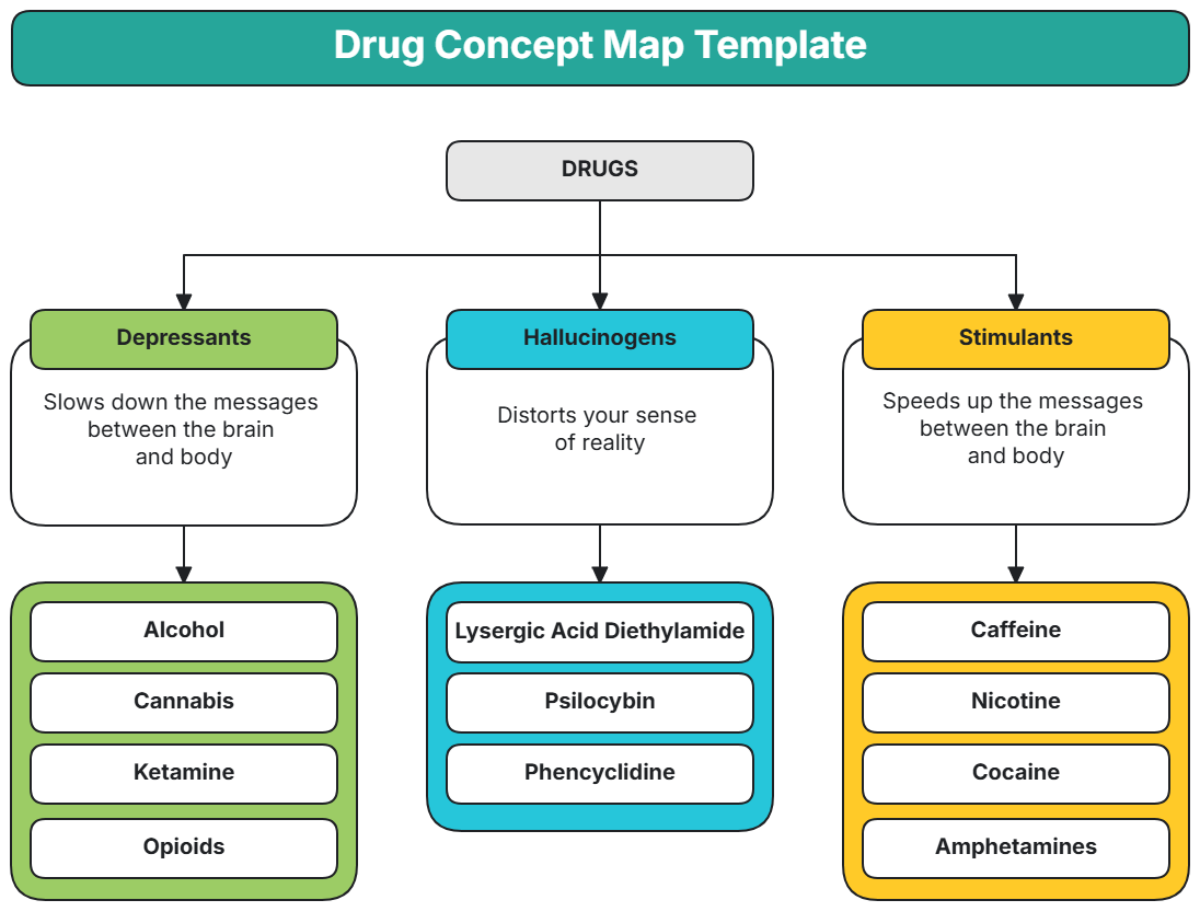
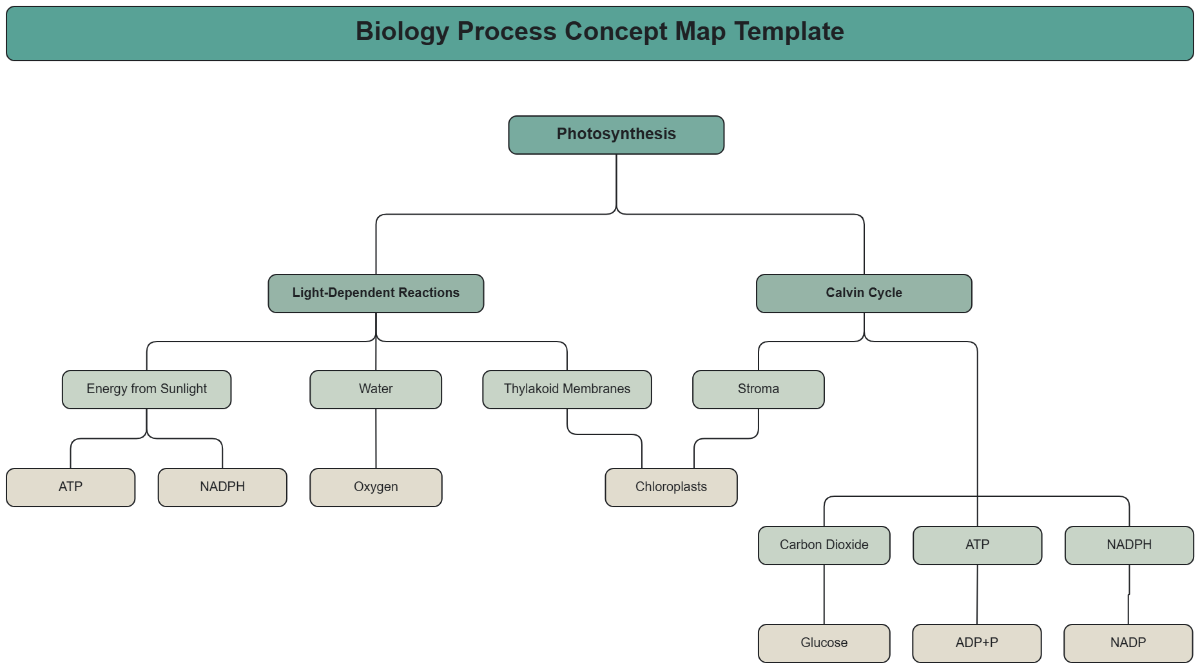
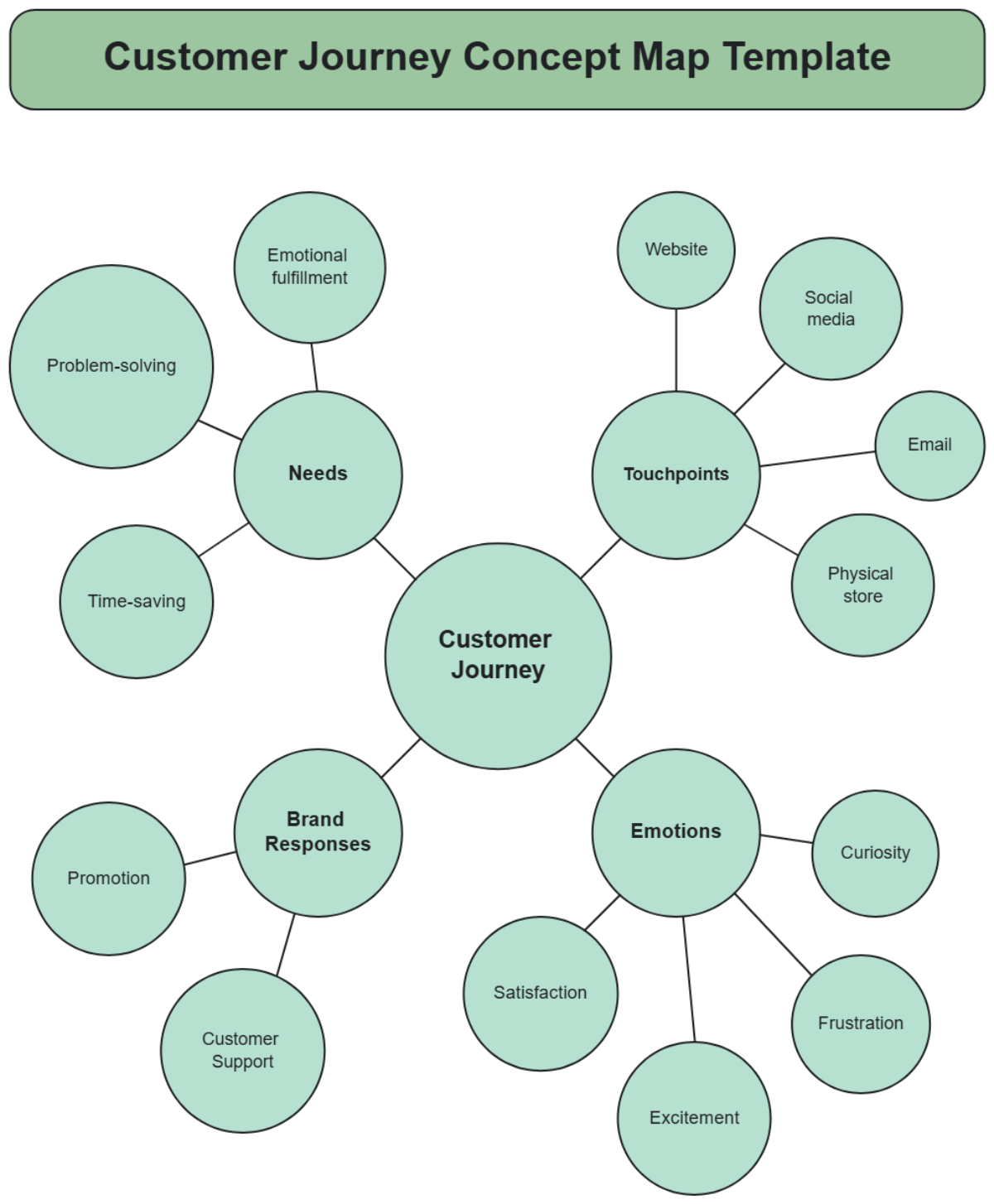
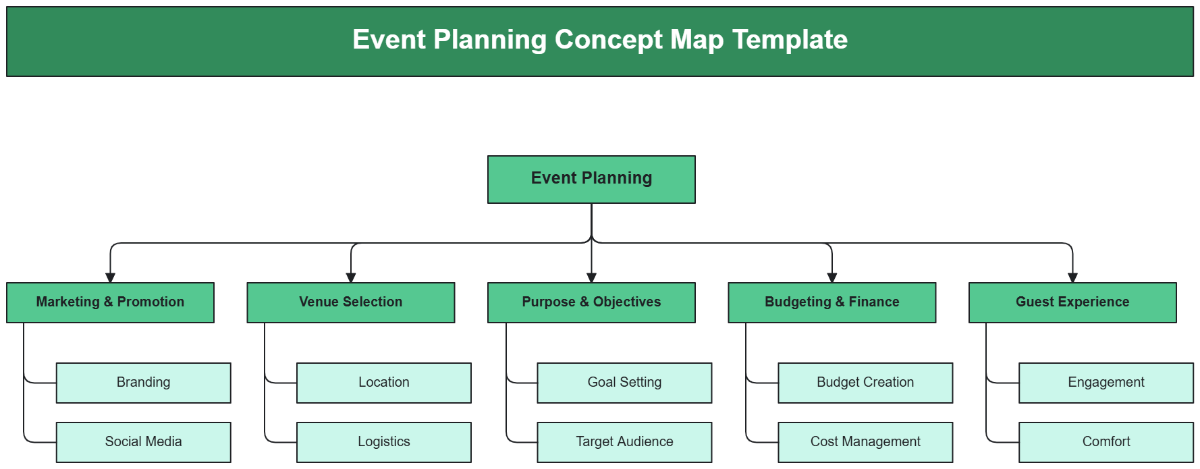
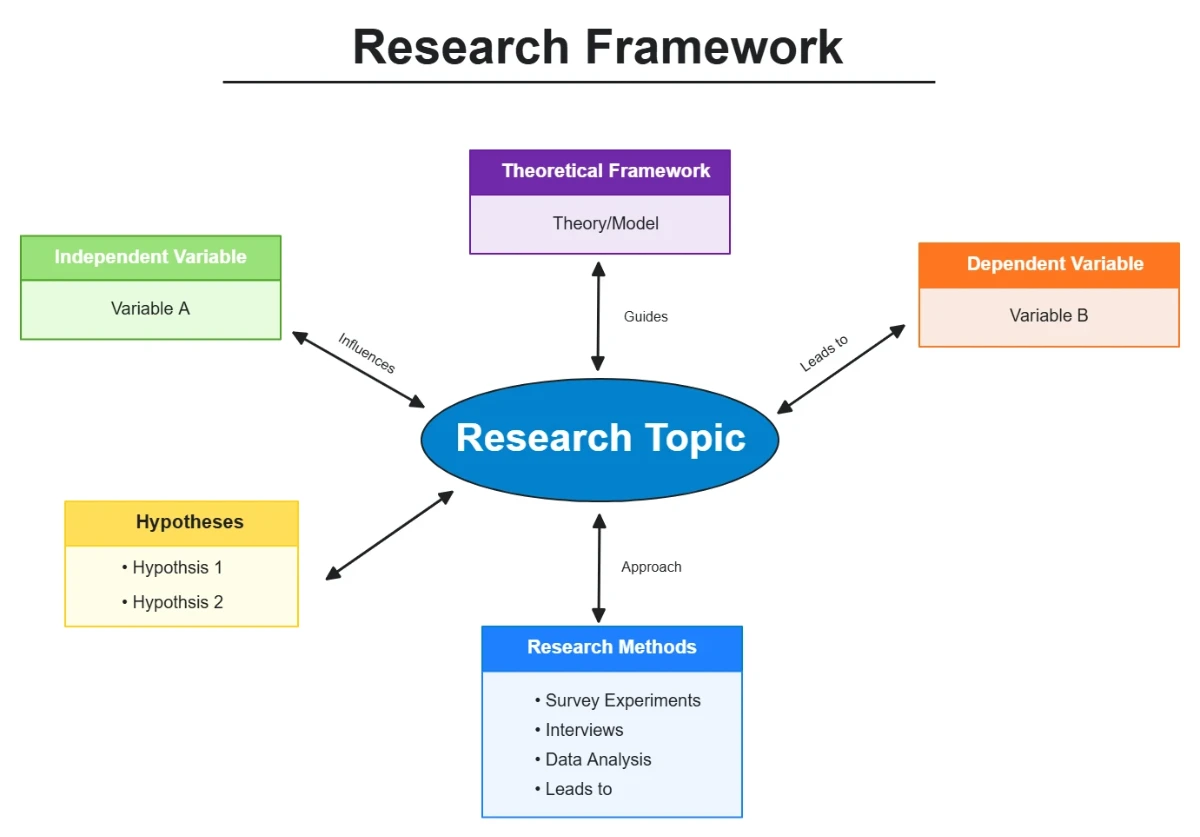
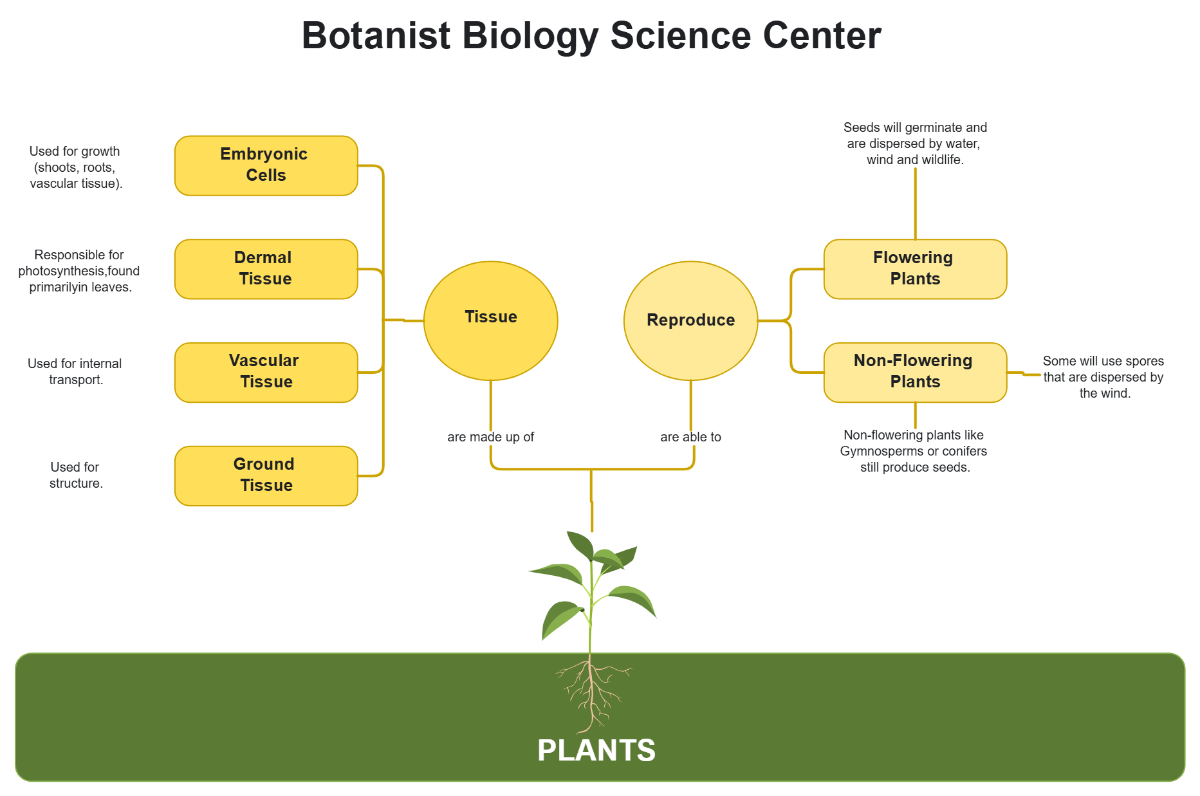
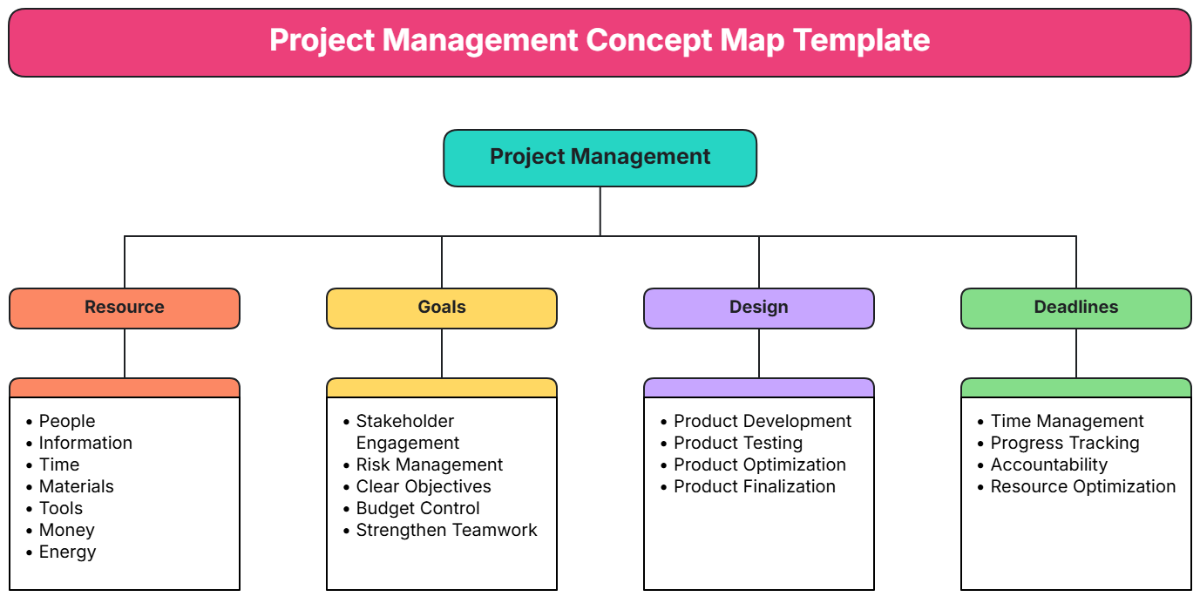
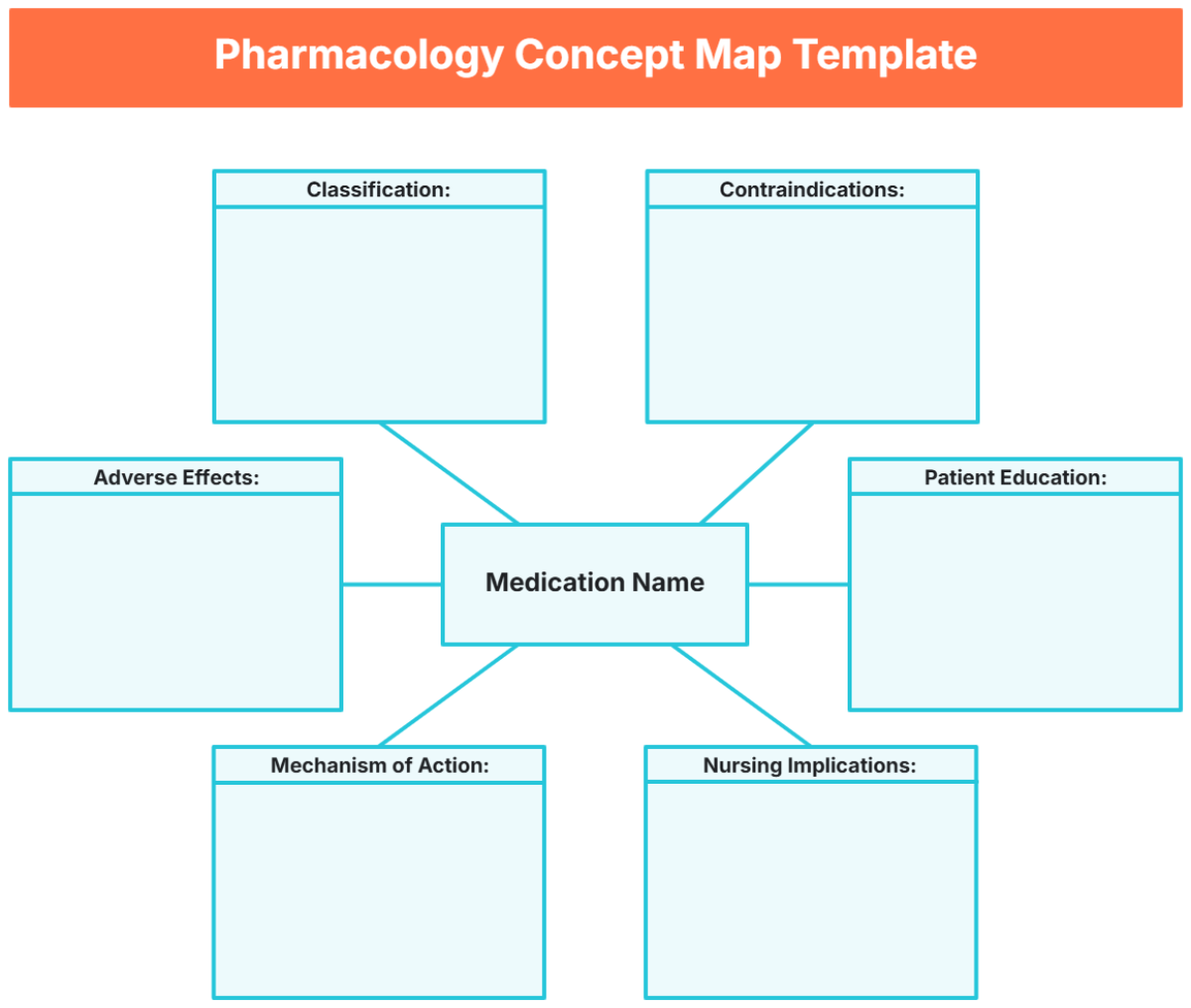
A Concept Map is a visual diagram that organizes and represents knowledge by connecting related concepts with labeled lines to show their relationships. It uses nodes and linking phrases to illustrate how ideas interrelate, providing a clear overview of complex information.

Why should I use a Concept Map?
You should use a Concept Map to enhance understanding and retention by visually organizing information and showing relationships between ideas. Concept Maps improve critical thinking, support effective problem-solving, and facilitate collaborative learning or project planning.

Who uses Concept Maps?
Concept Maps are used by educators, students, researchers, and business professionals to clarify complex topics, plan projects, and communicate ideas. They are valuable tools for anyone needing to visualize hierarchies and workflow connections in academic, corporate, or creative environments.

What are the best tips for completing my Concept Map?
Effective completion of a Concept Map involves several key tips.
- Define the main concept clearly to focus your map.
- Use simple, concise labels for nodes and connections.
- Organize concepts hierarchically from general to specific.
- Connect related ideas with meaningful linking phrases.
- Limit the number of branches to maintain clarity.
- Use colors or shapes to differentiate categories.
- Review and revise for logical flow and accuracy.
- Collaborate with others to expand perspectives.

What file formats can I download for my Concept Map?
Template.net whiteboard templates for Concept Map support multiple export formats for easy collaboration and sharing including PDF, PNG, JPEG, SVG, and editable Microsoft PowerPoint and Word files.

Can I create a Concept Map using AI?
Template.net provides an AI-powered tool that generates new Concept Map structures from prompts to streamline your design process. Use the Concept Map Maker for AI-generated Concept Map templates.

What essential elements should be included in my Concept Map?
Your Concept Map should include several essential elements for effective visualization.
- Main concept node – the central idea or topic.
- Sub-concept nodes – related ideas branching from the main concept.
- Linking phrases – descriptive words or phrases connecting nodes to explain relationships.
- Hierarchical structure – arrangement of nodes from general to specific.
- Cross-links – connections between different segments of the map showing interrelations.
- Visual cues – colors, shapes, or icons to categorize or emphasize ideas.
What are the benefits of using Concept Map in my team collaboration workflow?
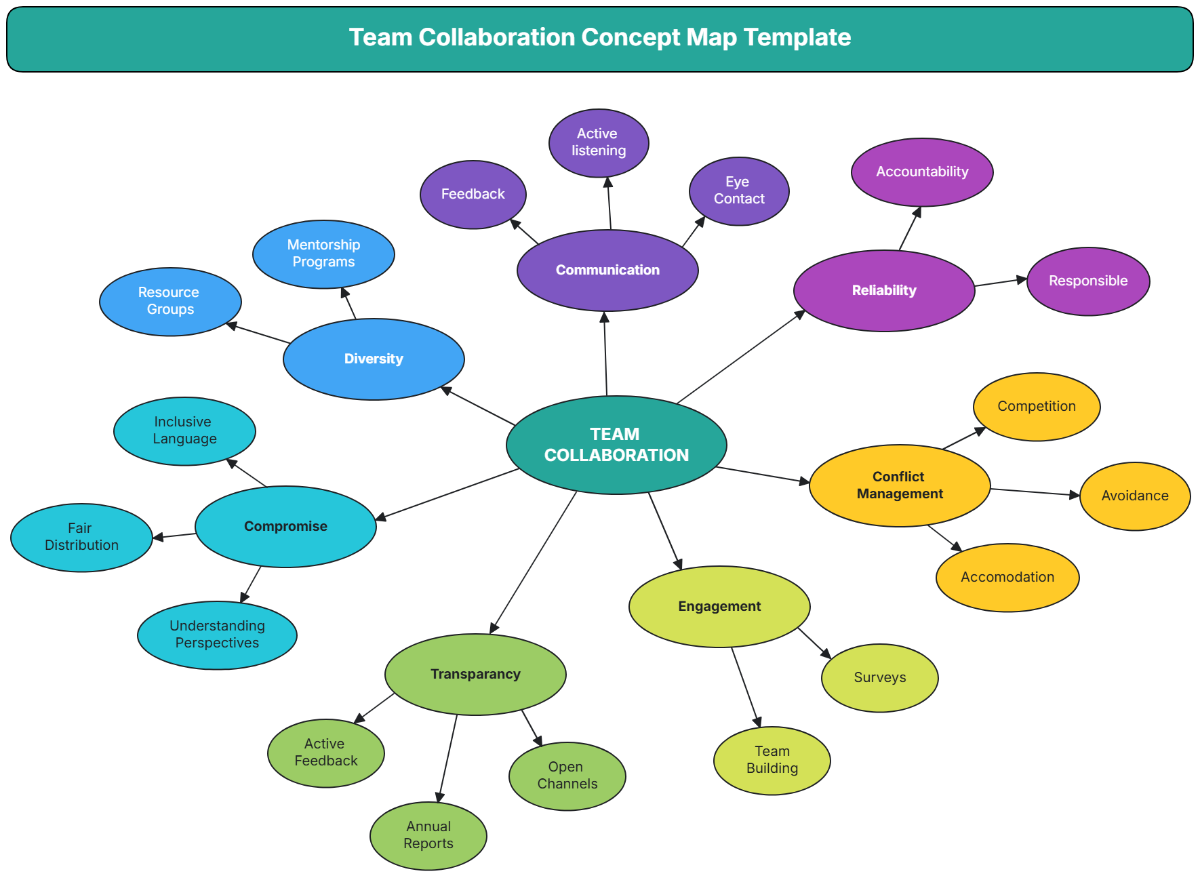
Using Concept Maps in team collaboration improves shared understanding by visually displaying ideas and their relationships. They enhance communication clarity, enable efficient brainstorming, support structured planning, and foster alignment on goals and strategies across team members.

What structural standards should my Concept Map follow?
Concept Maps should follow structural standards that ensure visual clarity and effective communication.
- Start with a clear, central main concept at the top or center.
- Use hierarchical branching from general to specific concepts.
- Maintain consistent spacing between nodes for readability.
- Label all connecting lines with meaningful linking phrases.
- Limit complexity by avoiding overcrowding and excessive cross-links.
