
Free Software Templates
Create your own professional-quality software templates with our customizable options. Download and start now!

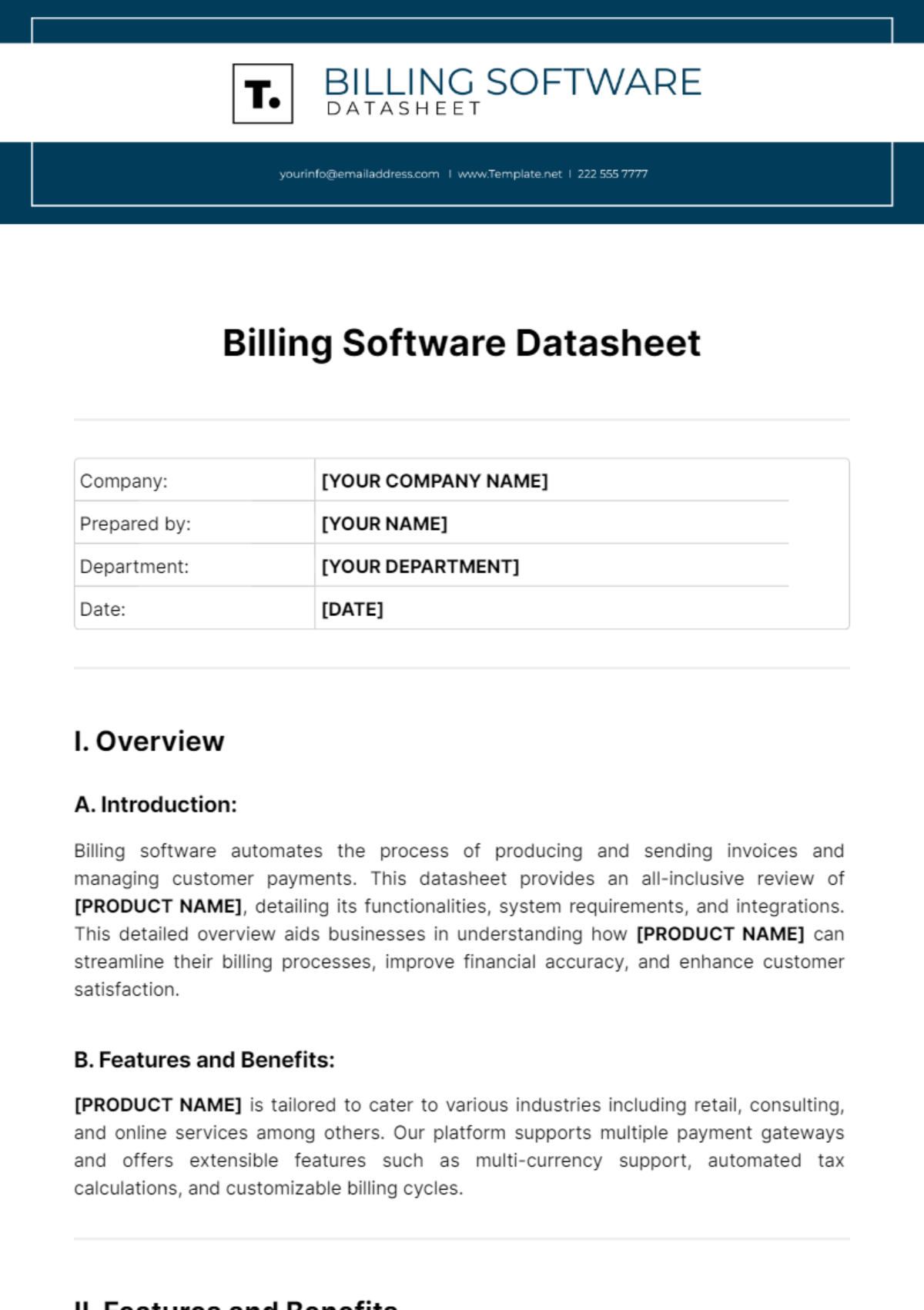


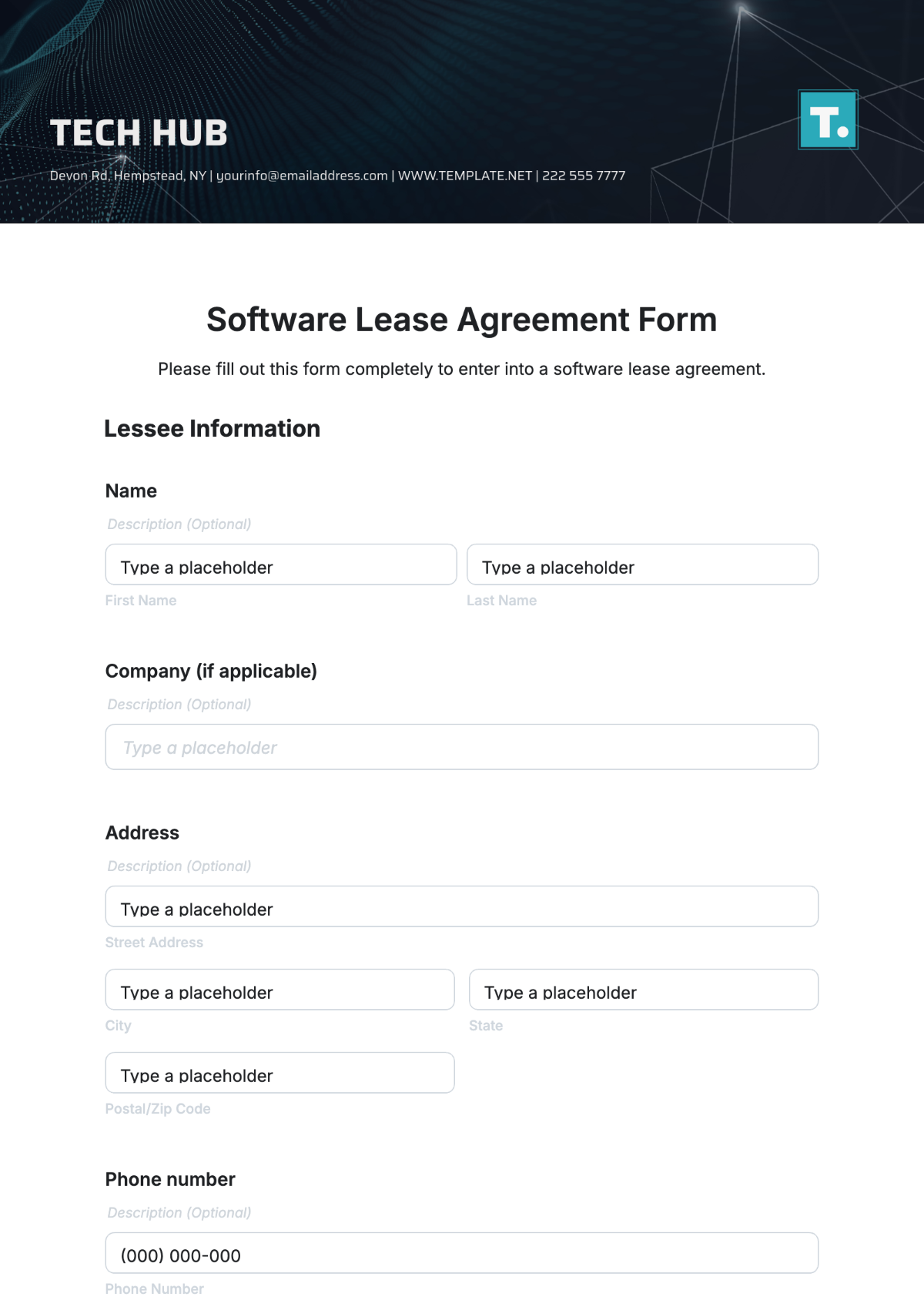




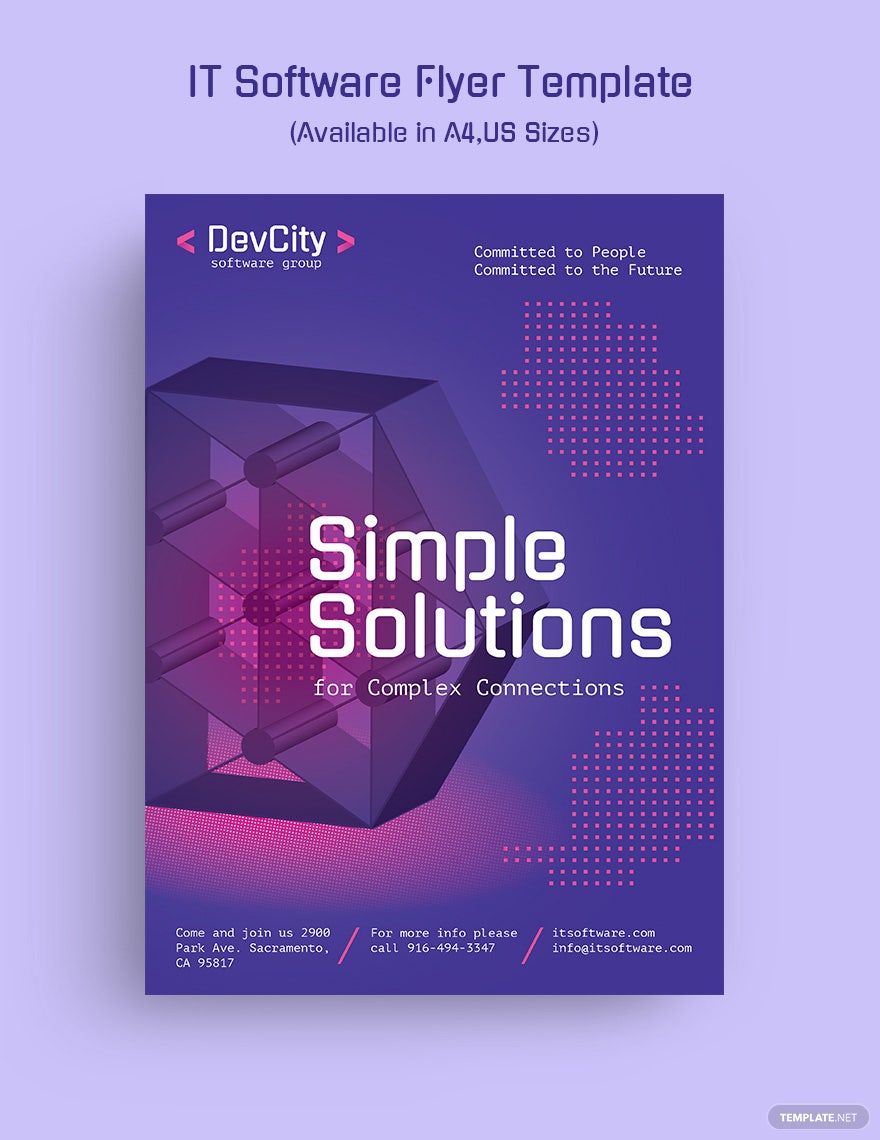



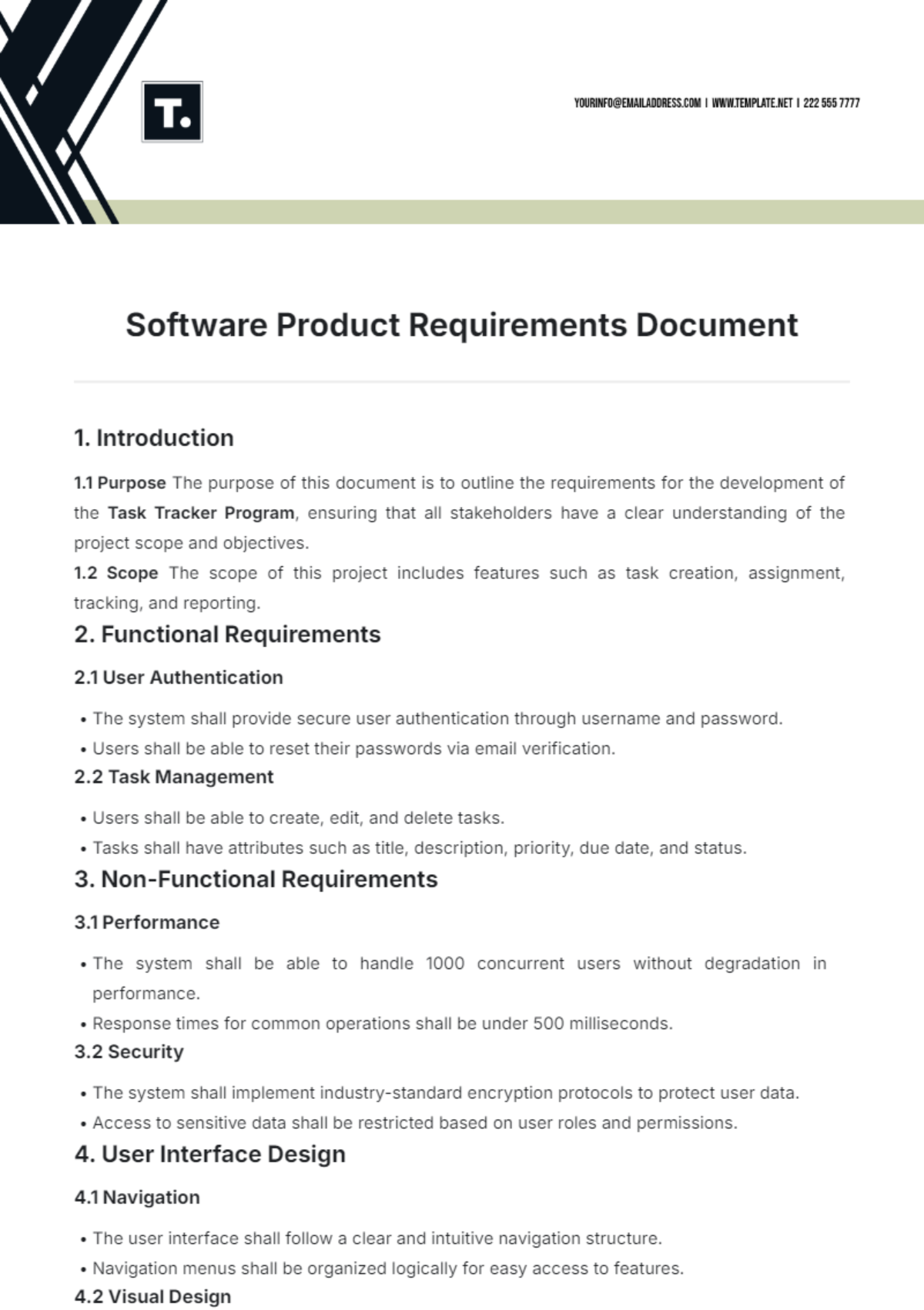









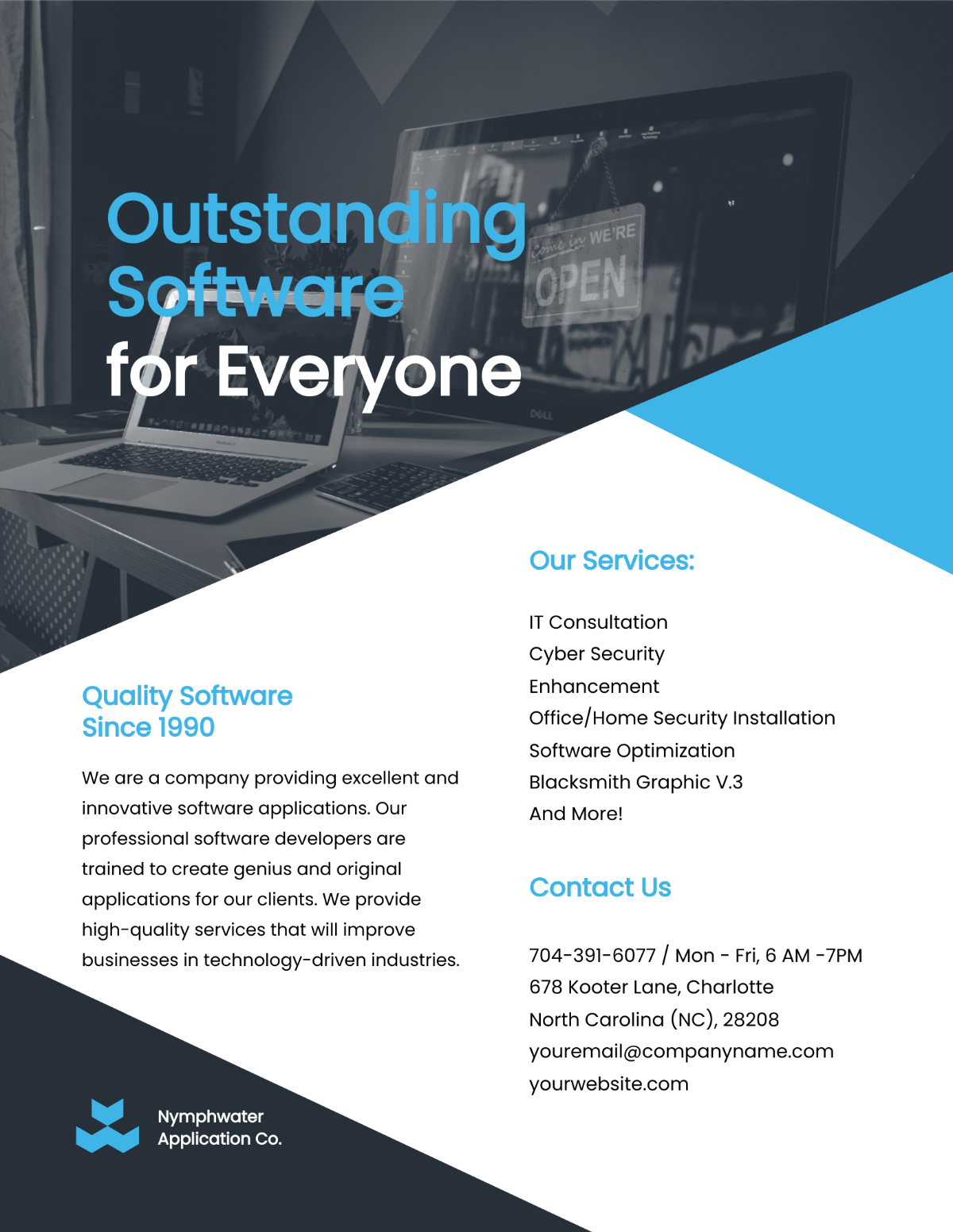

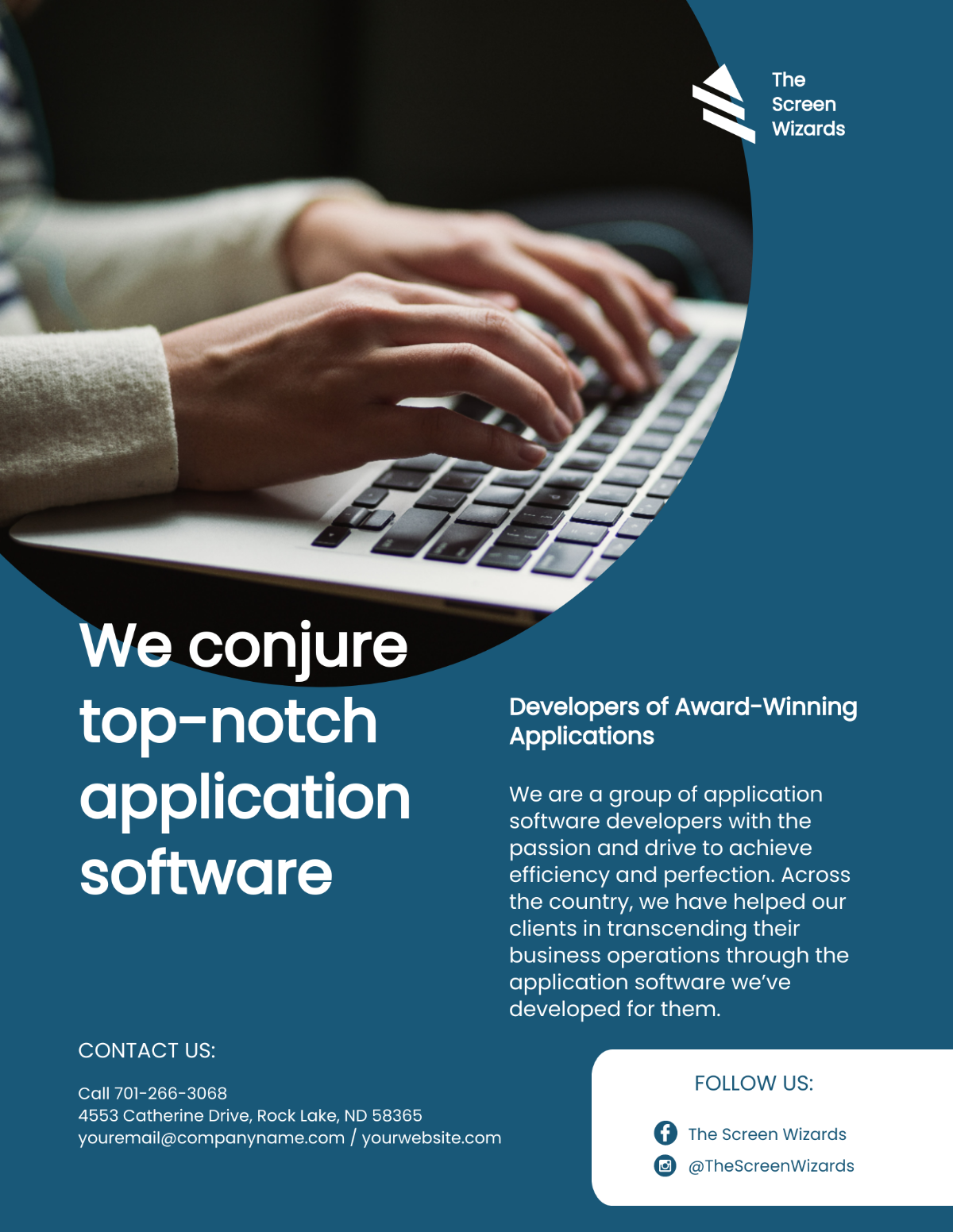
Free Software Templates: Editable Drafting Guide, Uses, and Download Formats
Software refers to customizable digital documents and resources designed to assist in professional and creative workflows, allowing users to develop professional-quality templates. Template.net provides editable software templates that users can complete or modify directly in the browser, streamlining the customization process for various industries.

What is a Software?
Software consists of digital templates and documents designed to support different professional and creative tasks. These templates can be editable online, allowing you to customize or complete them directly in your browser, enhancing productivity and consistency in your work.

Why should I use a Software?
You should use software templates because they provide a structured and customizable framework that saves time, ensures consistency, and improves the quality of your professional documents or design projects. These templates help maintain industry standards and reduce repetitive work.

Who uses Software?
Software templates are used by professionals across various industries including IT, marketing, design, administration, and education. Individuals such as developers, designers, managers, and consultants rely on editable templates to streamline workflows and produce standardized outputs.

What are the best tips for completing my Software?
To complete your software templates effectively, focus on understanding the template’s structure, customize key fields with accurate data, and maintain consistency in formatting. Preview your edits before finalizing and use built-in tools to ensure the template meets your specific workflow needs.

Can I create a Software using AI?
You can create software templates using AI on other parts of Template.net, but this category focuses on editable and customizable templates you can modify directly in your browser. AI-generated templates offer an additional option for rapid template creation when available.

What file formats can I download for my Software?
Template.net supports multiple export formats for software templates. You can download templates in Illustrator, PSD, Word, Excel, InDesign, Publisher, Apple Pages, Apple Keynote, Apple Numbers, Google Docs, PDF, Google Sheets, Google Slides, and PowerPoint.

What essential elements should my Software contain?
Your software template should contain essential elements such as a clear title, structured content sections, placeholders for custom data, standardized formatting, and branding elements. These components ensure the template is professional, functional, and easy to customize for various workflows.

How is Software used in professional workflows?
Software templates are used to accelerate document creation, maintain consistency, and ensure compliance with professional standards. Organizations use editable templates for reports, proposals, presentations, and project documentation to streamline communication and improve productivity.

What are common use cases for Software templates?
Common use cases for software templates include project management documentation, marketing collateral, client proposals, IT service reports, and creative design projects. These templates provide a ready framework for professionals to customize content efficiently and maintain a polished appearance.
