
Free Comic Strip Templates
Explore professionally designed comic strip templates you can customize. Enjoy free and high-quality designs that are printable or downloadable. Start creating today!









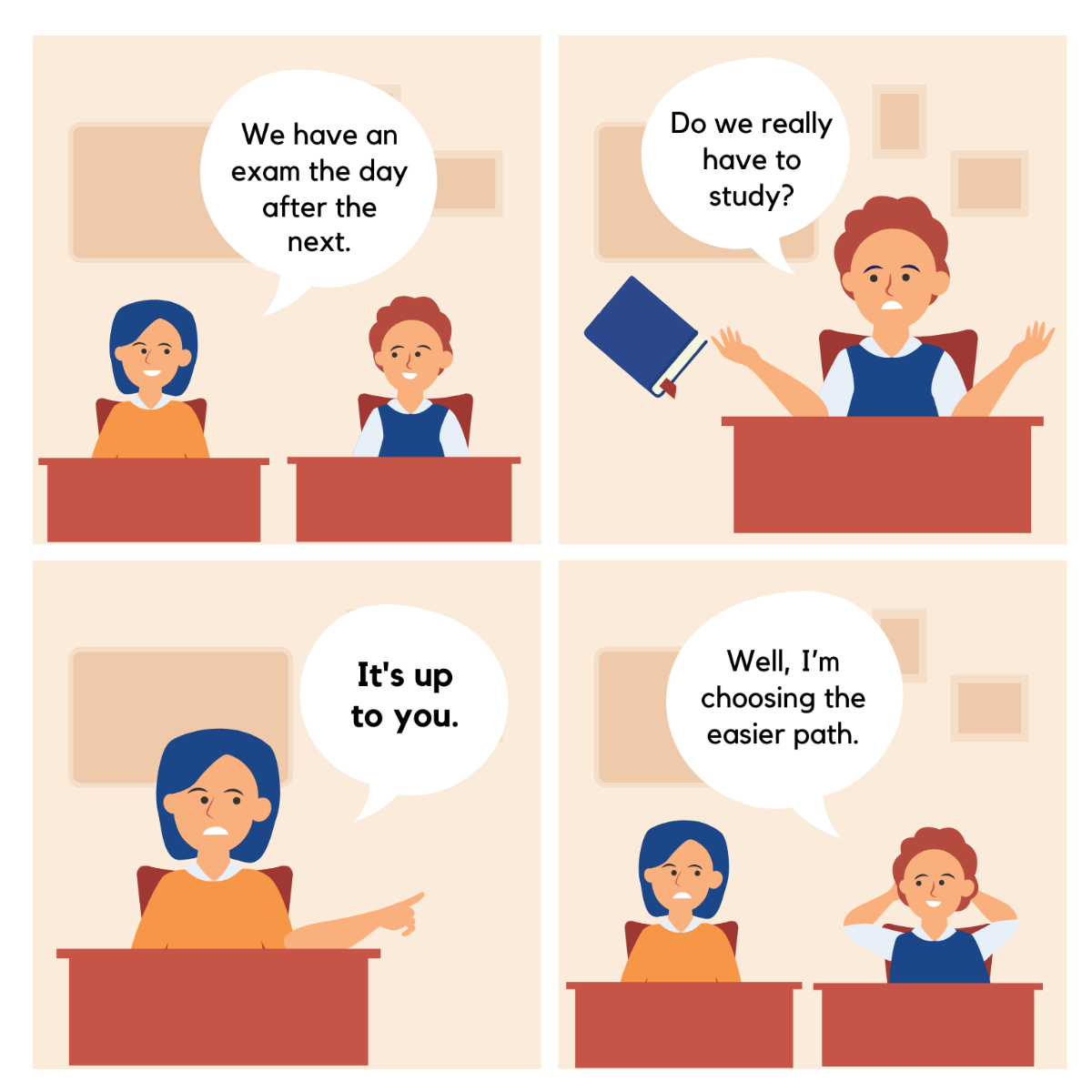
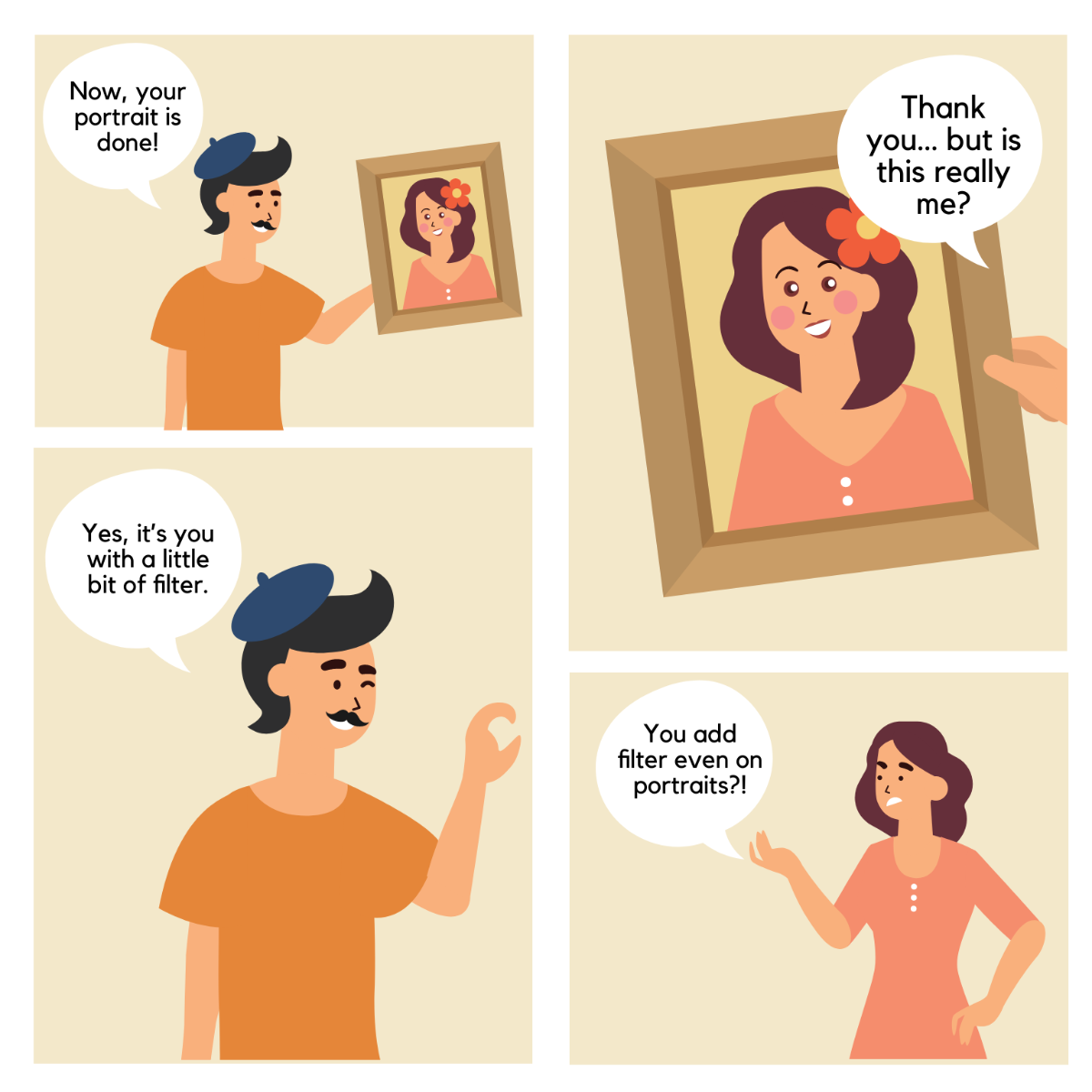
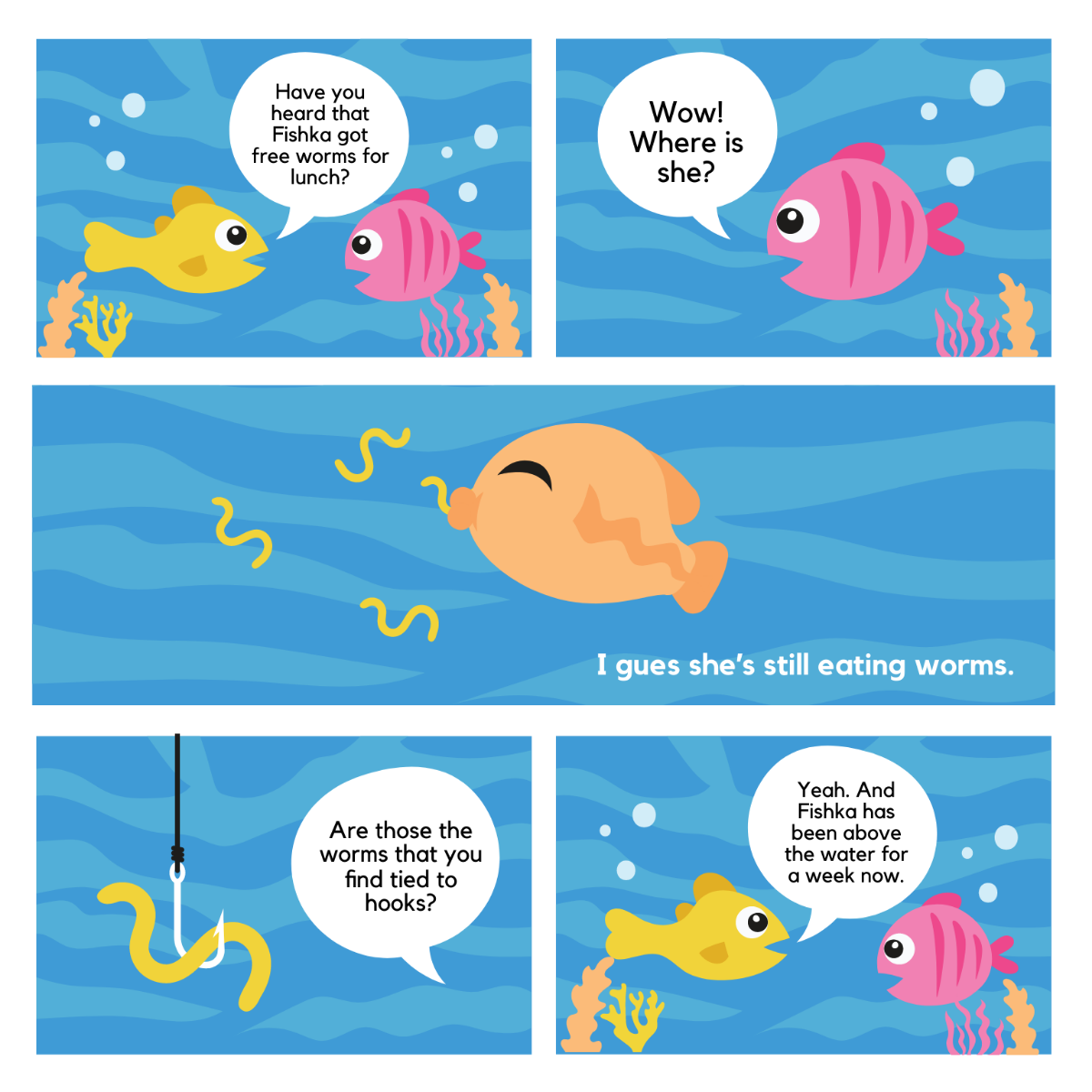



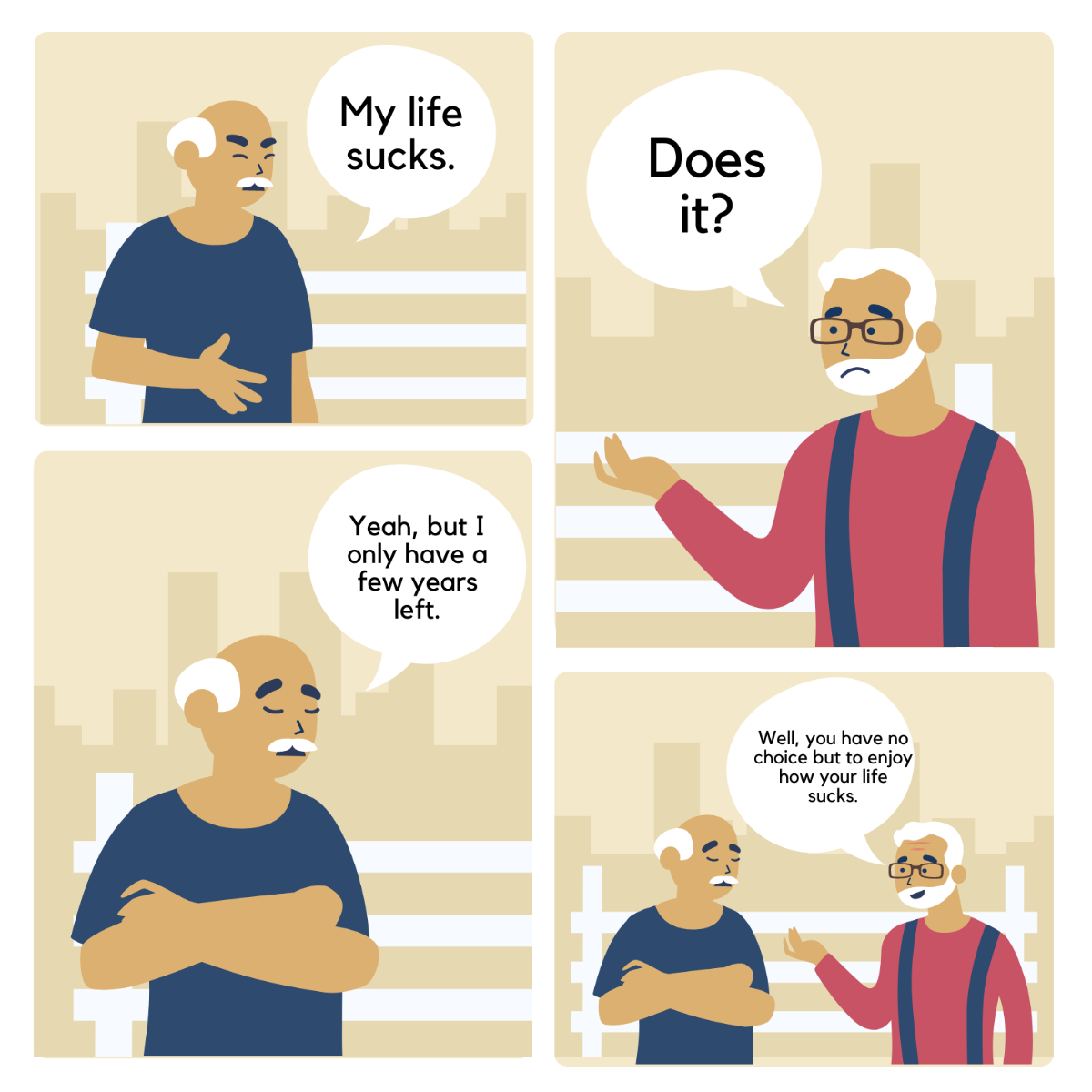



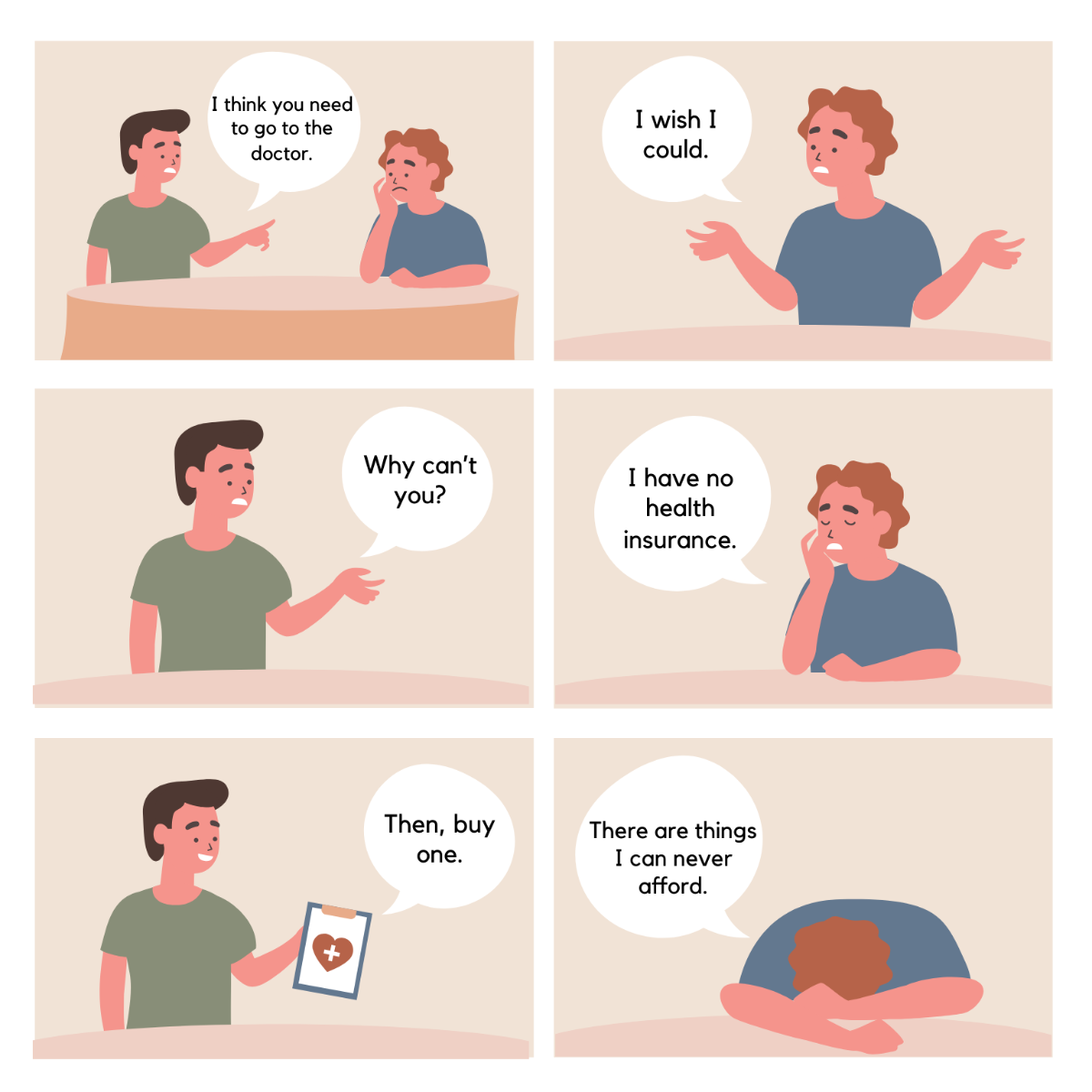


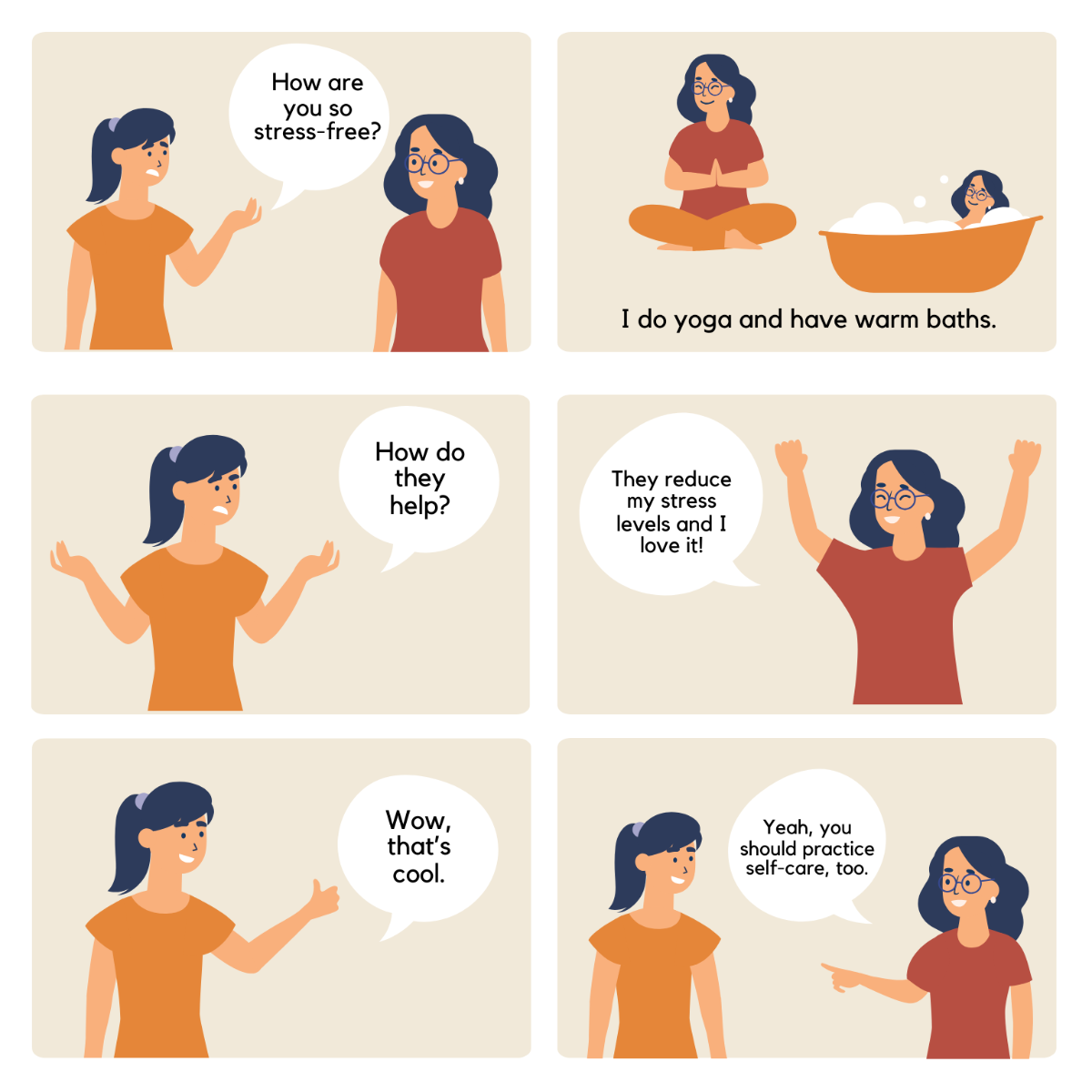




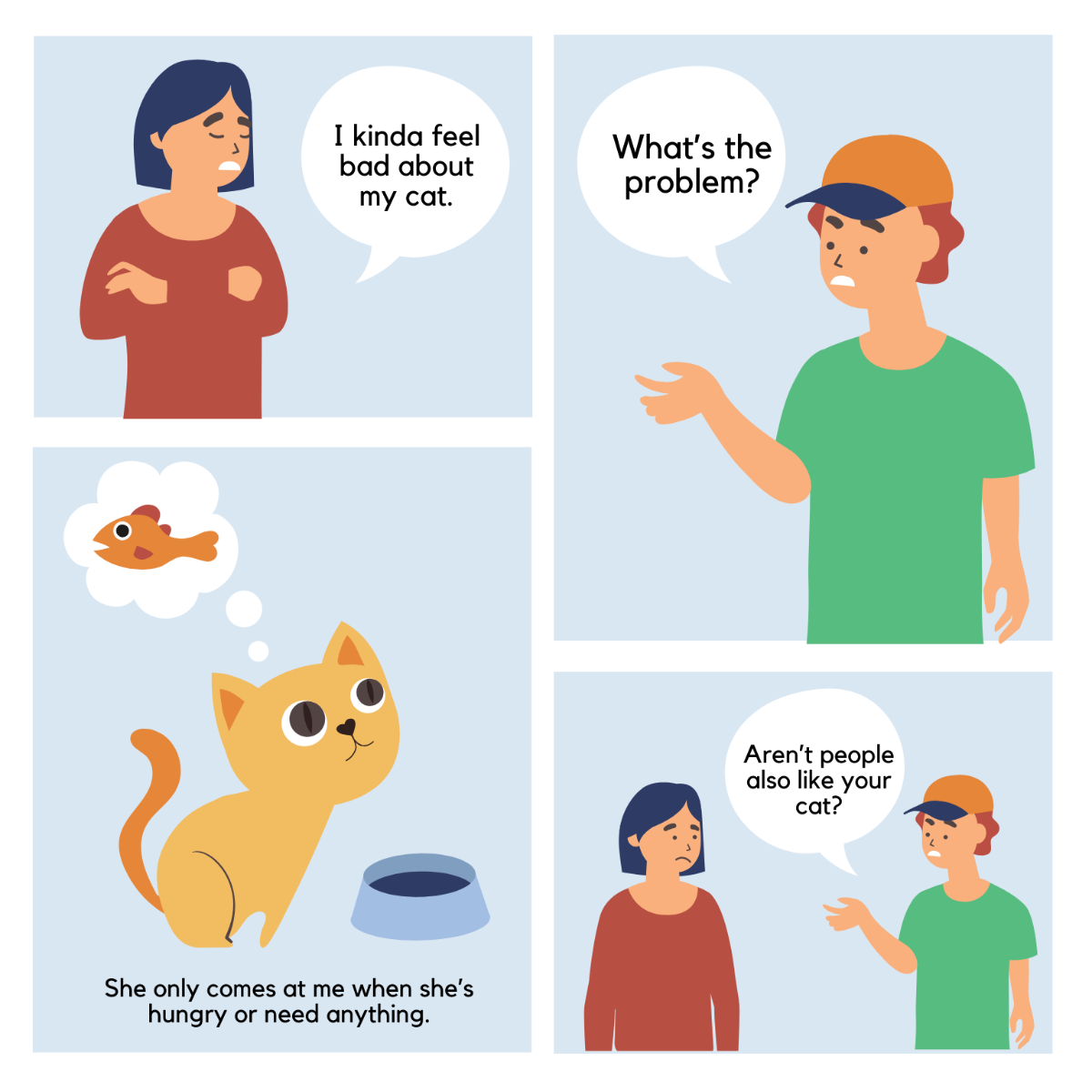

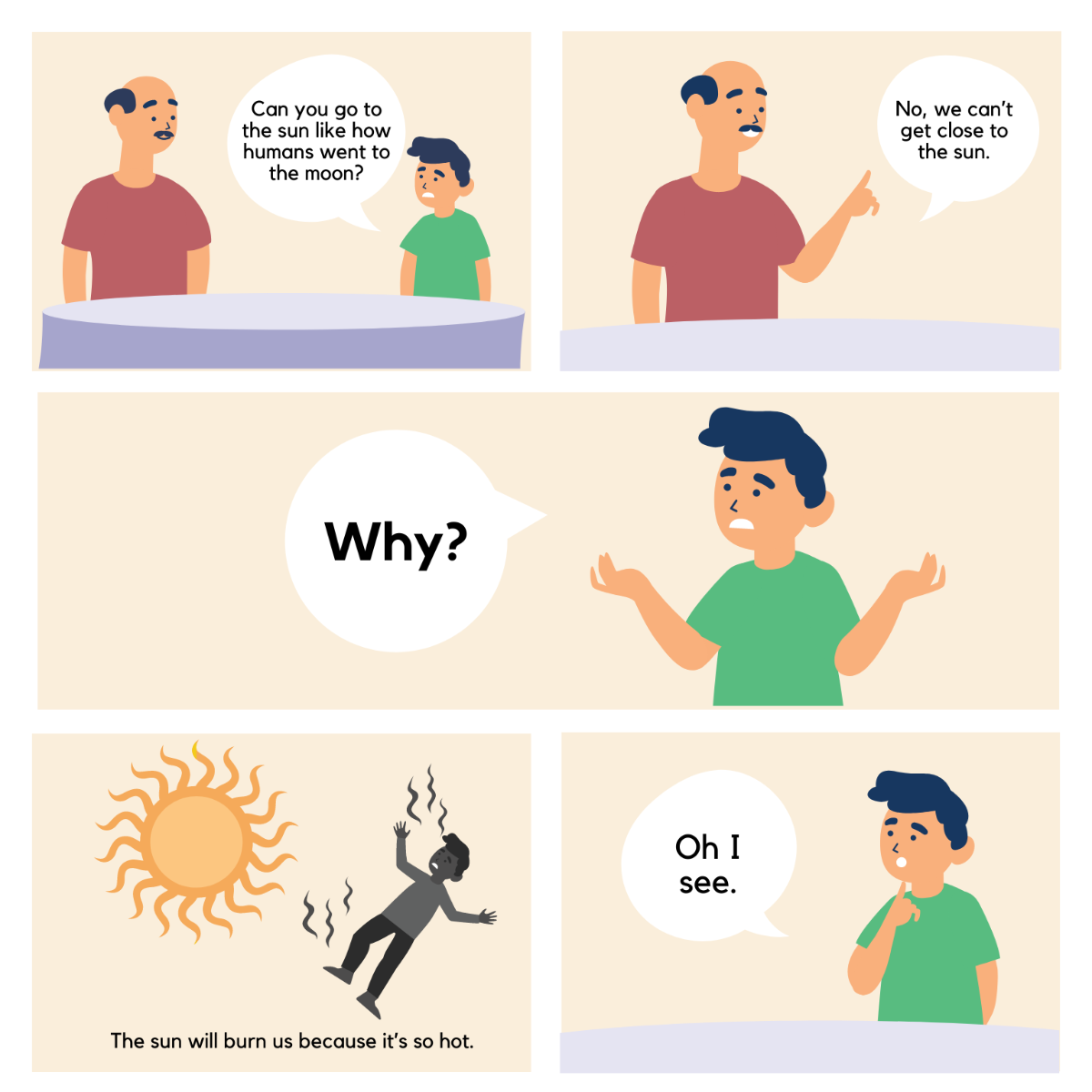
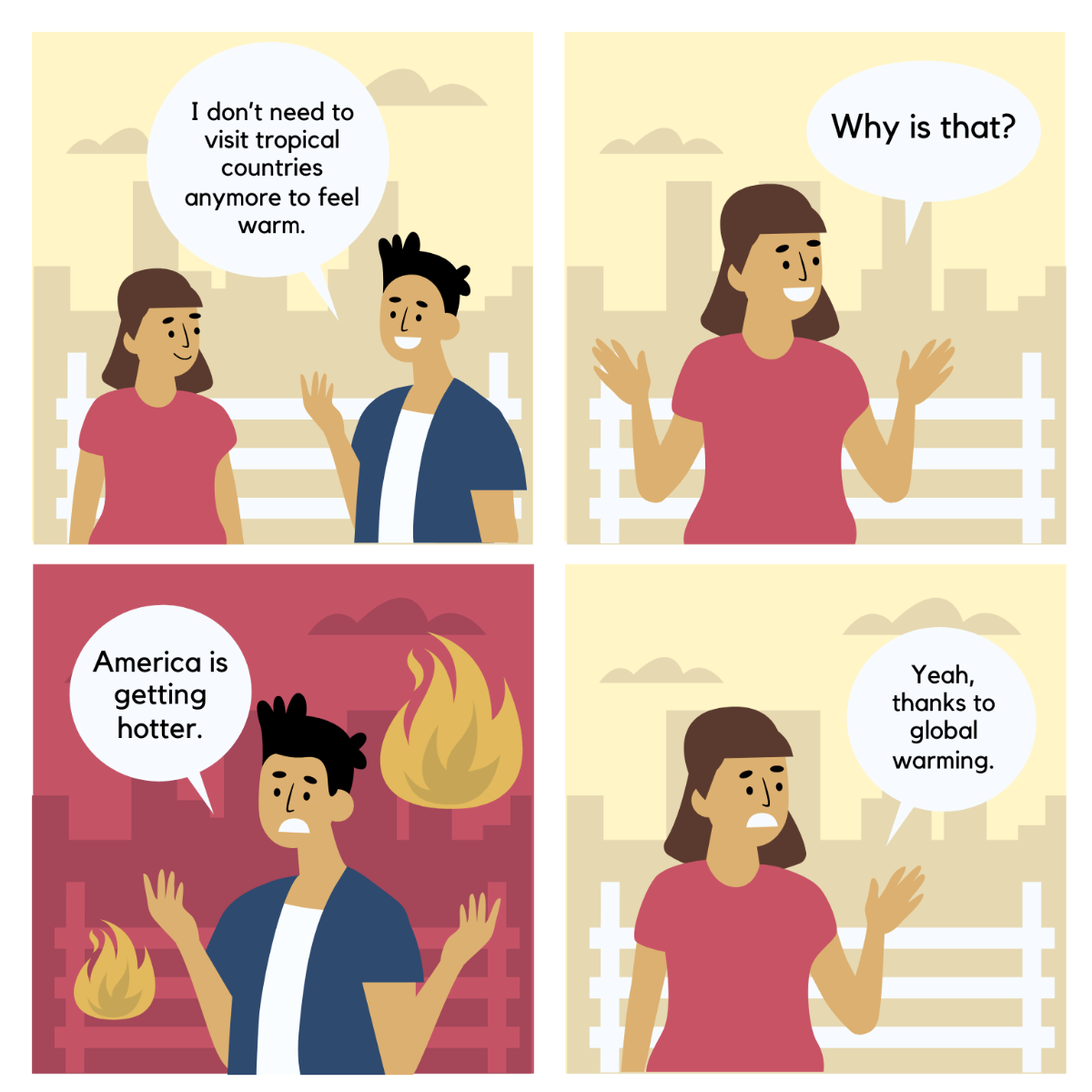

Free Comic Strip Templates: Customizable Design Guide, Sizes, and Download Formats

What is a Comic Strip?
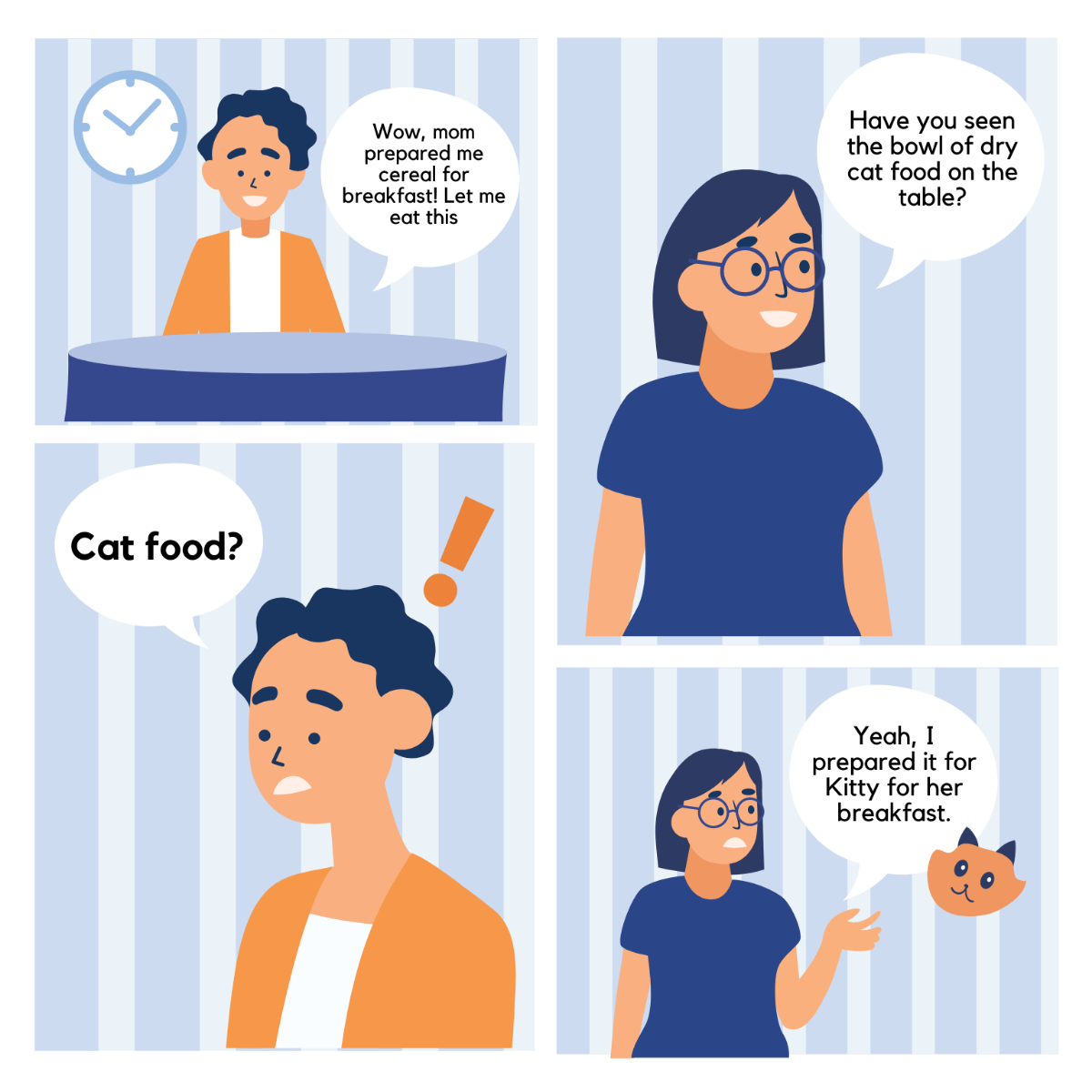
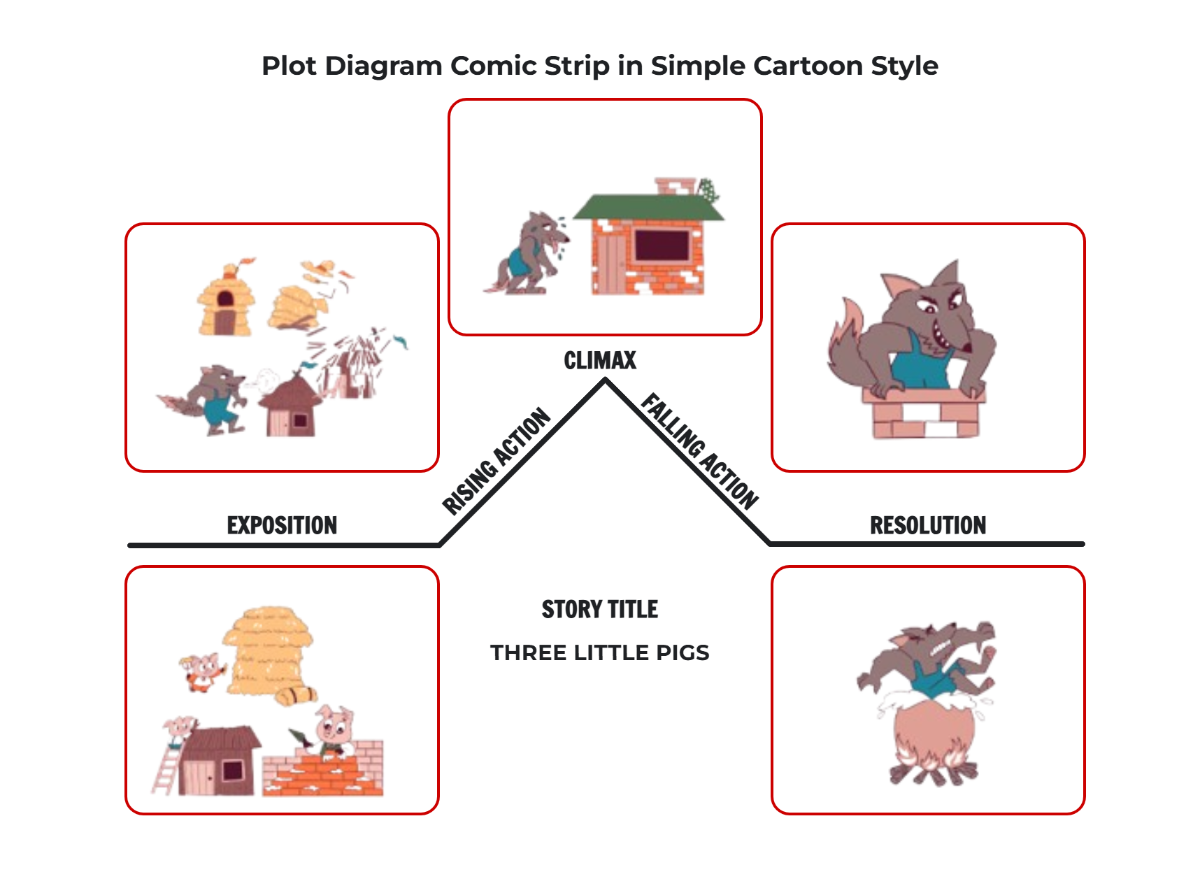
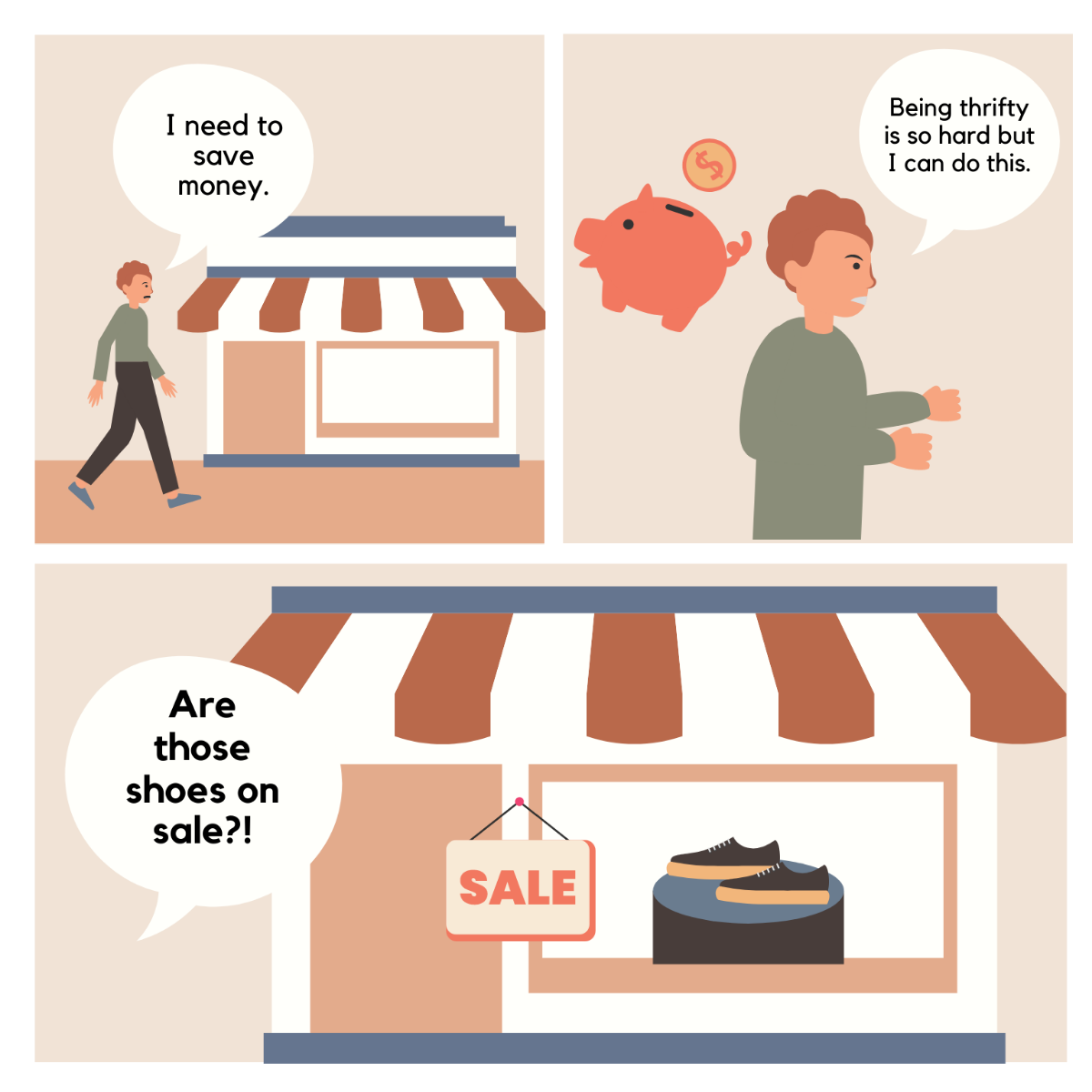
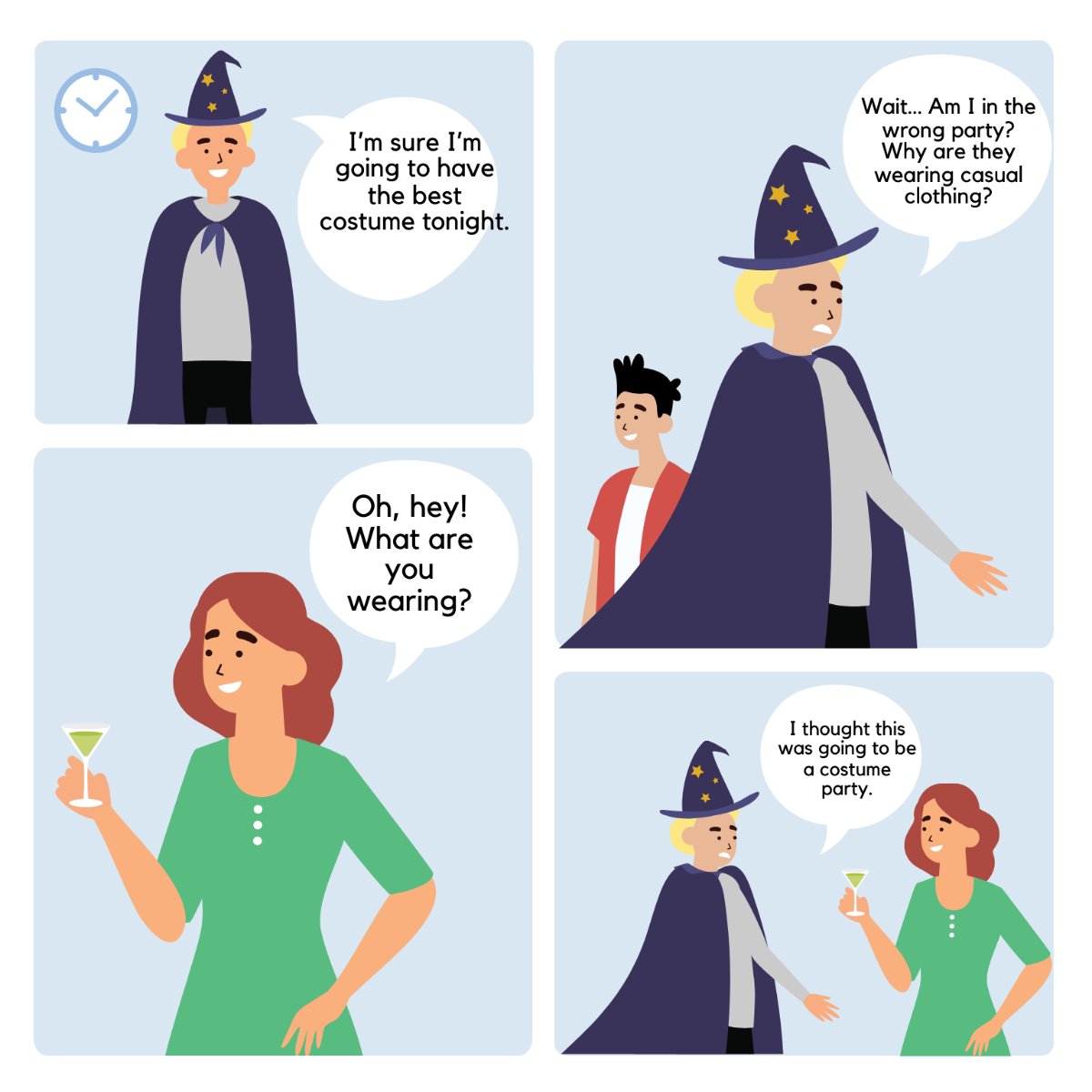
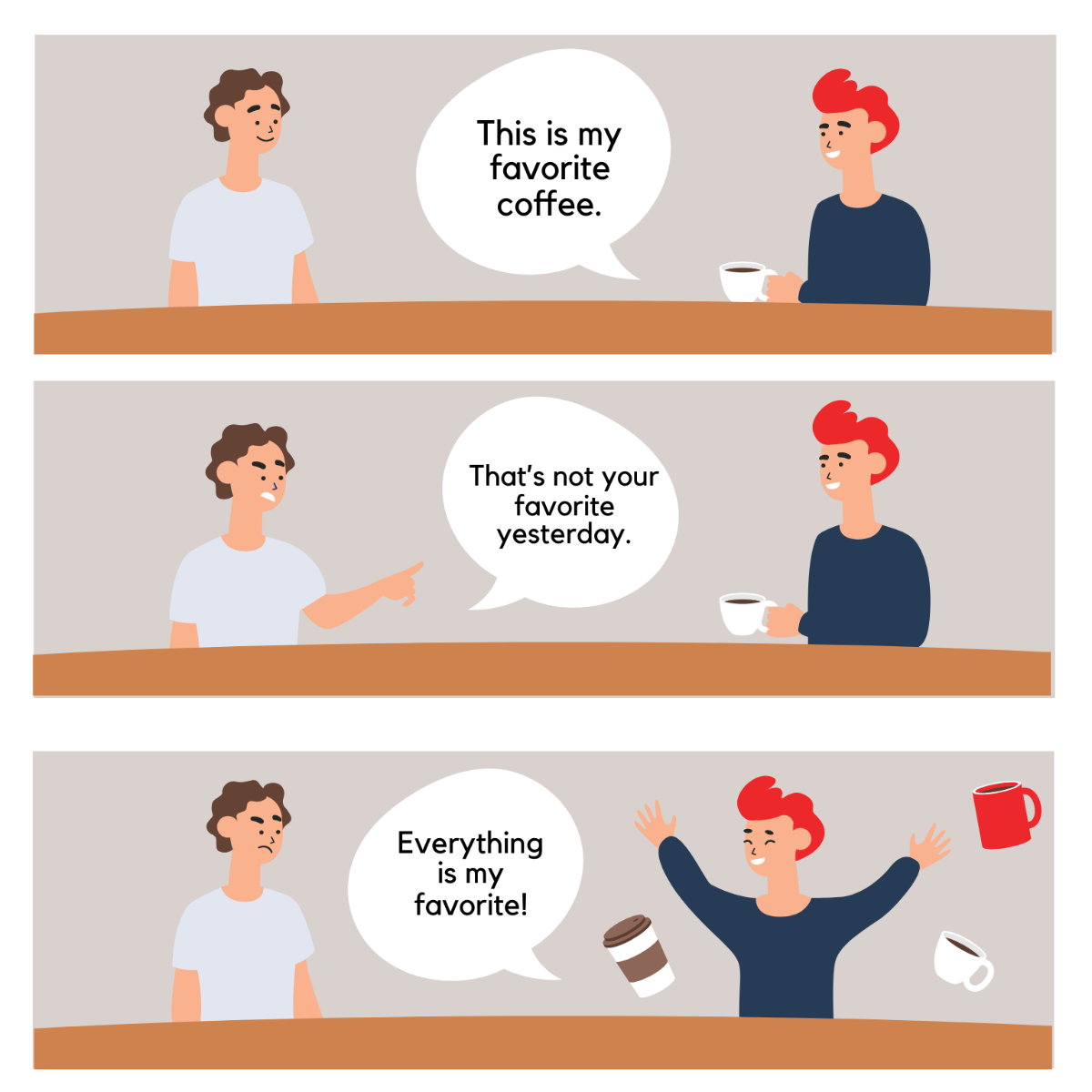
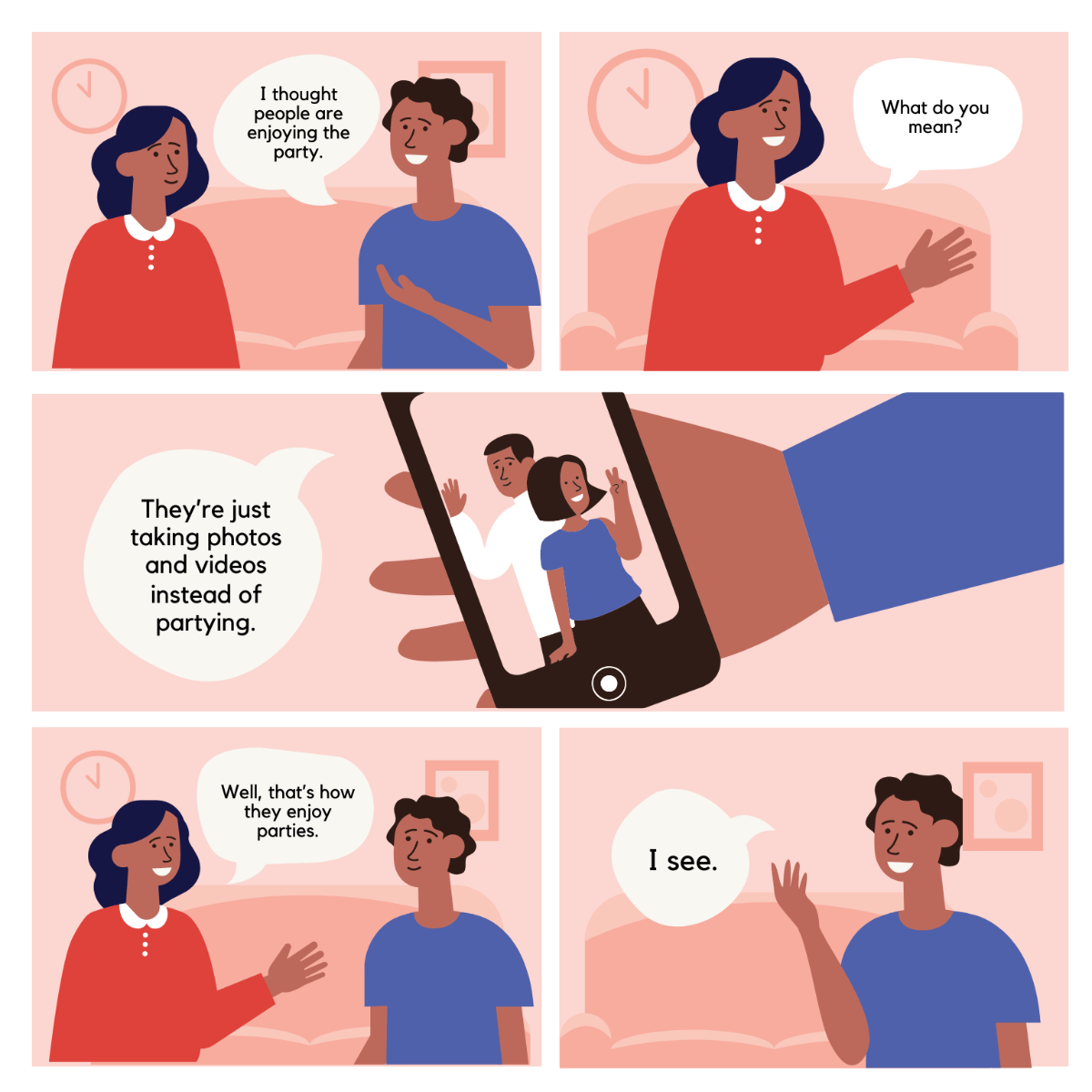
Comic Strips are a series of illustrated panels arranged sequentially to tell a story or depict a humorous situation. They combine visual art and text elements to engage readers in a concise narrative format.

Why should I use a Comic Strip?
You should use Comic Strips because they effectively communicate ideas through visual storytelling and humor, making information more memorable and engaging for your audience.

Who uses Comic Strips?
Comic Strips are used by educators, marketers, content creators, and comic artists to entertain, inform, or promote ideas in a visually appealing way.

What are the best tips for designing my Comic Strip?
Here are essential tips for designing your Comic Strip effectively:
- Plan your story clearly with a beginning, middle, and end.
- Use consistent characters and style throughout the panels.
- Keep text concise for easy reading.
- Apply clear and bold visuals to capture attention.
- Choose readable fonts and appropriate speech bubble styles.
- Maintain panel balance for smooth flow.
- Use color strategically to highlight key elements.
- Incorporate humor or emotion to engage readers.
- Test your layout for clarity before finalizing.
- Ensure your Comic Strip fits your target audience’s preferences.

What file formats can I download for my Comic Strip?
Template.net templates support multiple export formats for editing and printing or sharing, including Illustrator.

Can I create a Comic Strip using AI?
Template.net provides an AI-powered tool that generates new Comic Strip designs from prompts. You can try the Comic Strip Generator to create customized Comic Strips quickly.

What are the ideal pixel dimensions for my digital Comic Strip?
The ideal digital Comic Strip pixel dimensions depend on where you plan to publish, but common sizes include:
- 1080 × 1080 pixels for social media posts.
- 1200 × 628 pixels for web banners.
- 1080 × 1920 pixels for vertical stories.
- 800 × 600 pixels for blog embeds.
- 600 × 600 pixels for thumbnails.

What visual elements should I include in my Comic Strip?
Your Comic Strip should include key visual elements to enhance storytelling:
- Panels that separate scenes.
- Characters with expressive facial features.
- Speech bubbles and captions for dialogue.
- Backgrounds that set the scene.
- Action lines to depict movement.
- Color schemes that match the tone.
- Sound effects text like "Bam!" or "Zap!".

What are the benefits of using Comic Strips in my content?
Using Comic Strips in your content has several benefits:
- Enhances engagement by combining visuals and storytelling.
- Improves message retention through humor and images.
- Appeals to diverse audiences with accessible formats.
- Encourages sharing on social media platforms.
- Simplifies complex ideas into digestible narratives.
- Boosts brand personality with creative expression.
