
Free Gantt Chart Templates
Explore professionally designed gantt chart templates customizable for your needs. Elevate your projects with this professional quality tool. Try now!
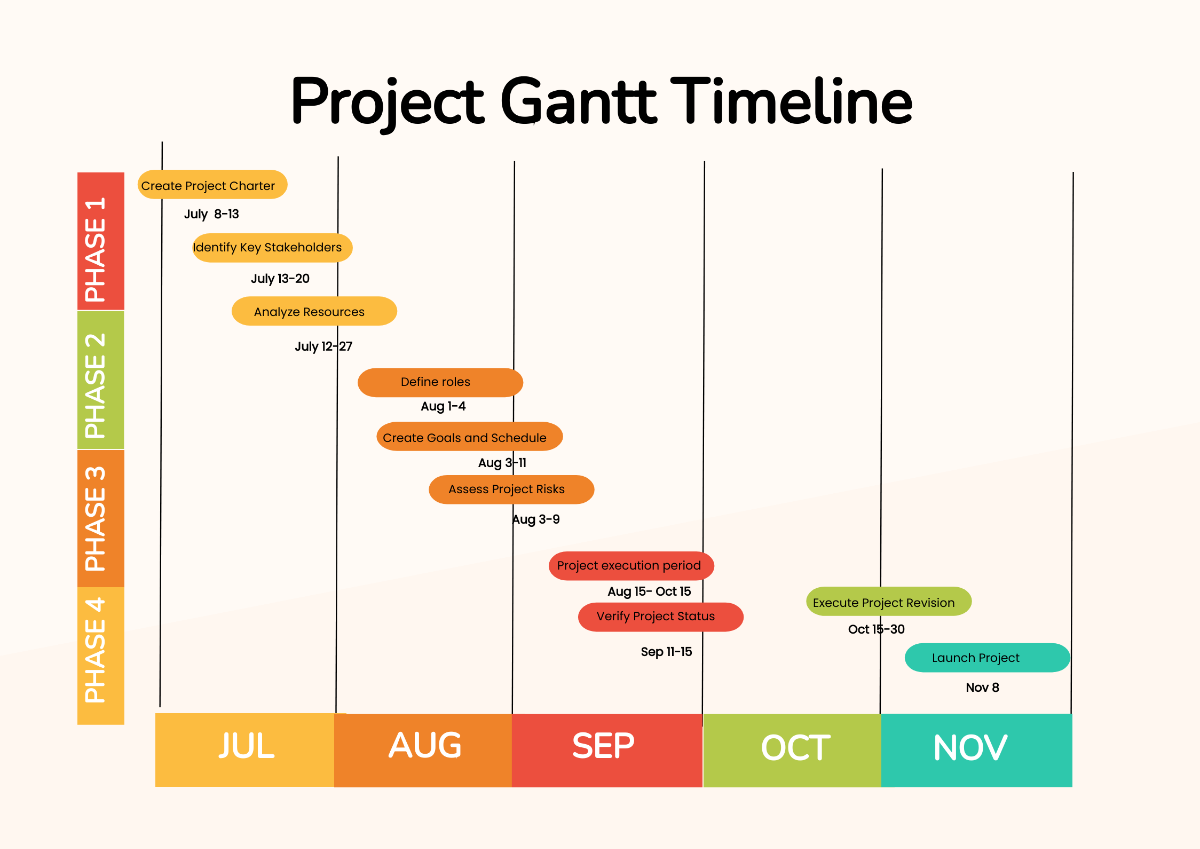


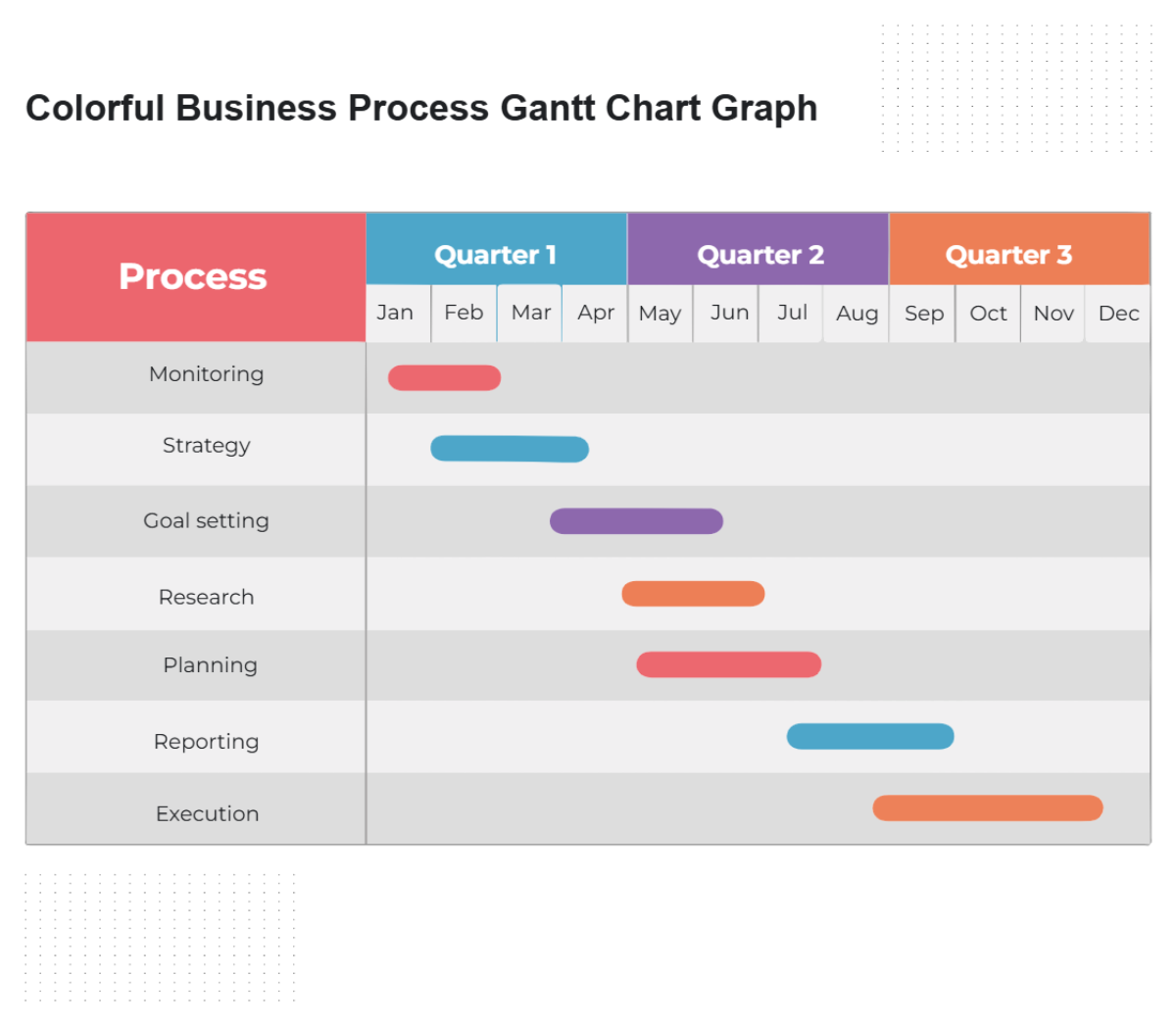
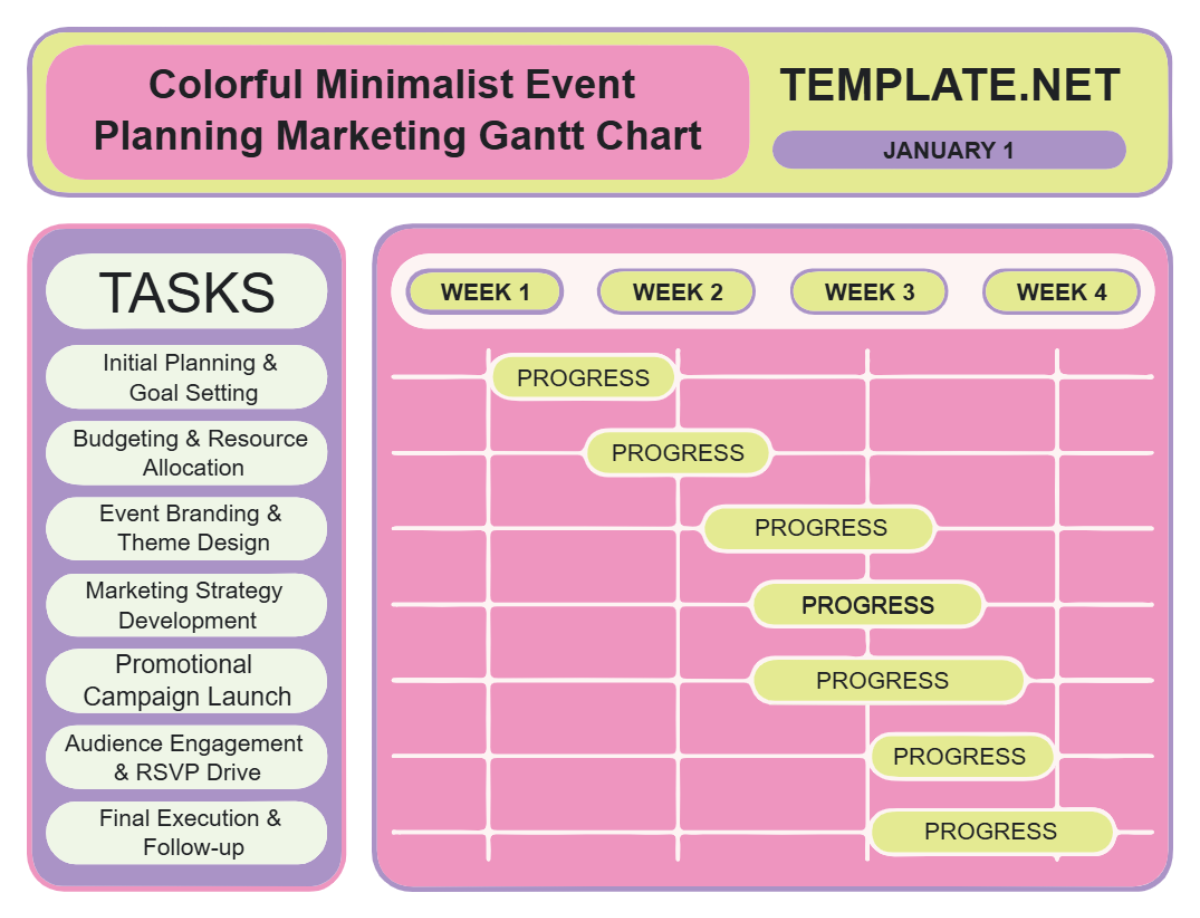
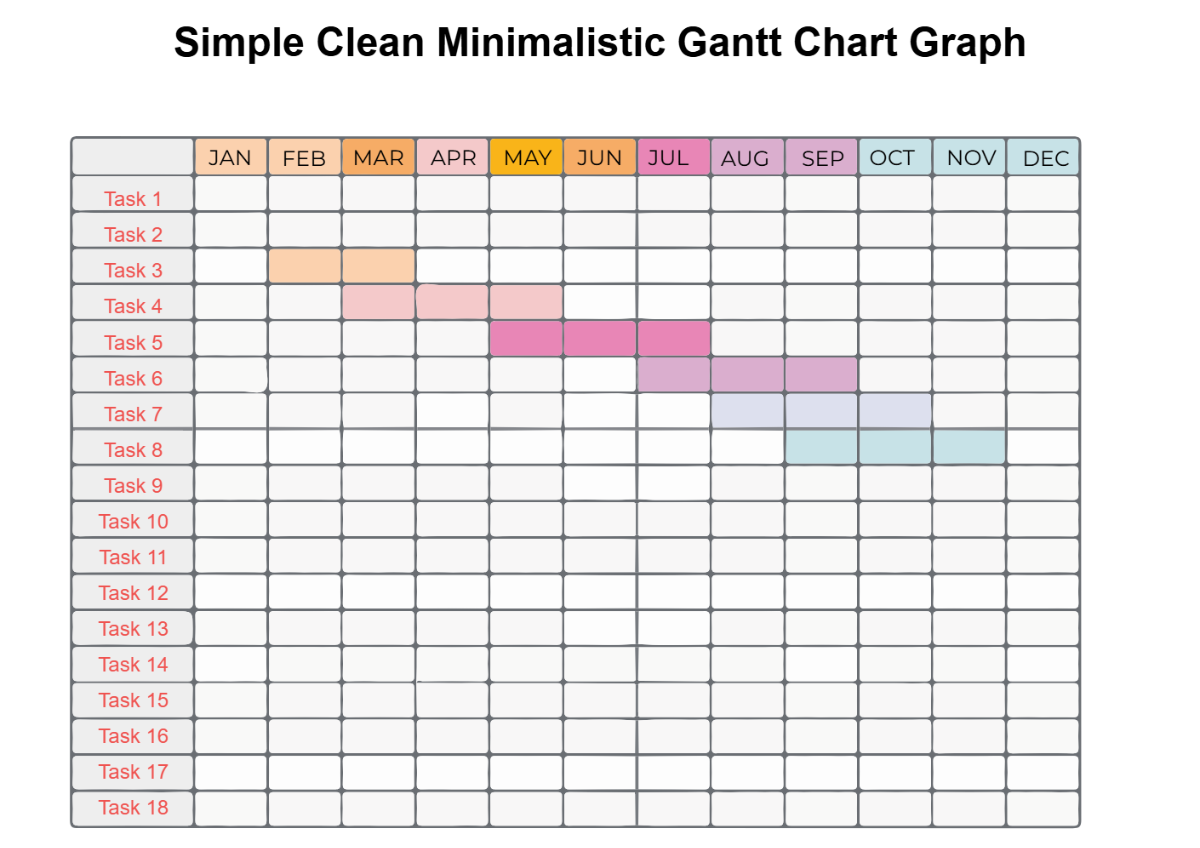


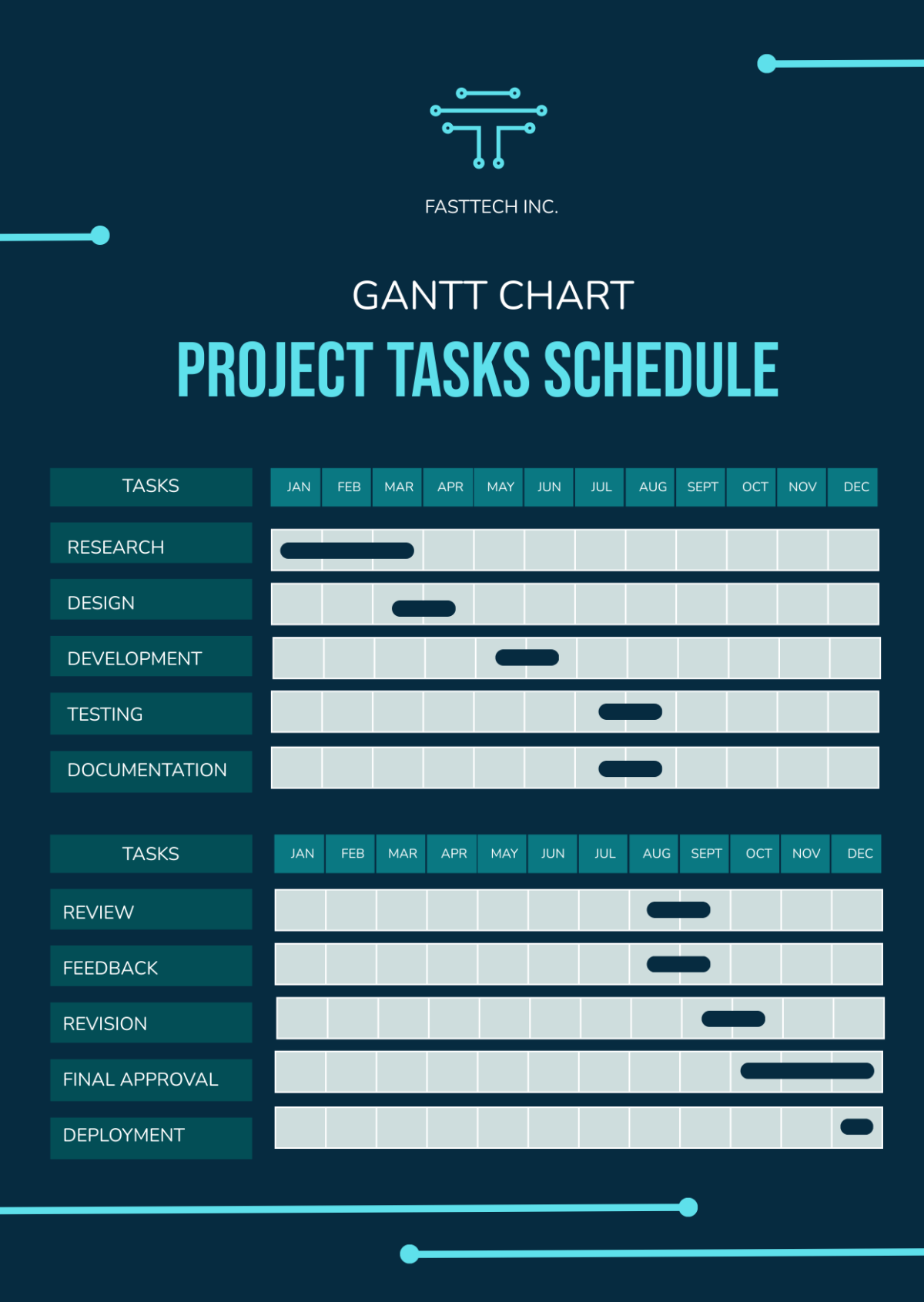

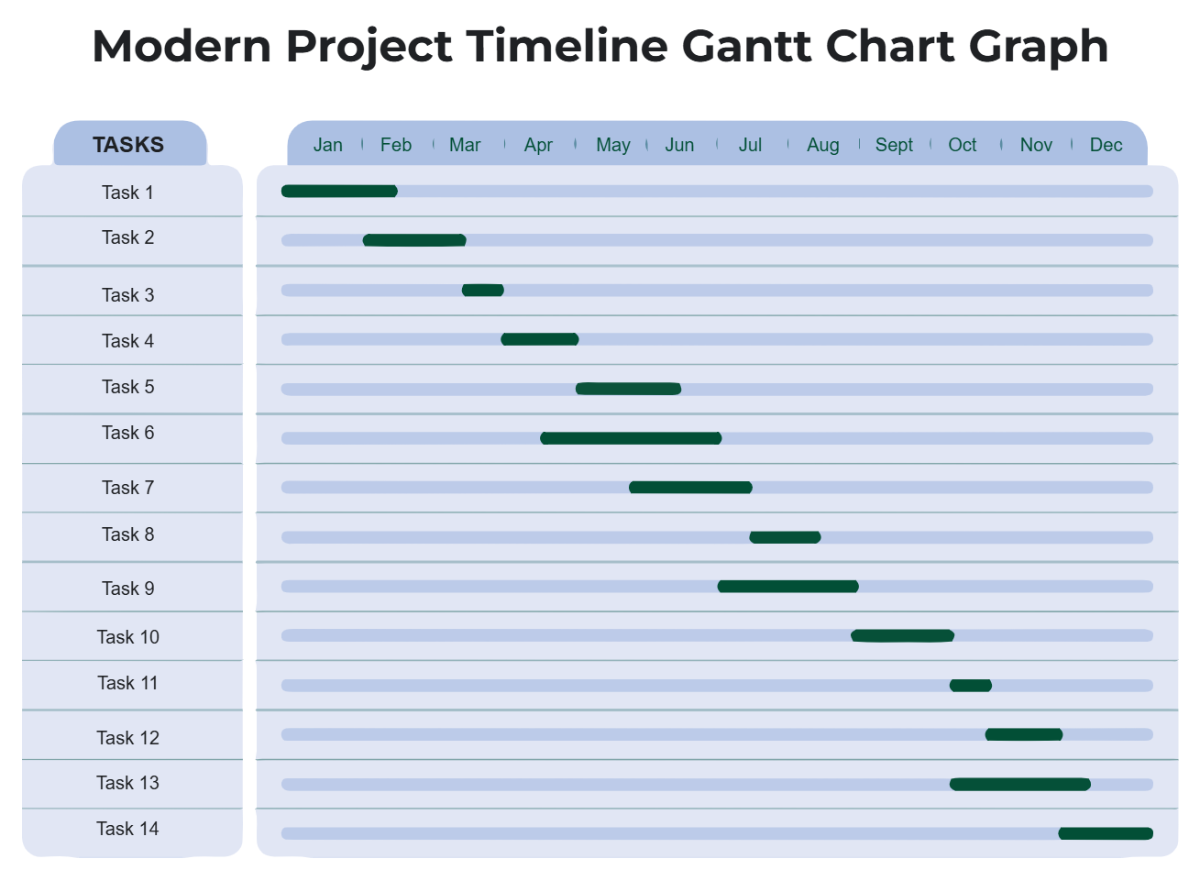
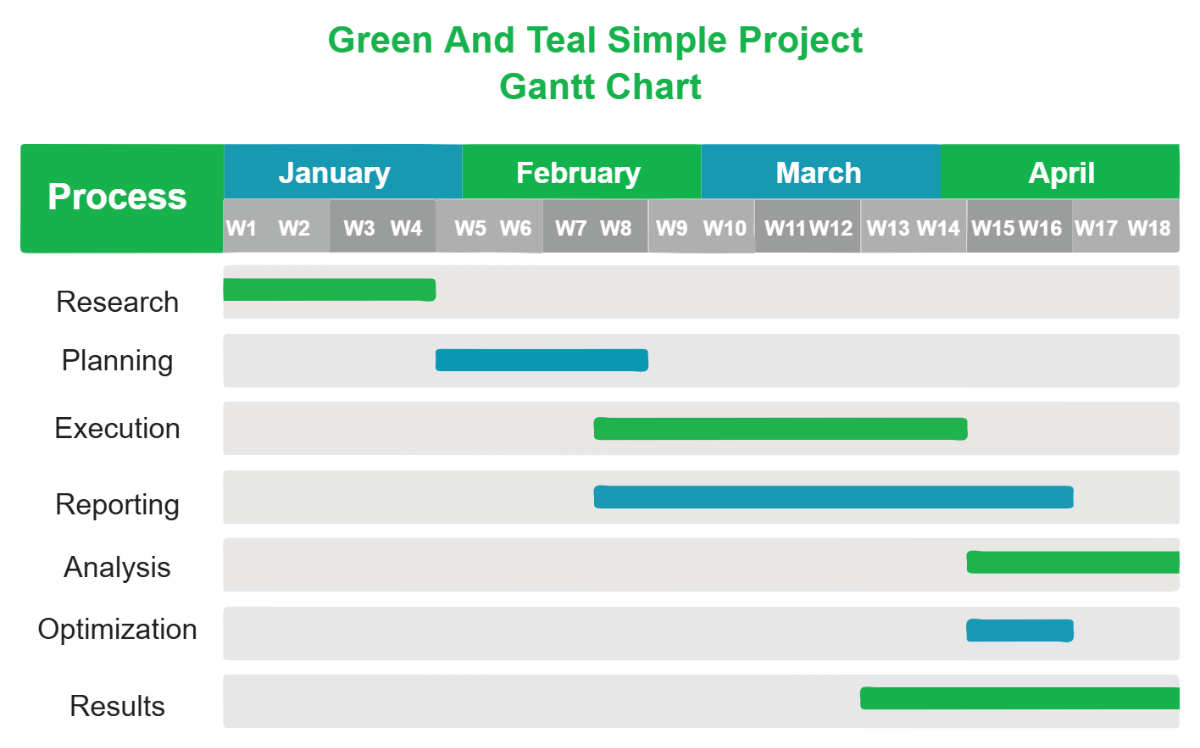


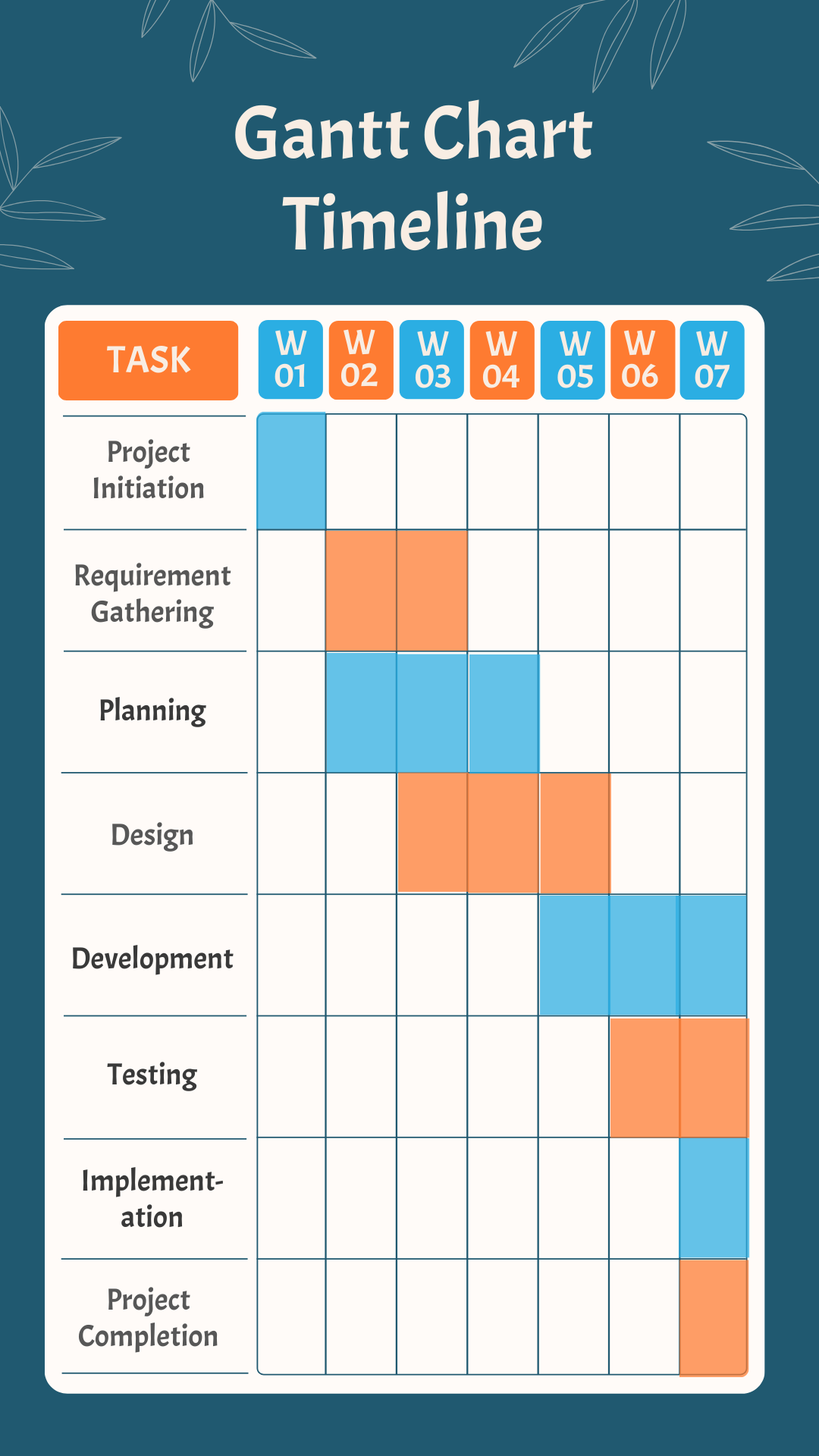

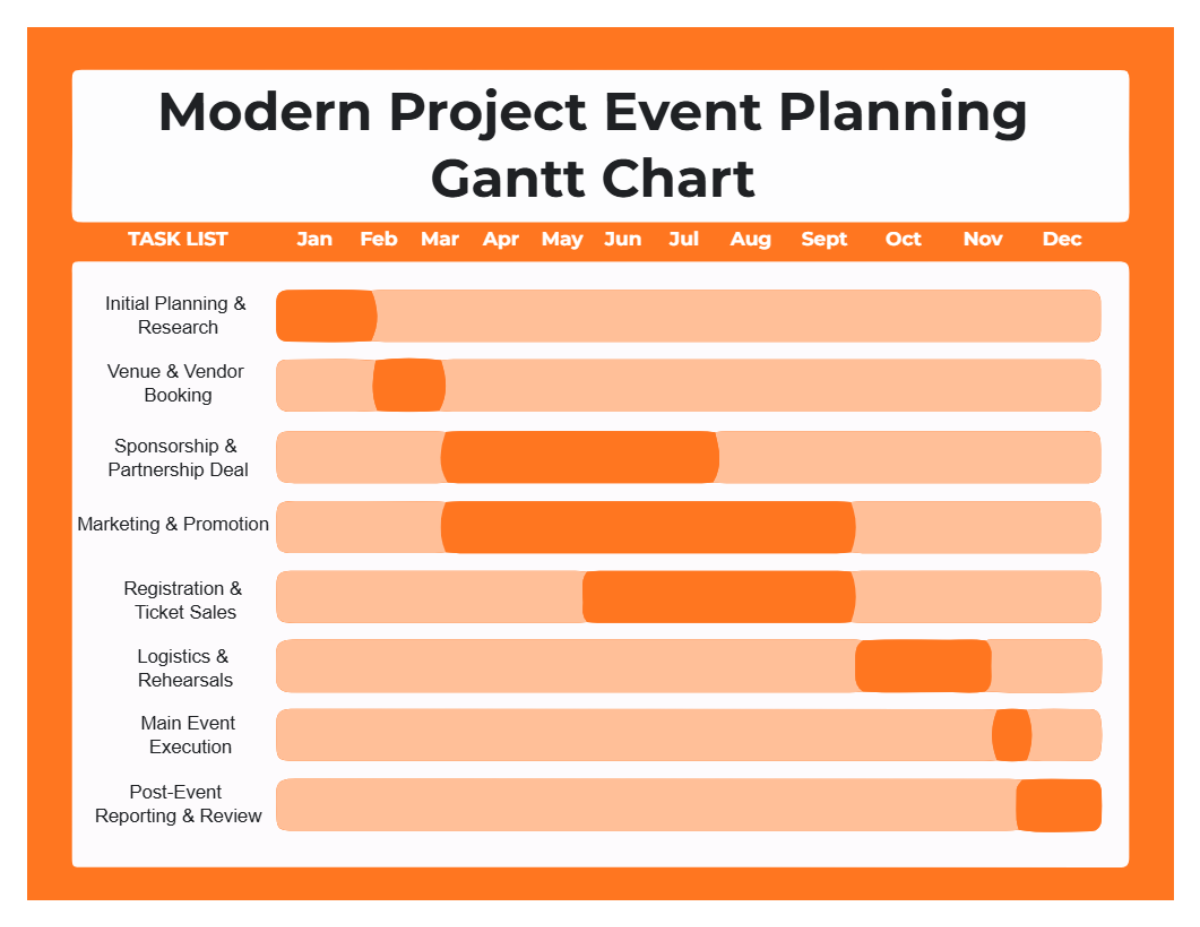
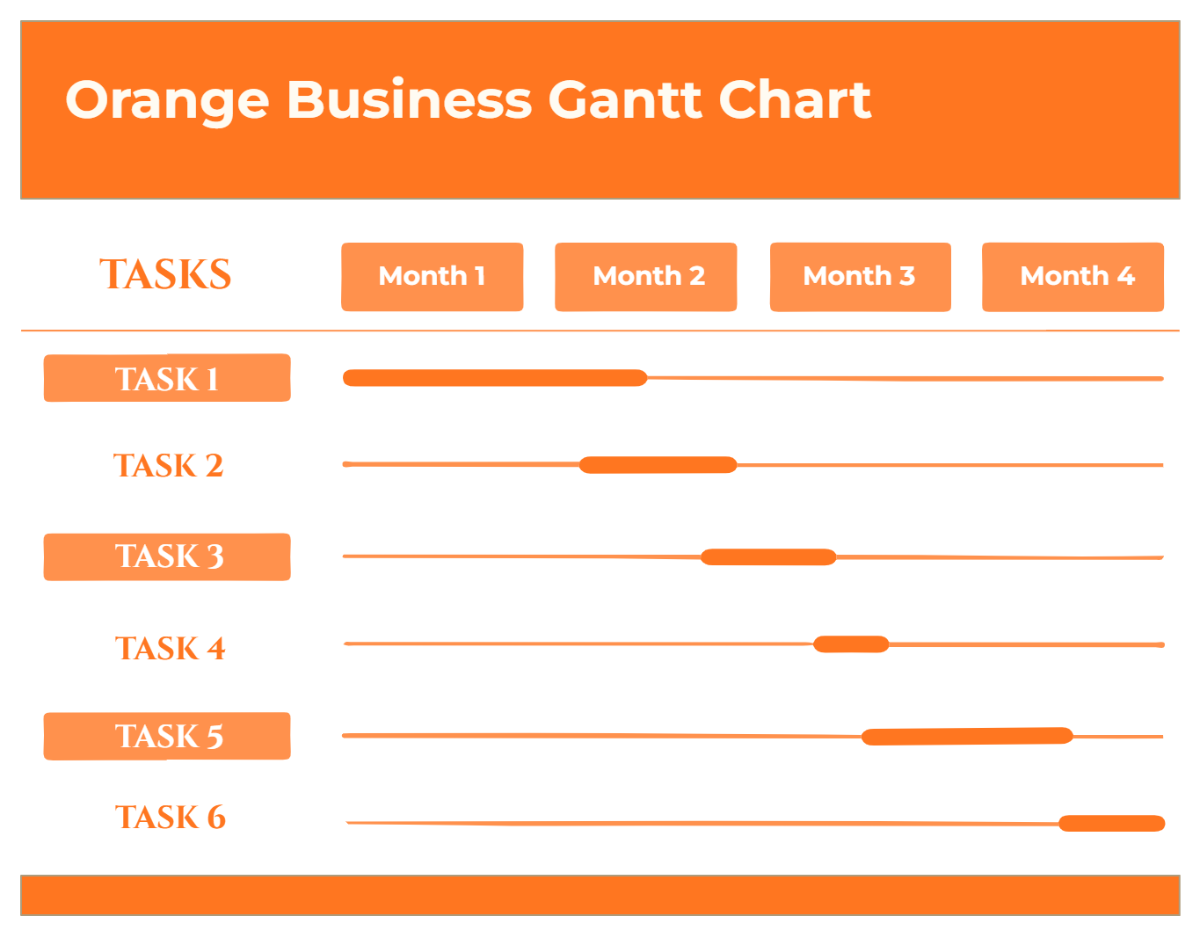


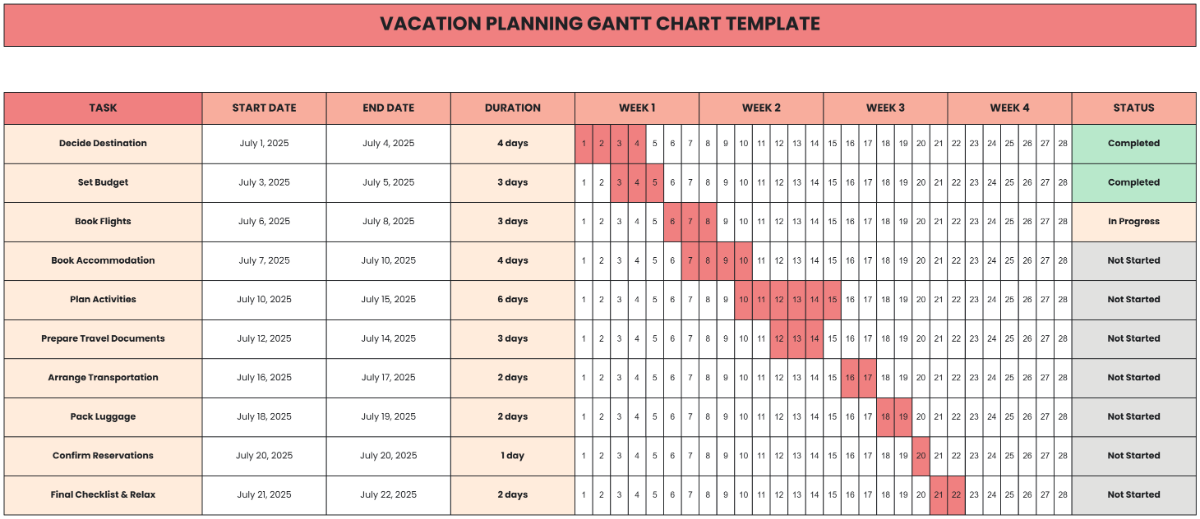
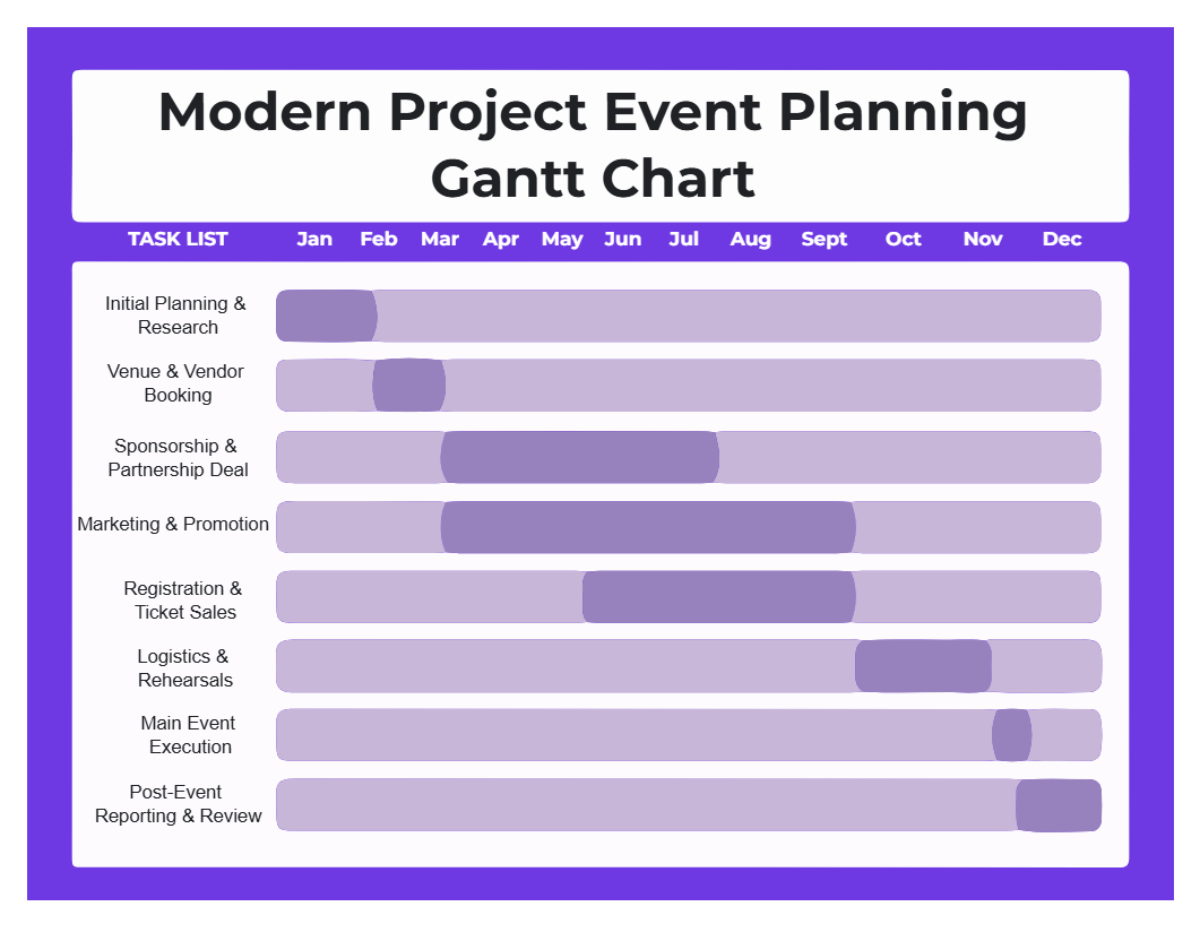
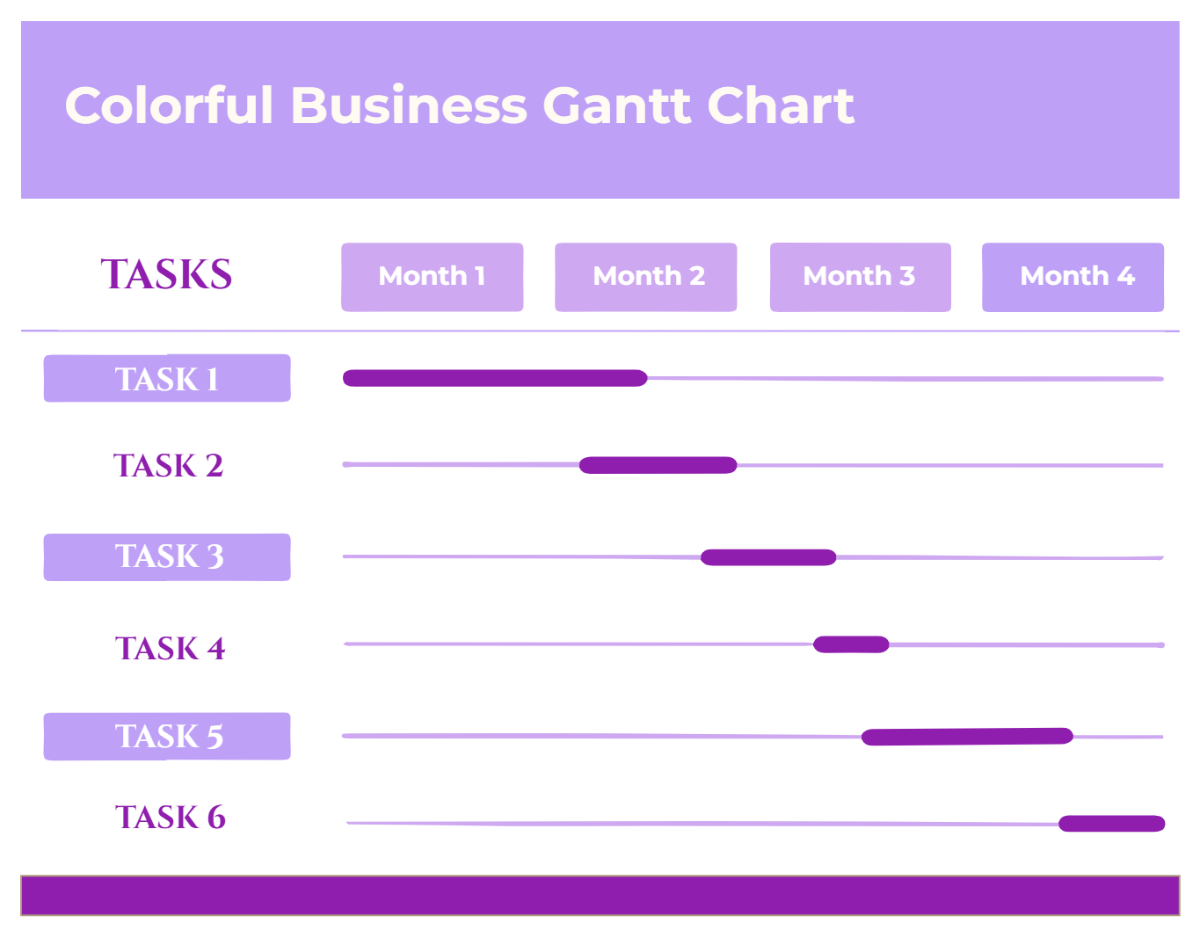
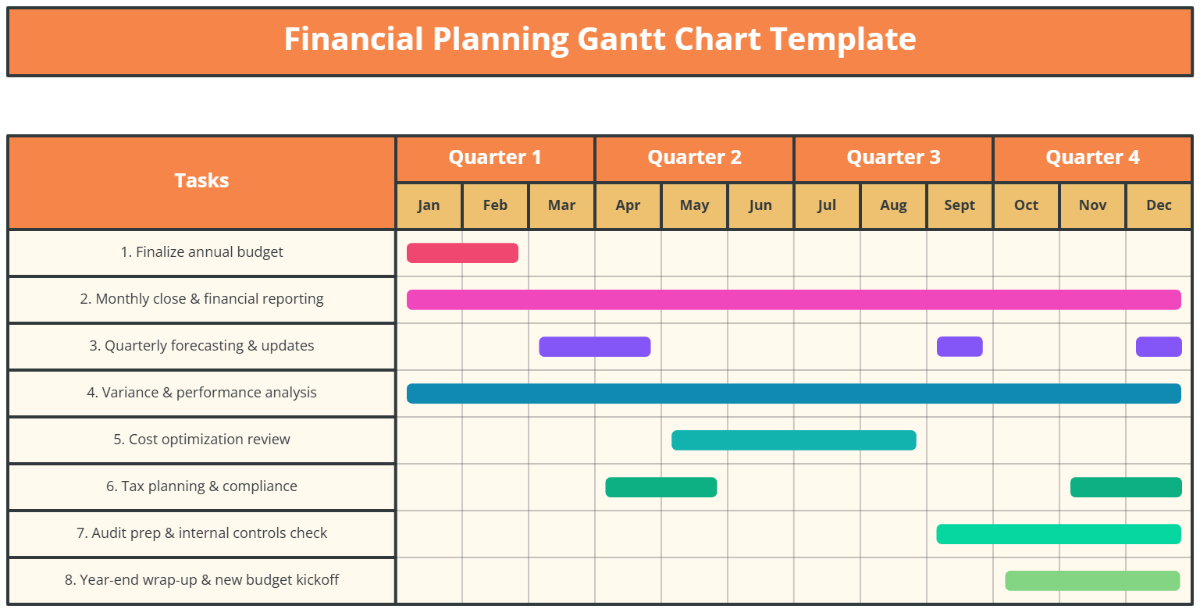
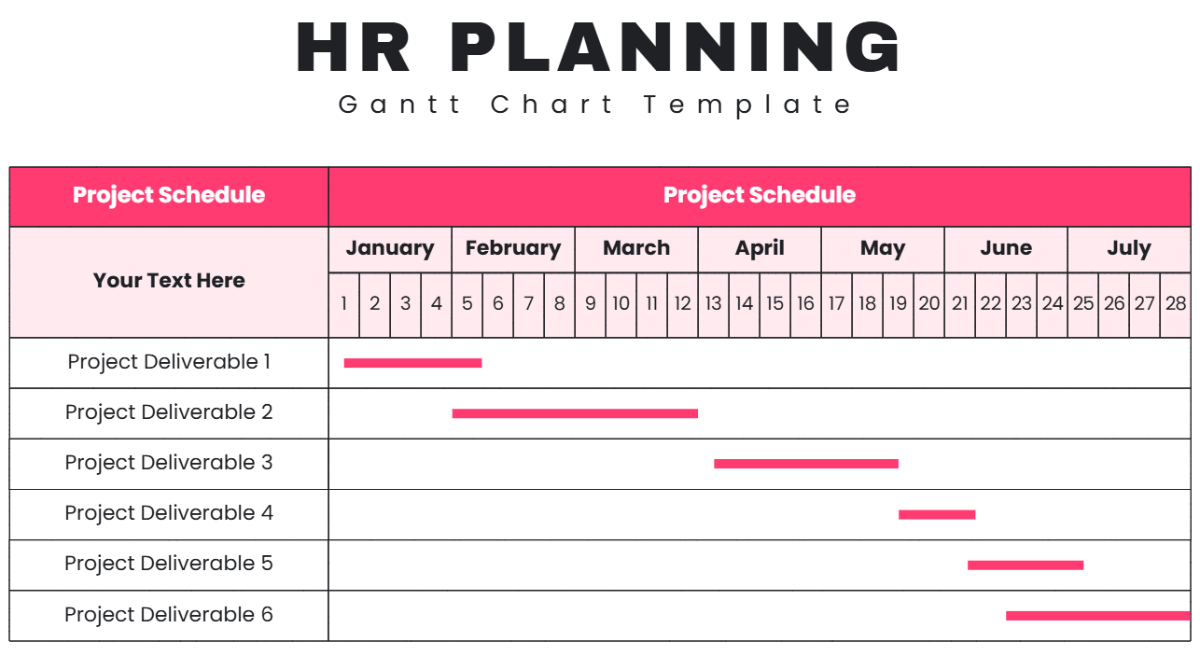

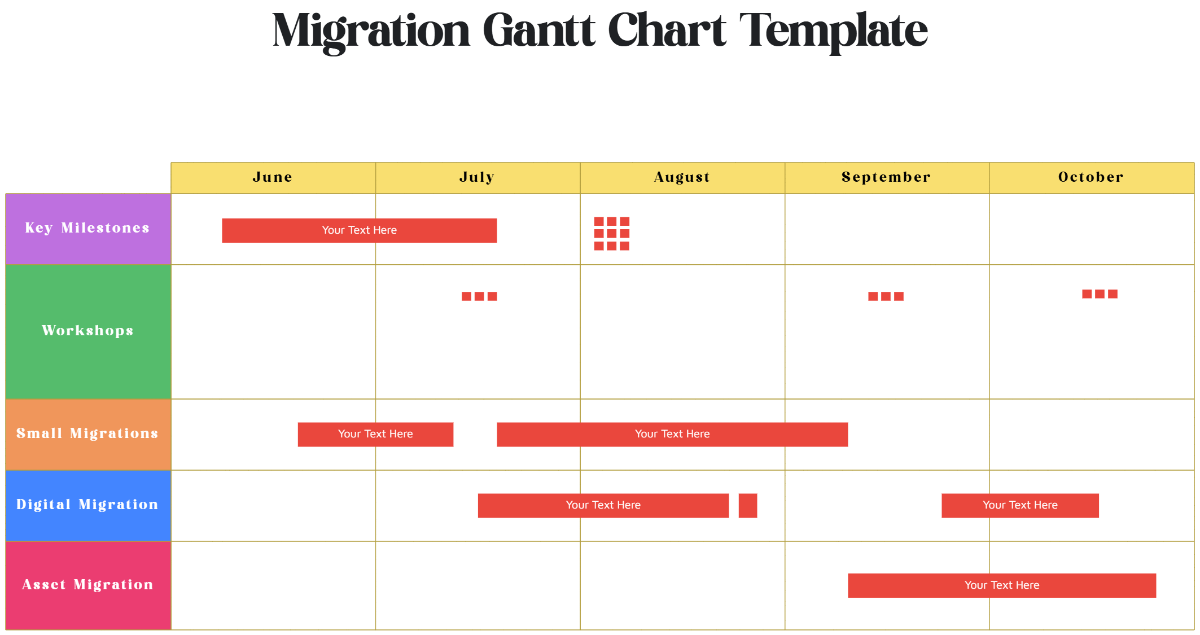

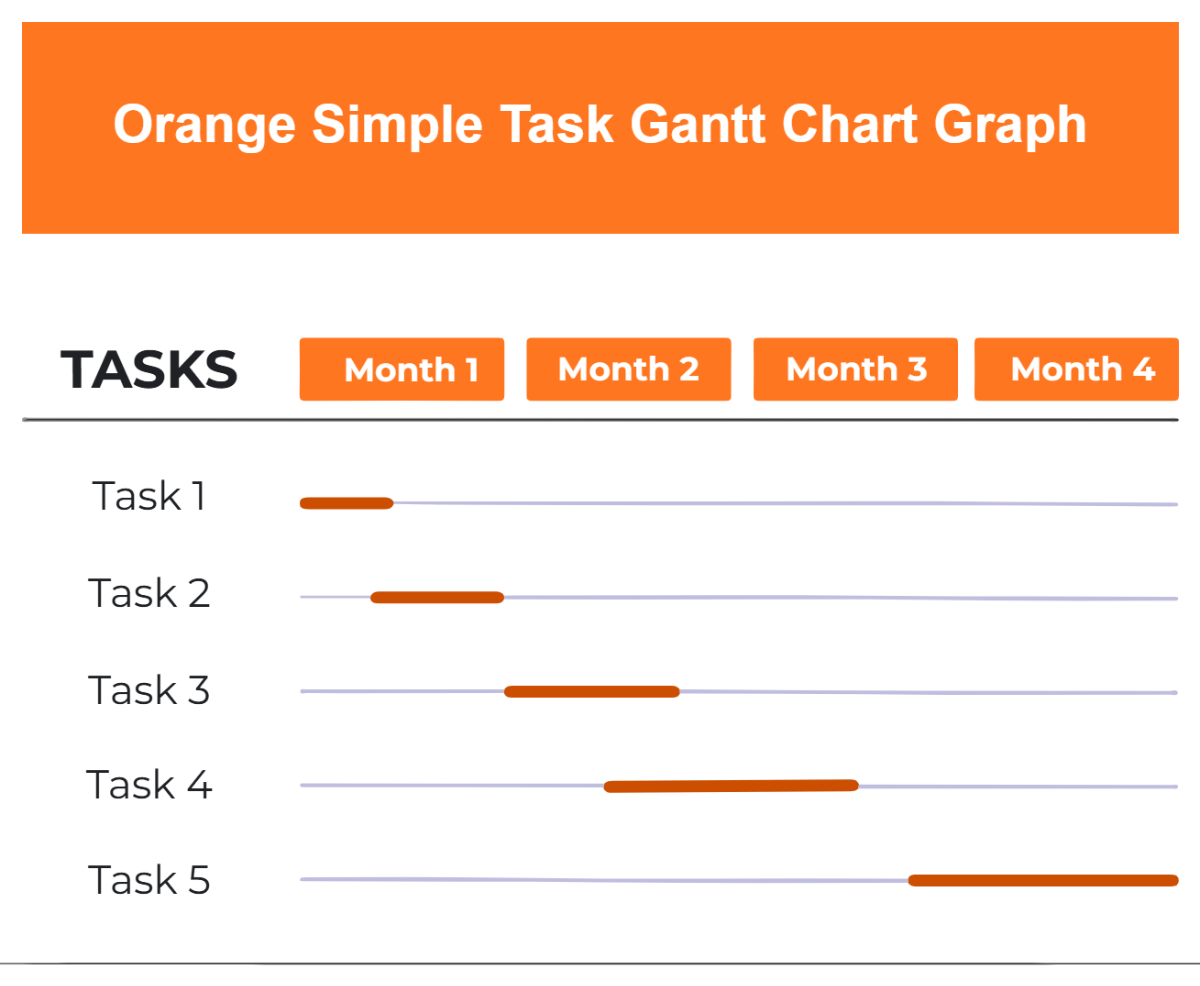
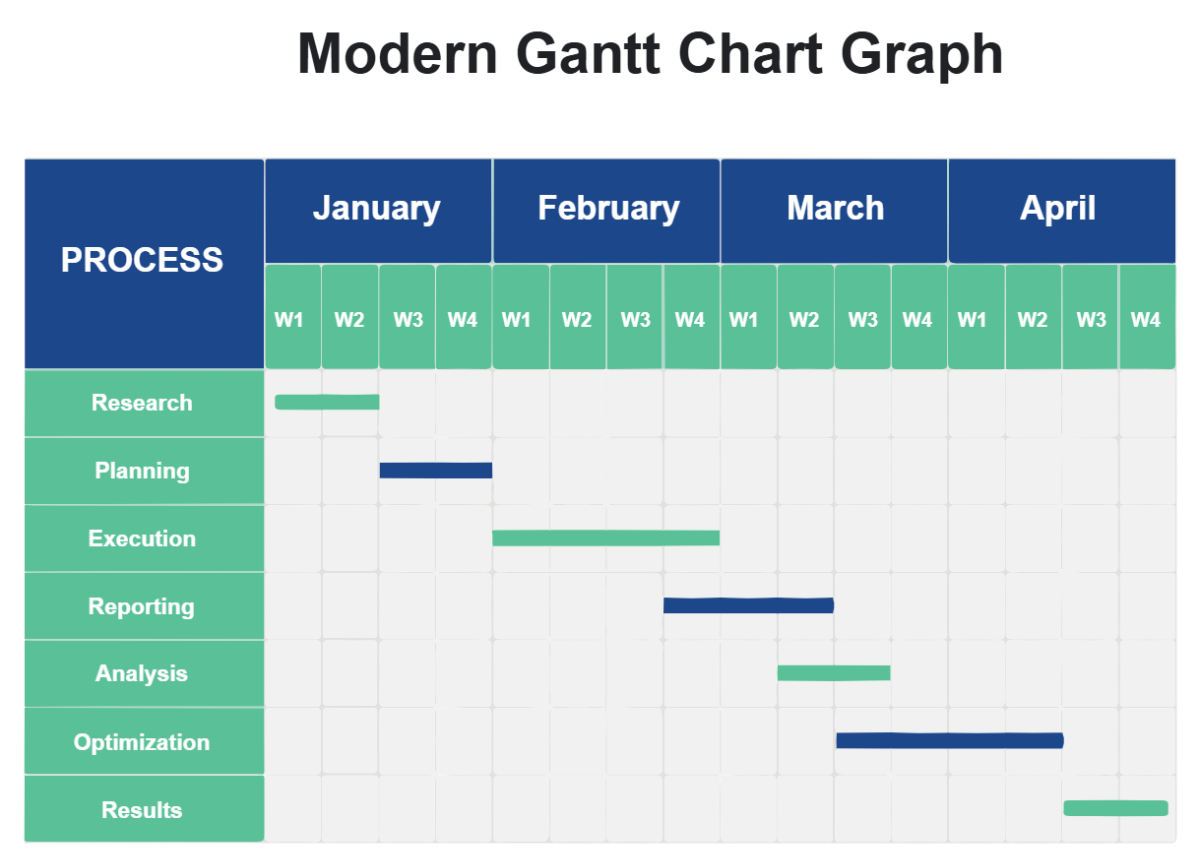


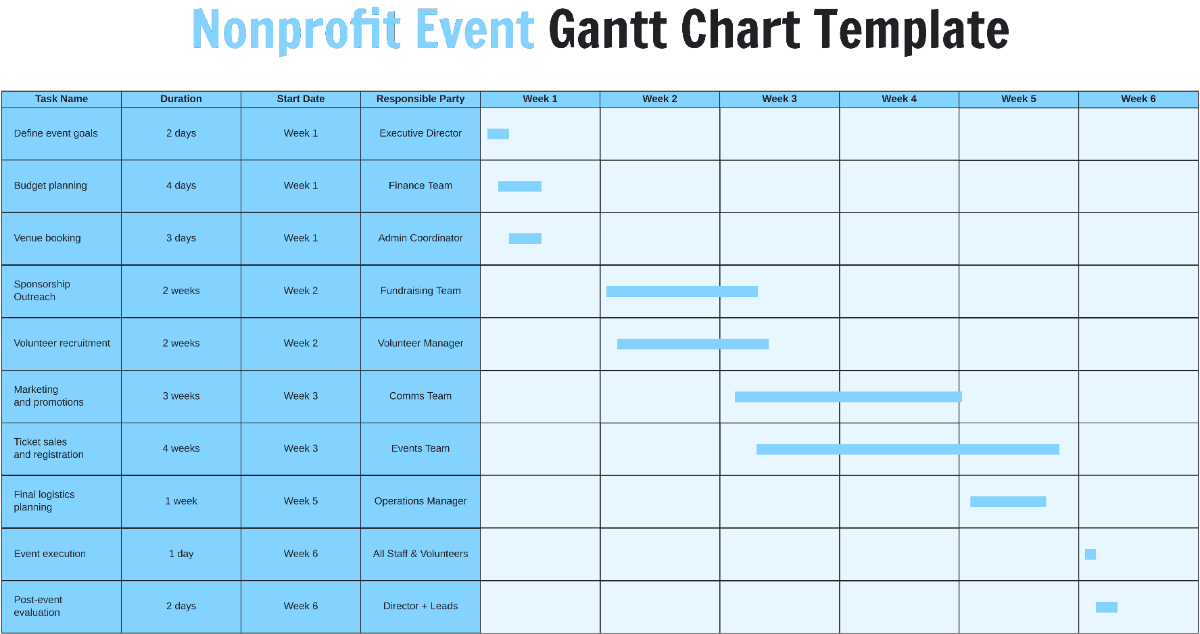


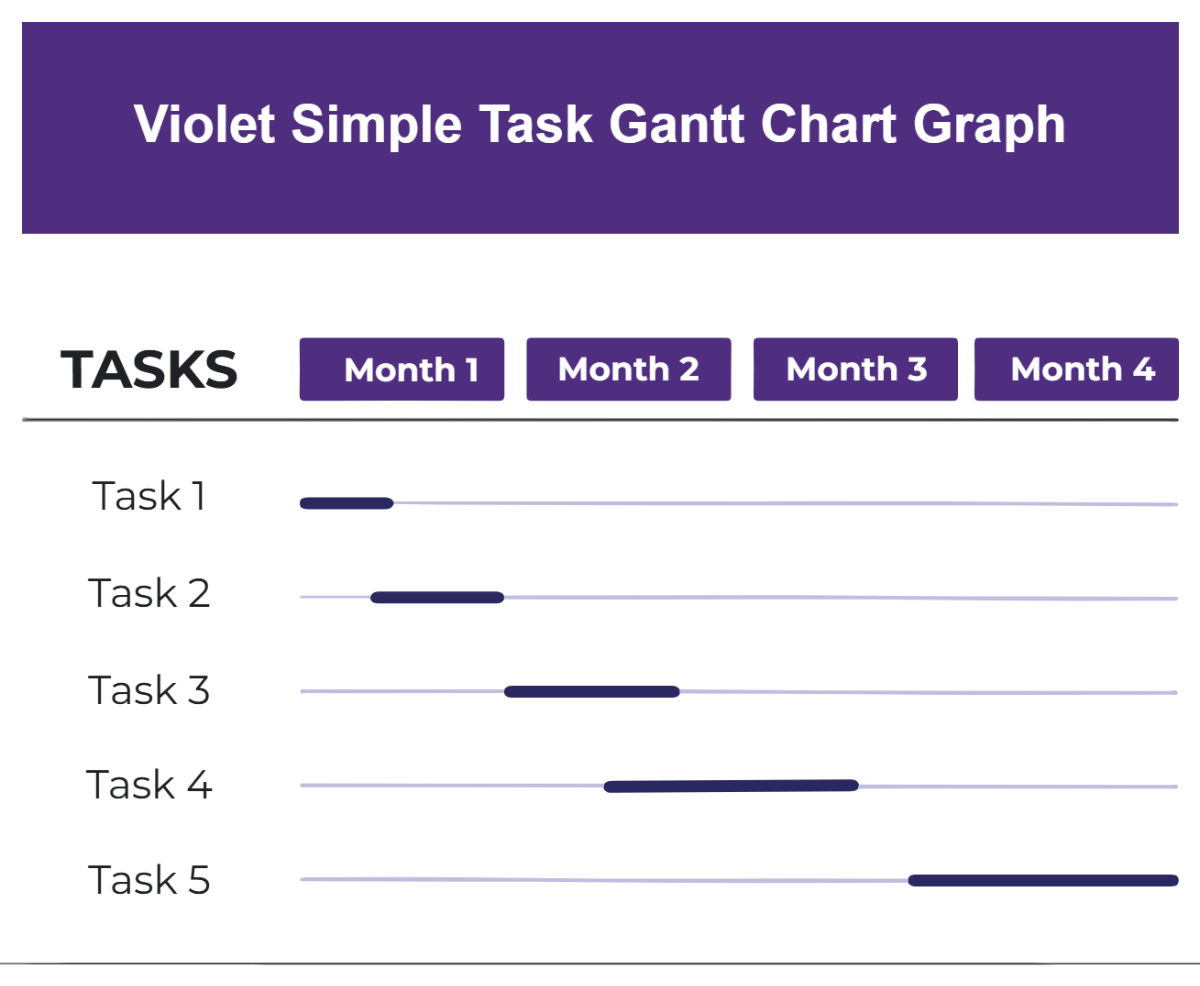
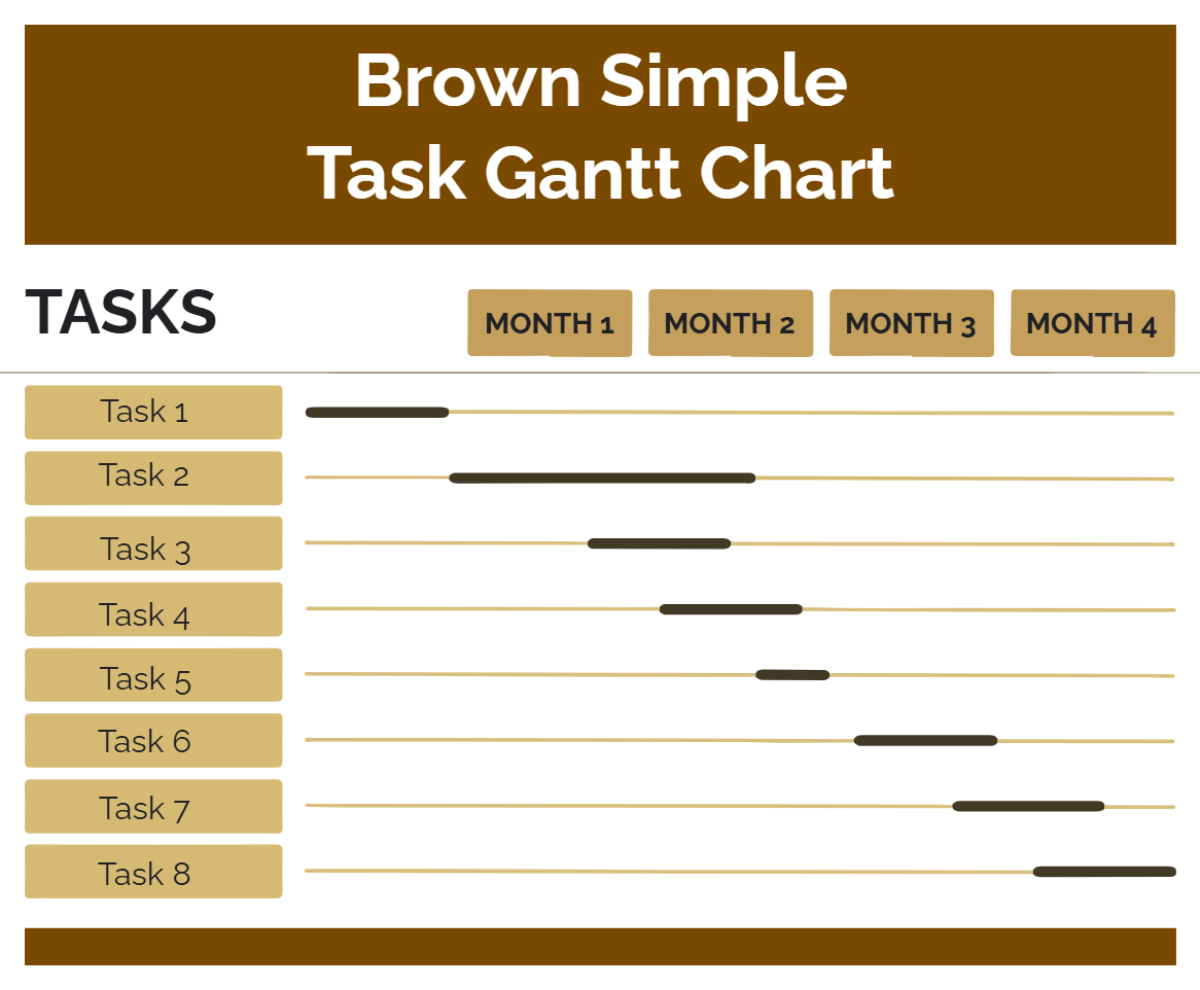

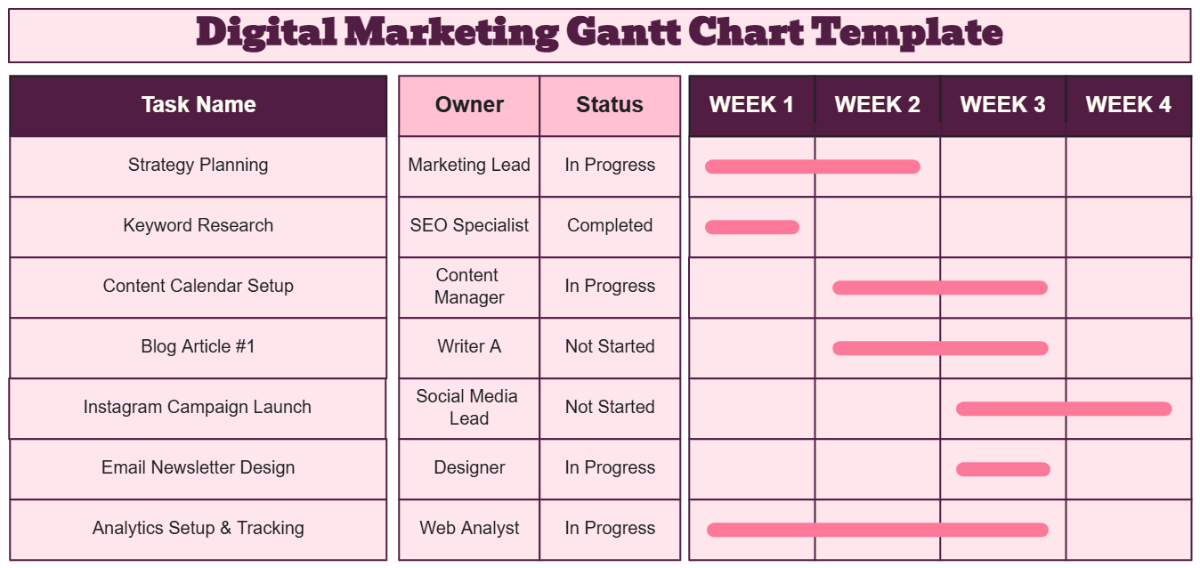
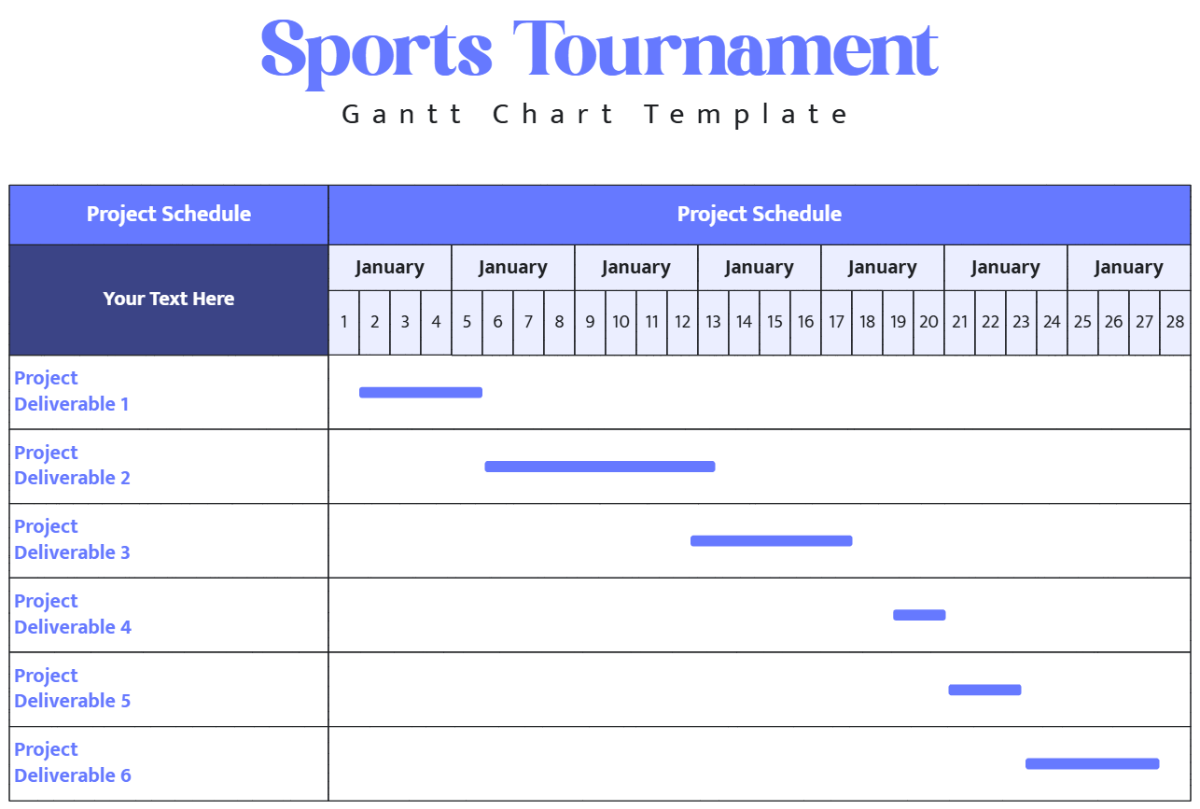
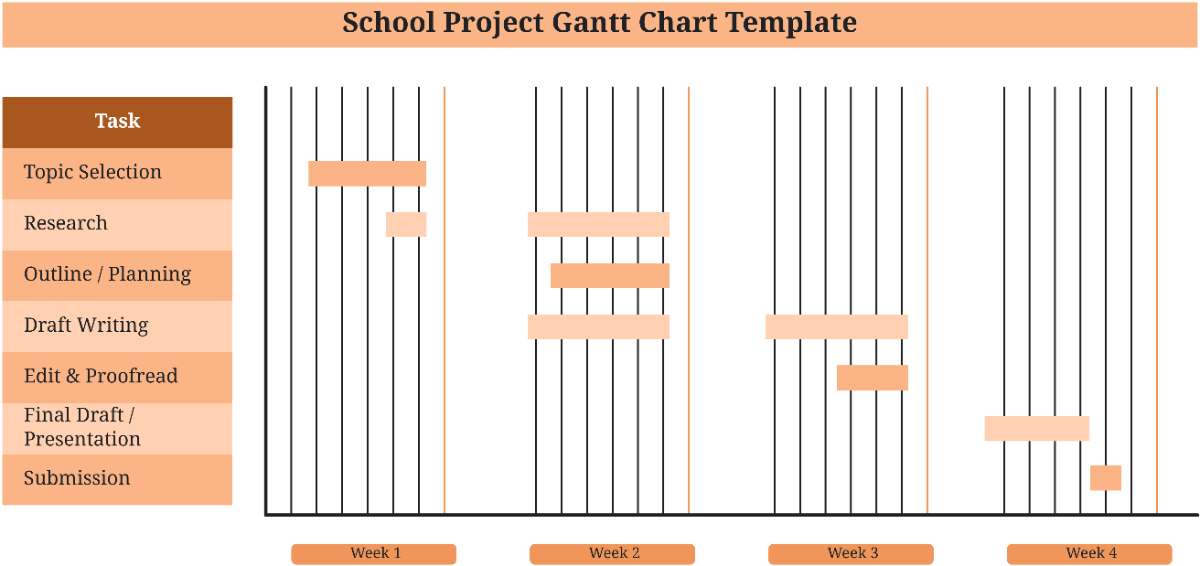
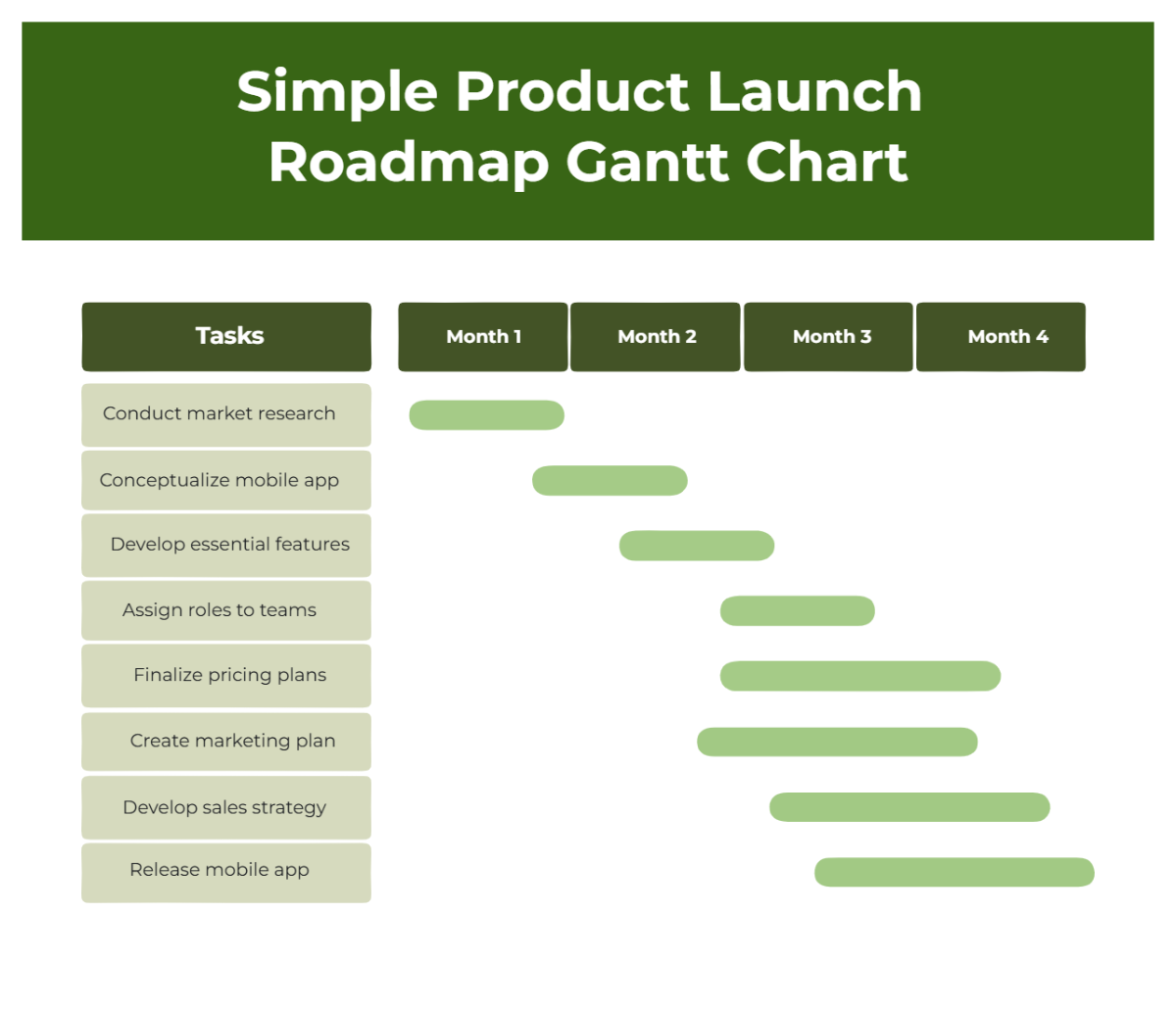
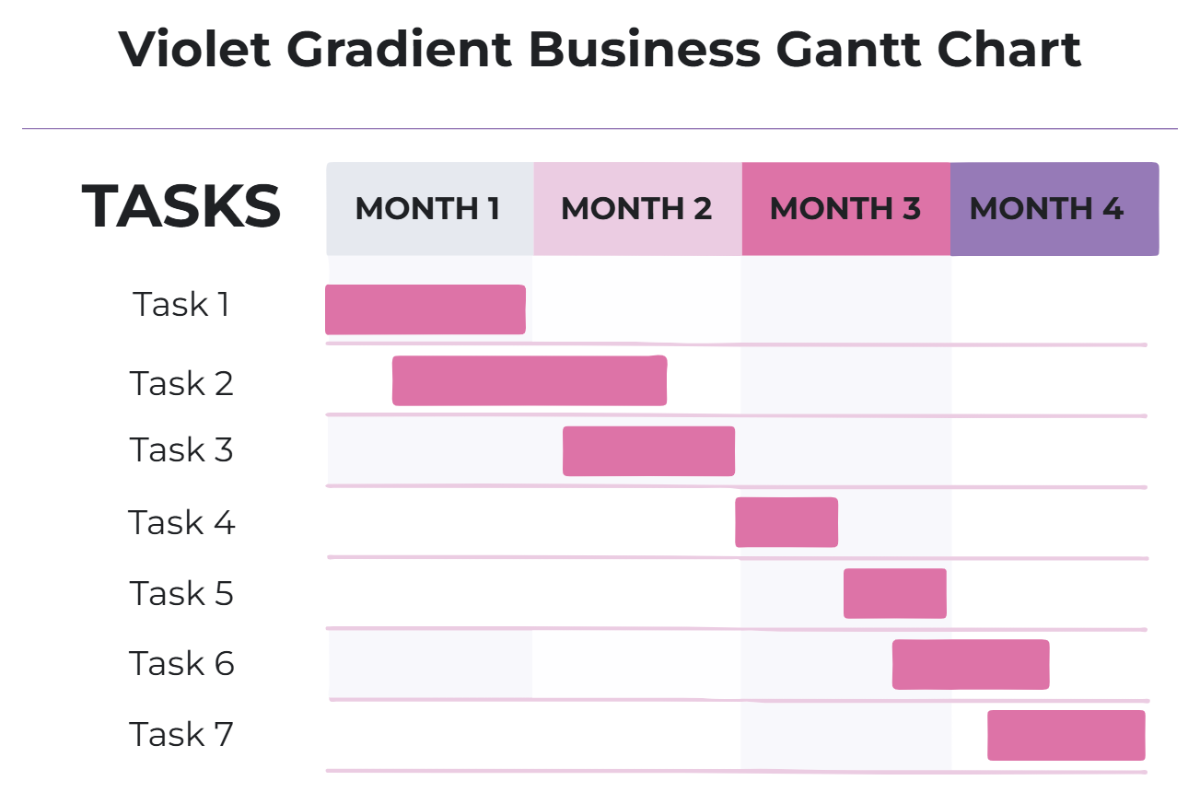
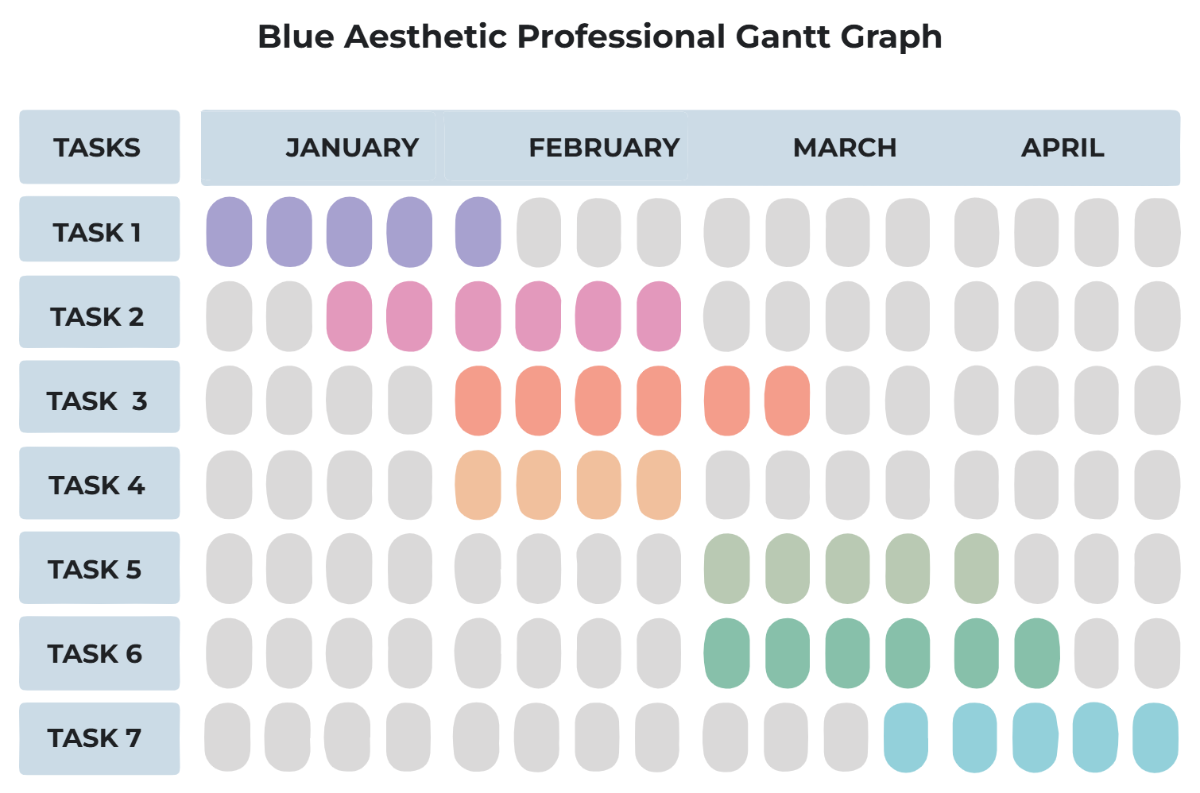
Free Gantt Chart Editable Templates: Uses, Customization, and Online Access
A Gantt Chart is a professional quality project management tool designed to visually represent tasks over time and track progress. Template.net offers editable Gantt Chart templates that you can complete or modify directly in your browser to suit your project needs.

What is a Gantt Chart?
A Gantt Chart is a project scheduling tool that displays tasks or activities along a timeline, helping you monitor the start and end dates of each component. It is used to organize, plan, and visualize project progress in a clear and structured way.

Why should I use a Gantt Chart?
You should use a Gantt Chart to improve project visibility, track deadlines, and coordinate team efforts efficiently. It enables you to see task dependencies and overall timelines at a glance, reducing delays and improving workflow management.

Who uses Gantt Chart?
Professionals such as project managers, team leaders, and planners use Gantt Chart templates to organize projects across industries including construction, software development, marketing, and event planning.

What are the best tips for completing my Gantt Chart?
To complete your Gantt Chart effectively, follow these tips:
- Define tasks clearly: Break down project activities into manageable parts.
- Set realistic timelines: Allocate appropriate durations for each task.
- Identify dependencies: Show which tasks must precede others.
- Update progress regularly: Keep your chart current to reflect real status.
- Use colors and labels: Differentiate tasks and milestones visually.

Can I create a Gantt Chart using AI?
You can create a Gantt Chart using AI-assisted tools that automate task scheduling and timeline generation. Template.net provides a Gantt Chart Maker to help you generate editable charts quickly with AI support.

When should I use a Gantt Chart?
You should use a Gantt Chart when managing projects that require detailed scheduling, task coordination, and deadline tracking. It is especially useful in complex workflows where multiple tasks overlap or depend on one another.

What are the essential elements of a Gantt Chart?
The essential elements of a Gantt Chart include:
- Task list: A detailed breakdown of project activities.
- Timeline: A horizontal scale showing days, weeks, or months.
- Bars: Visual blocks representing task durations.
- Milestones: Key dates or achievements marked distinctly.
- Dependencies: Arrows or links showing task relationships.

How is Gantt Chart used in professional workflows?
In professional workflows, a Gantt Chart is used to plan projects, allocate resources, monitor progress, and communicate schedules to stakeholders. It enhances collaboration by providing a shared visual reference of project timelines and task responsibilities.

What are common use cases for Gantt Chart templates?
Common use cases for Gantt Chart templates include:
- Project planning: Scheduling phases and deliverables.
- Resource management: Assigning tasks to team members.
- Event coordination: Tracking preparation steps and deadlines.
- Product development: Visualizing stages from design to release.
- Marketing campaigns: Organizing tasks and launch dates.
