
Free To Do List Templates
Get creative (and organized) with customized to do list templates that are free and printable. Explore professional designs. Start organizing now!









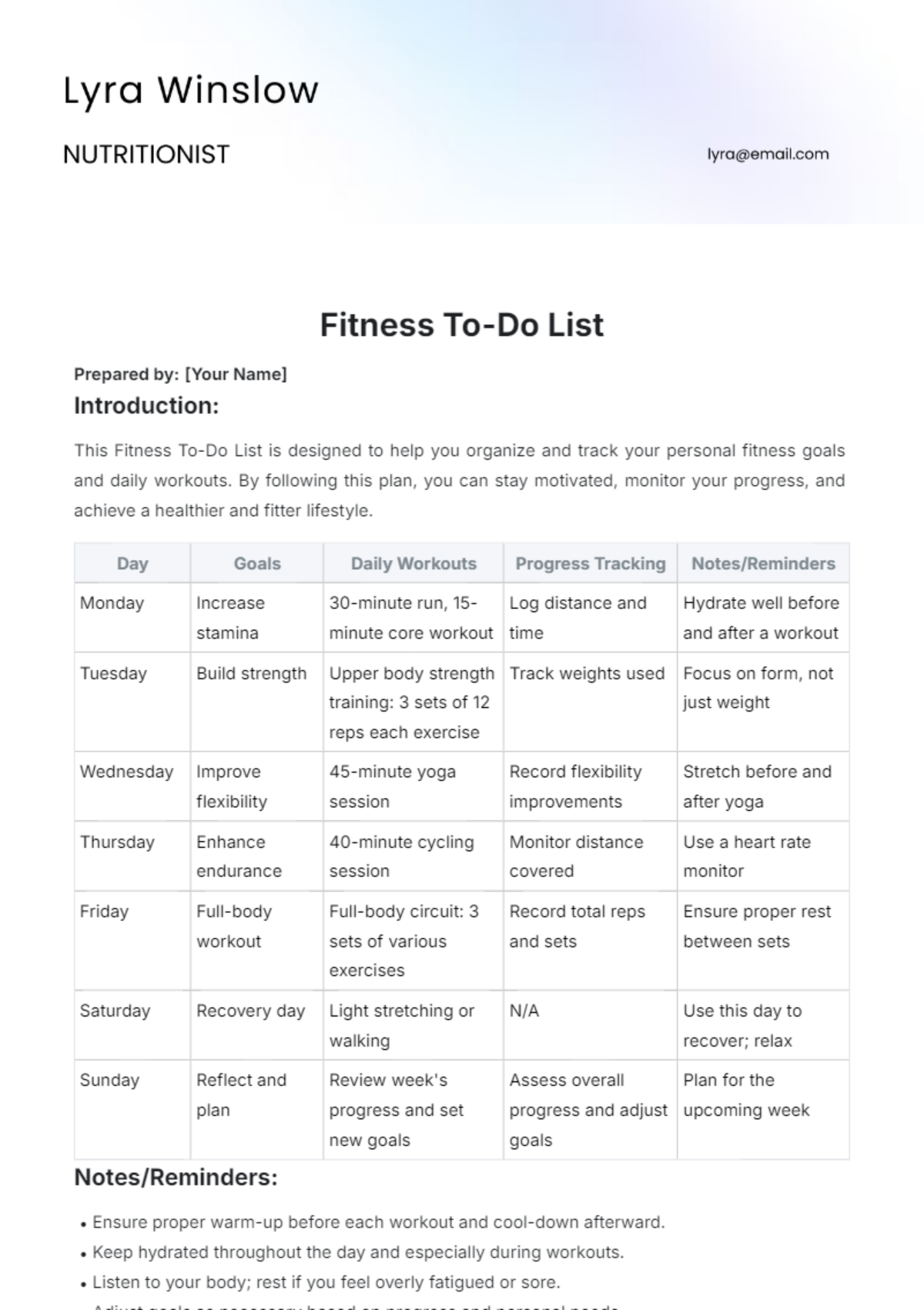
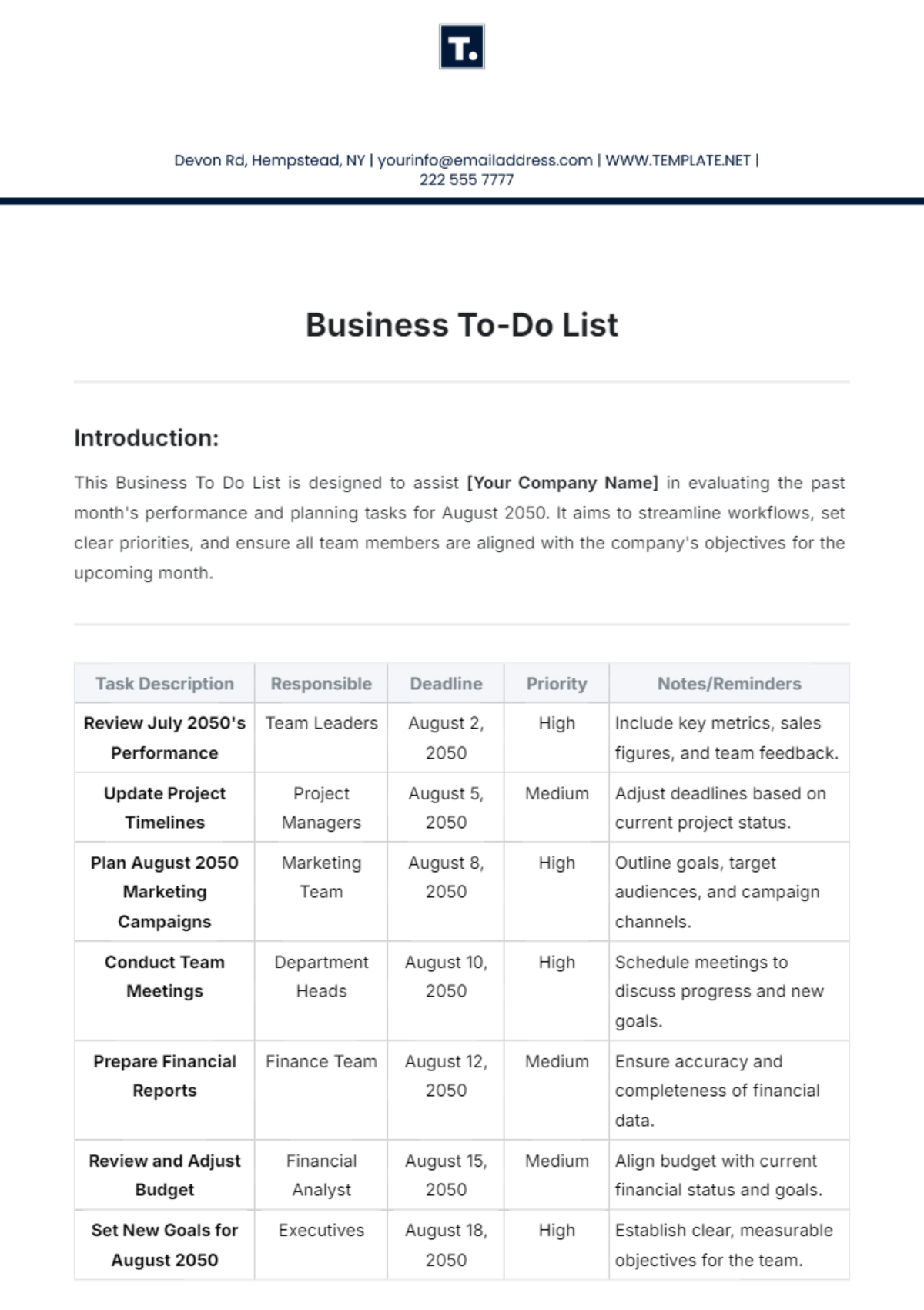


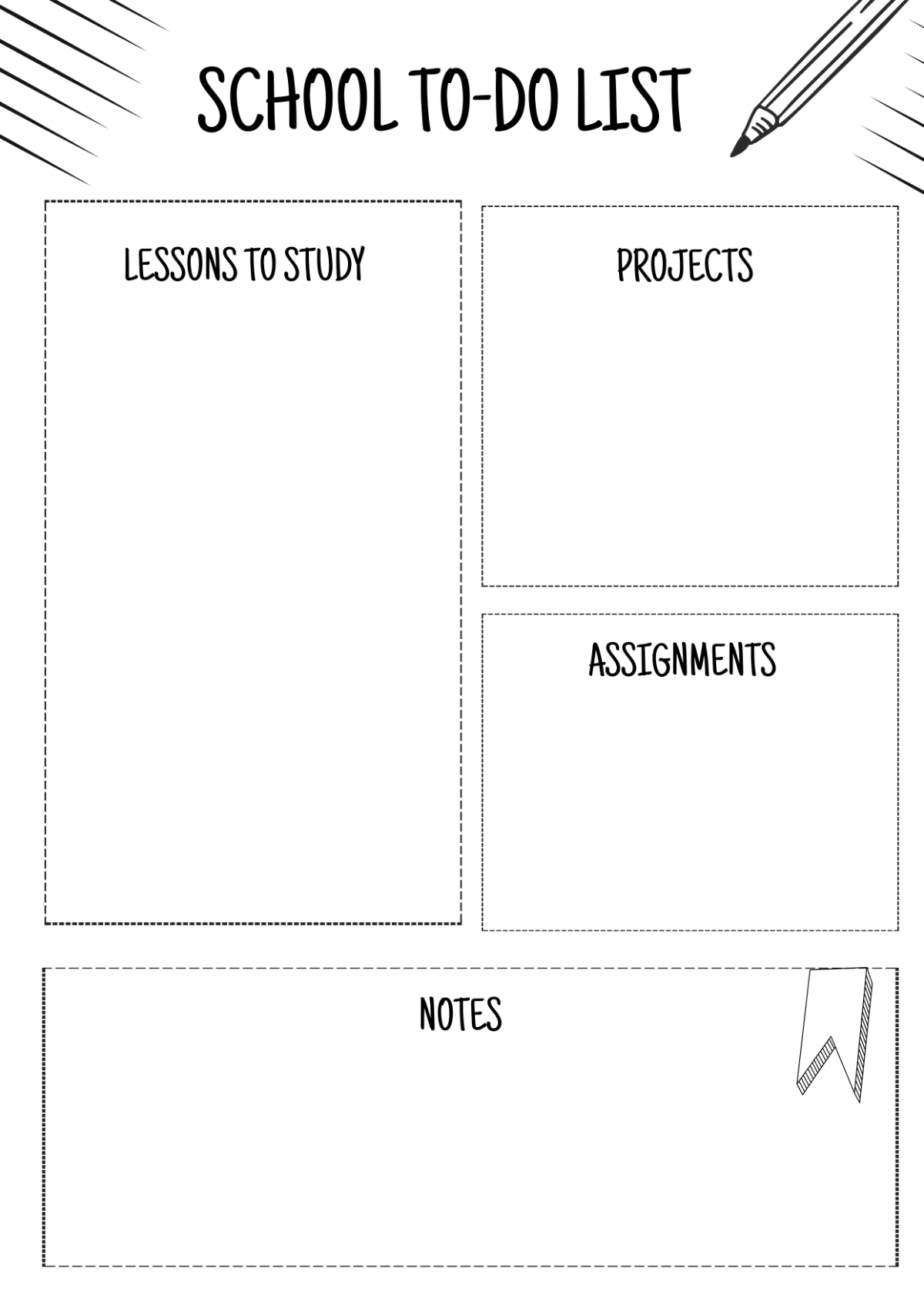
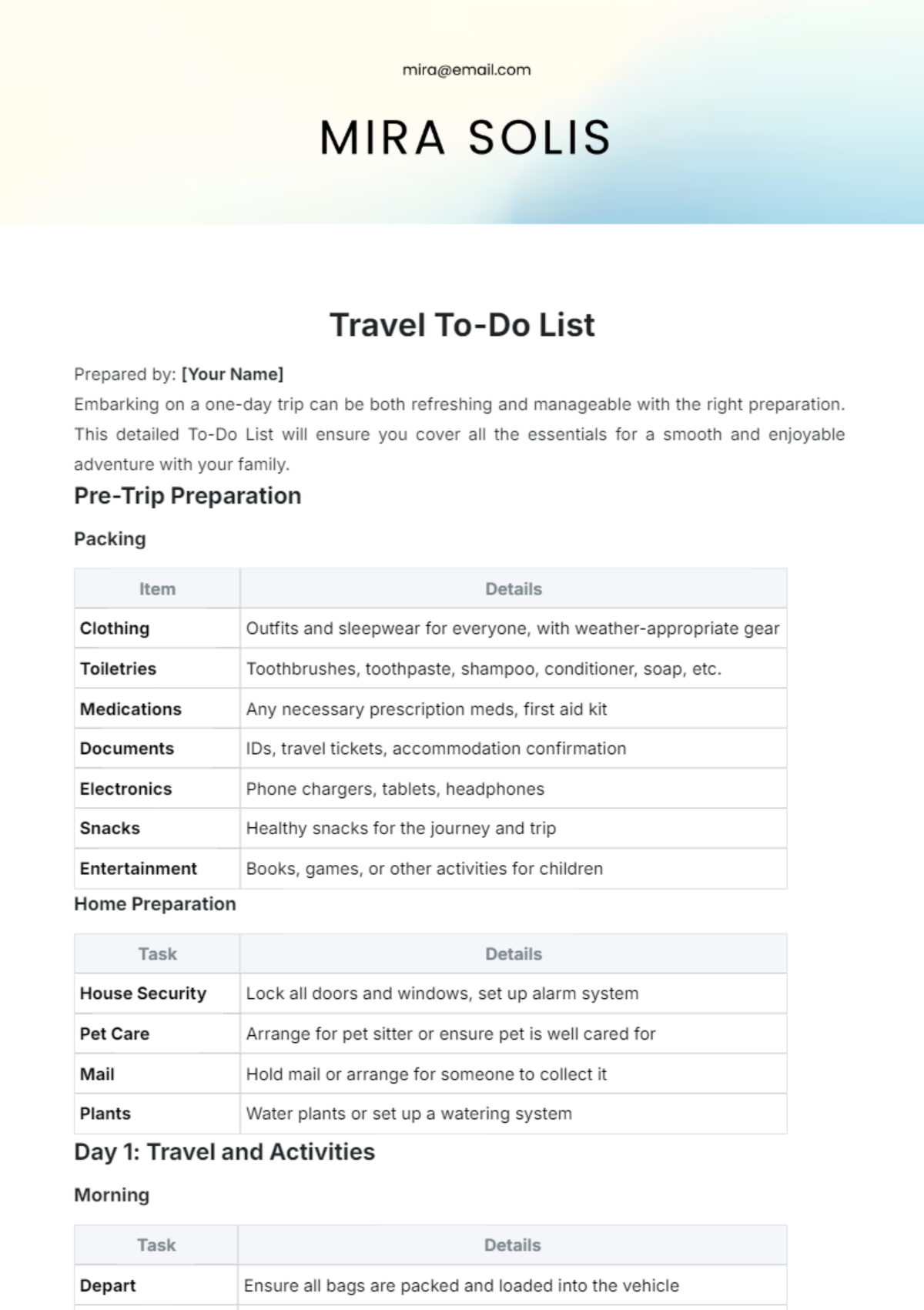
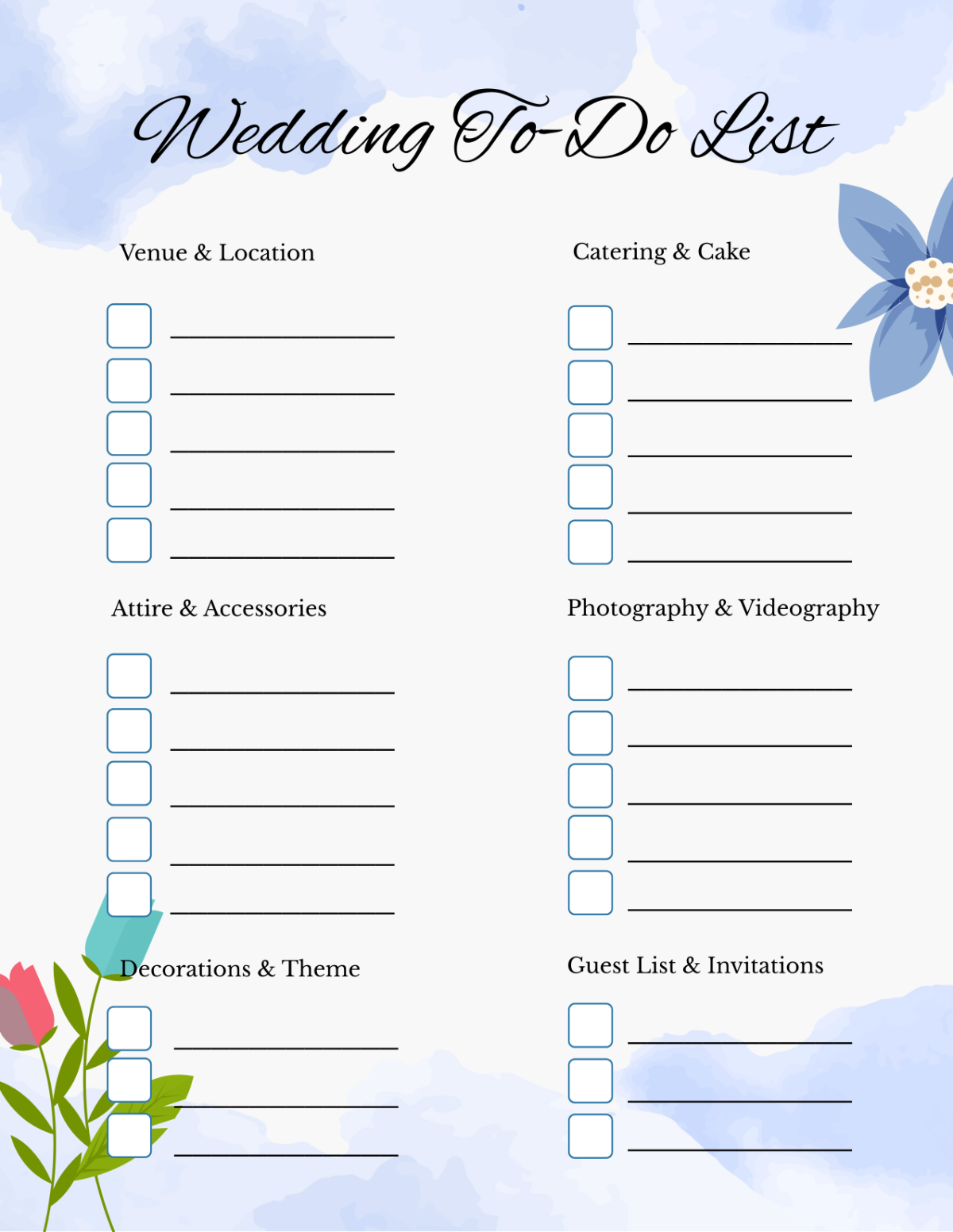
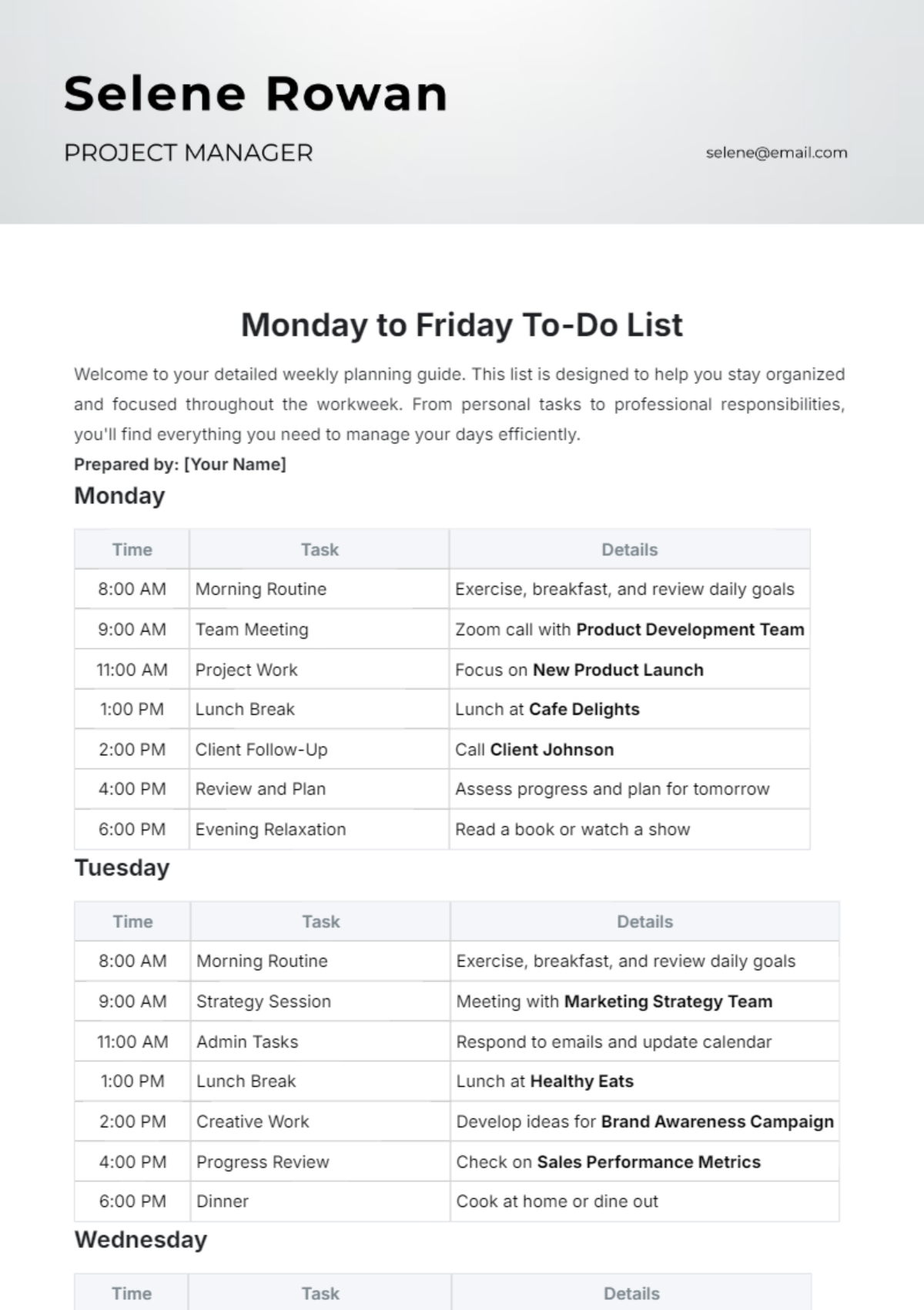


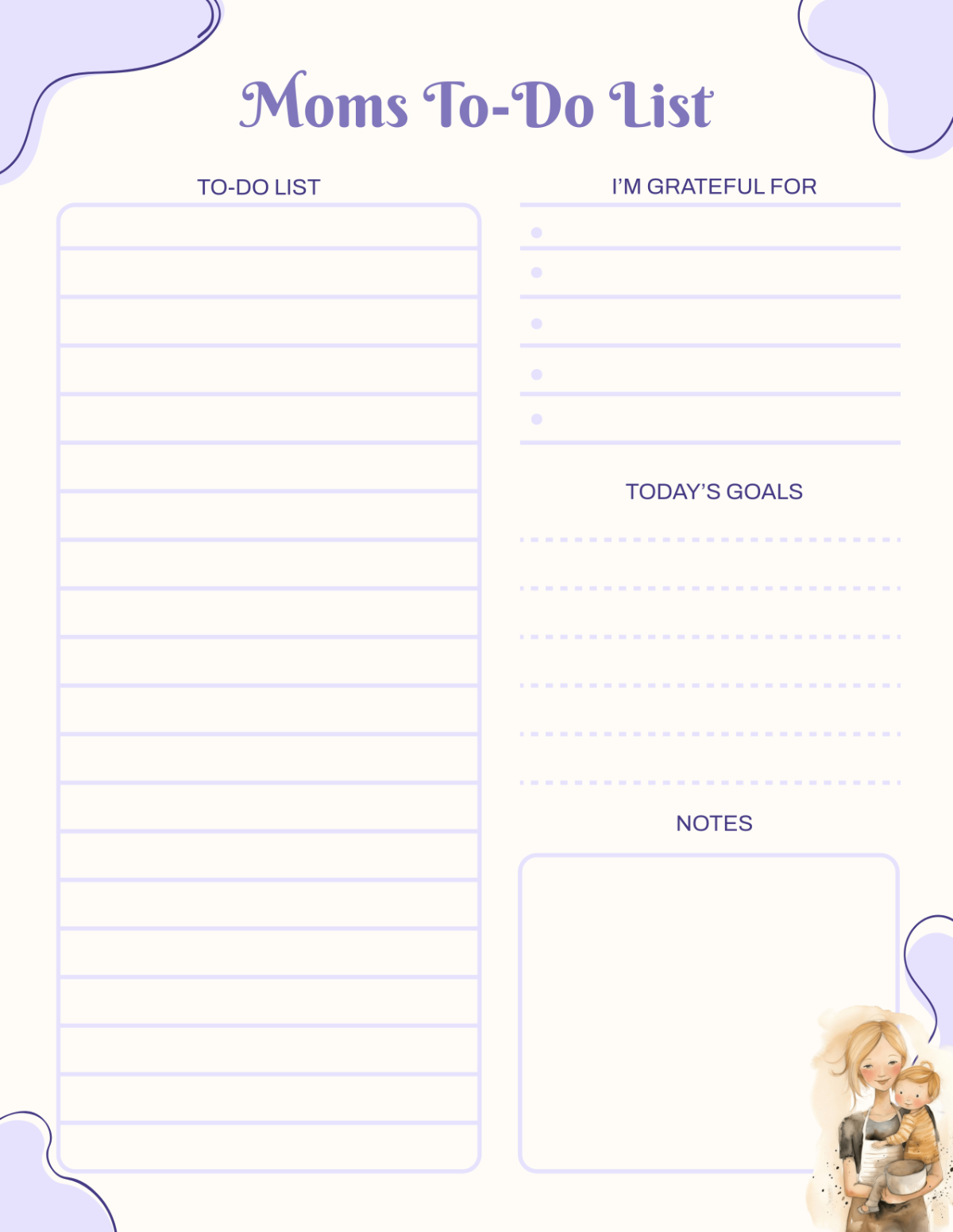
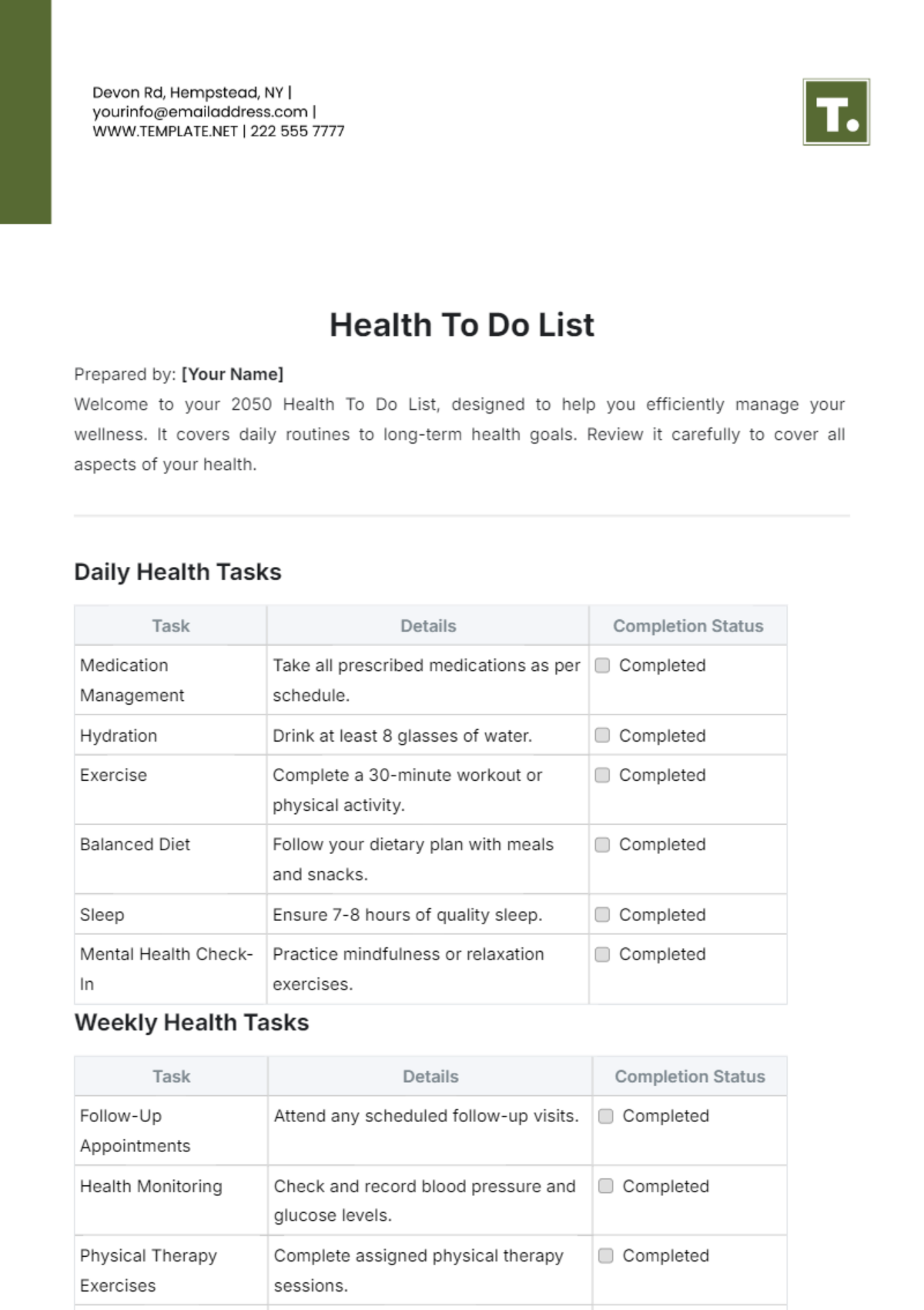


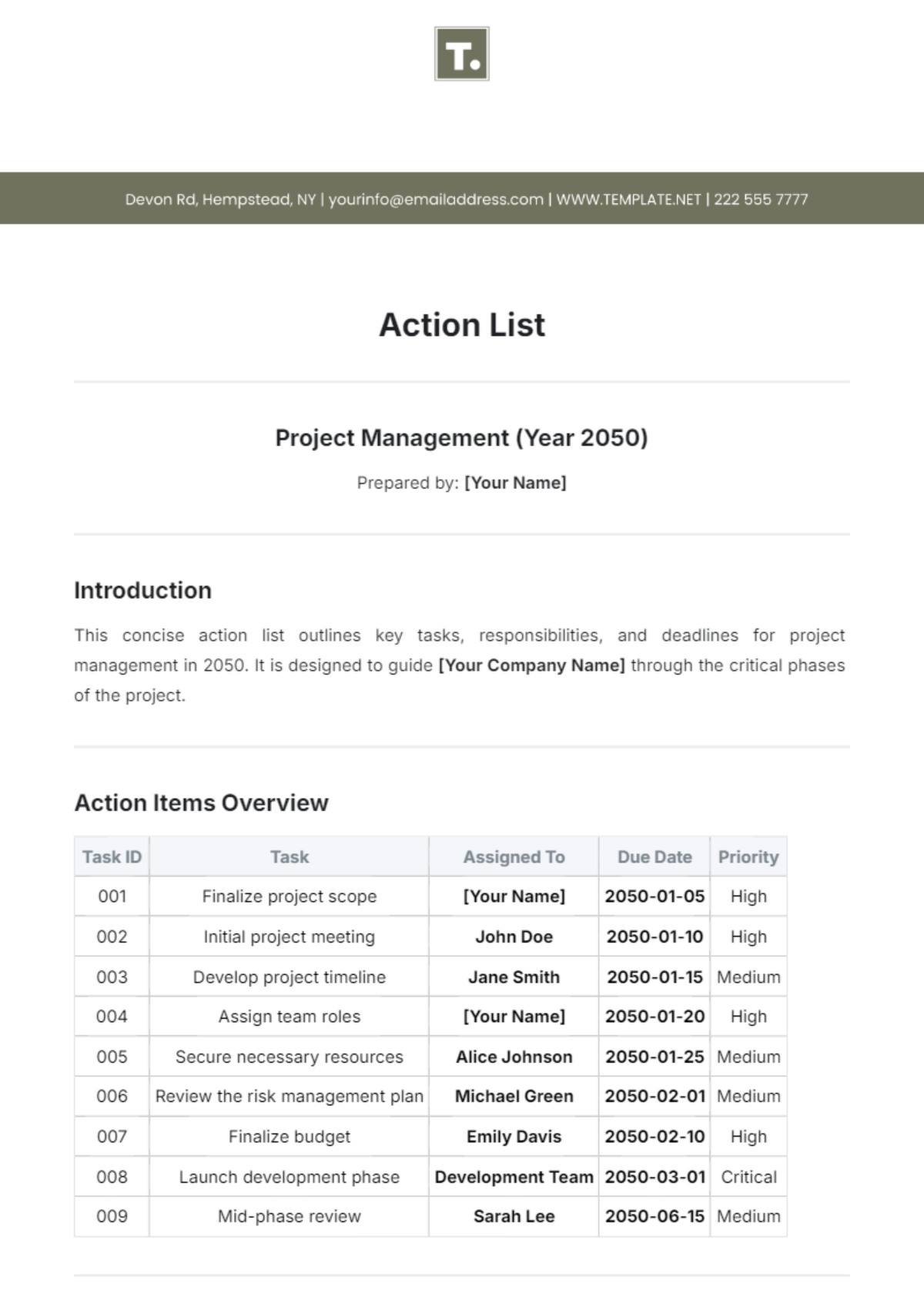
Free To Do List Templates: Editable Examples, Uses, and Download Formats

What is a To Do List?
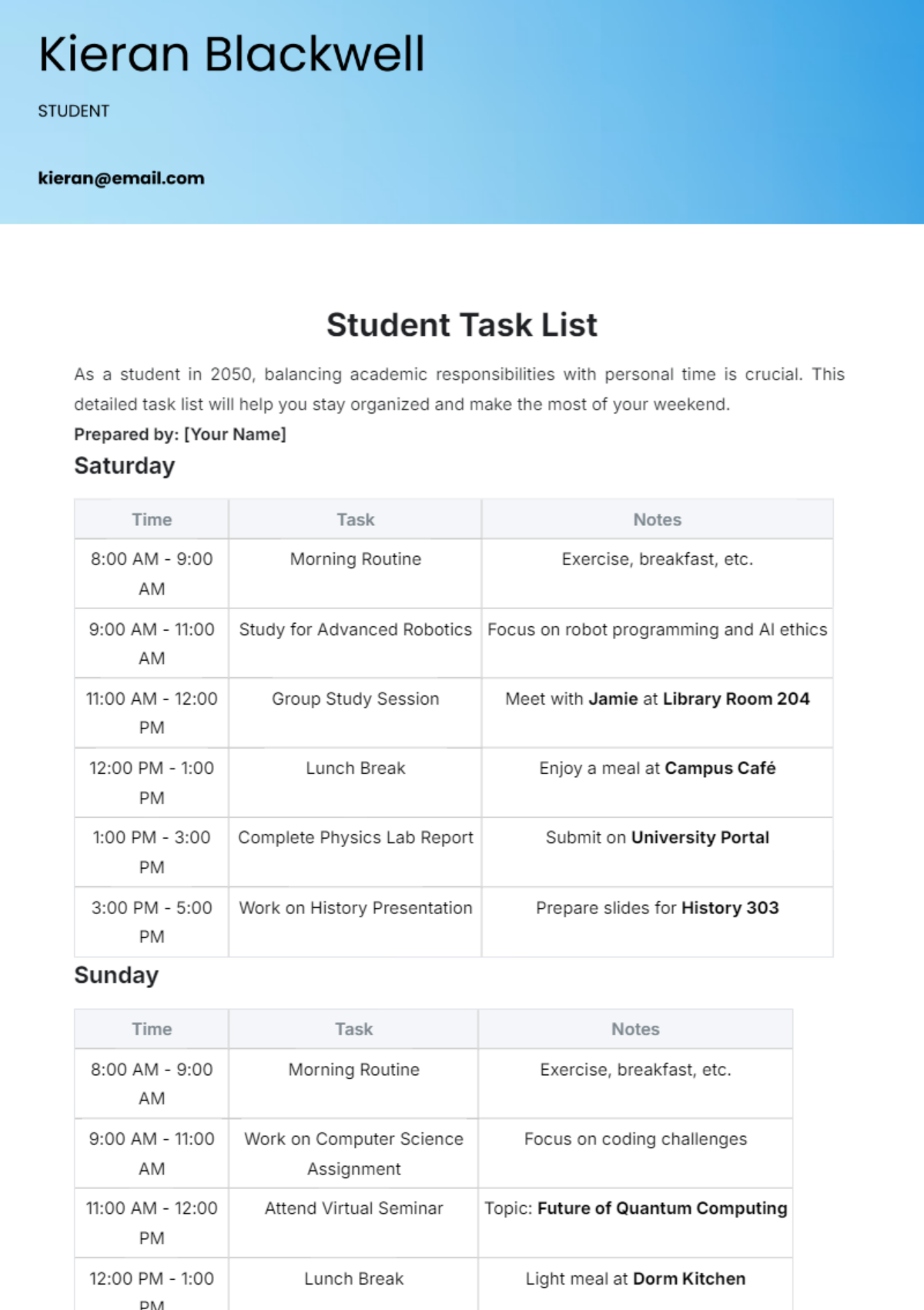
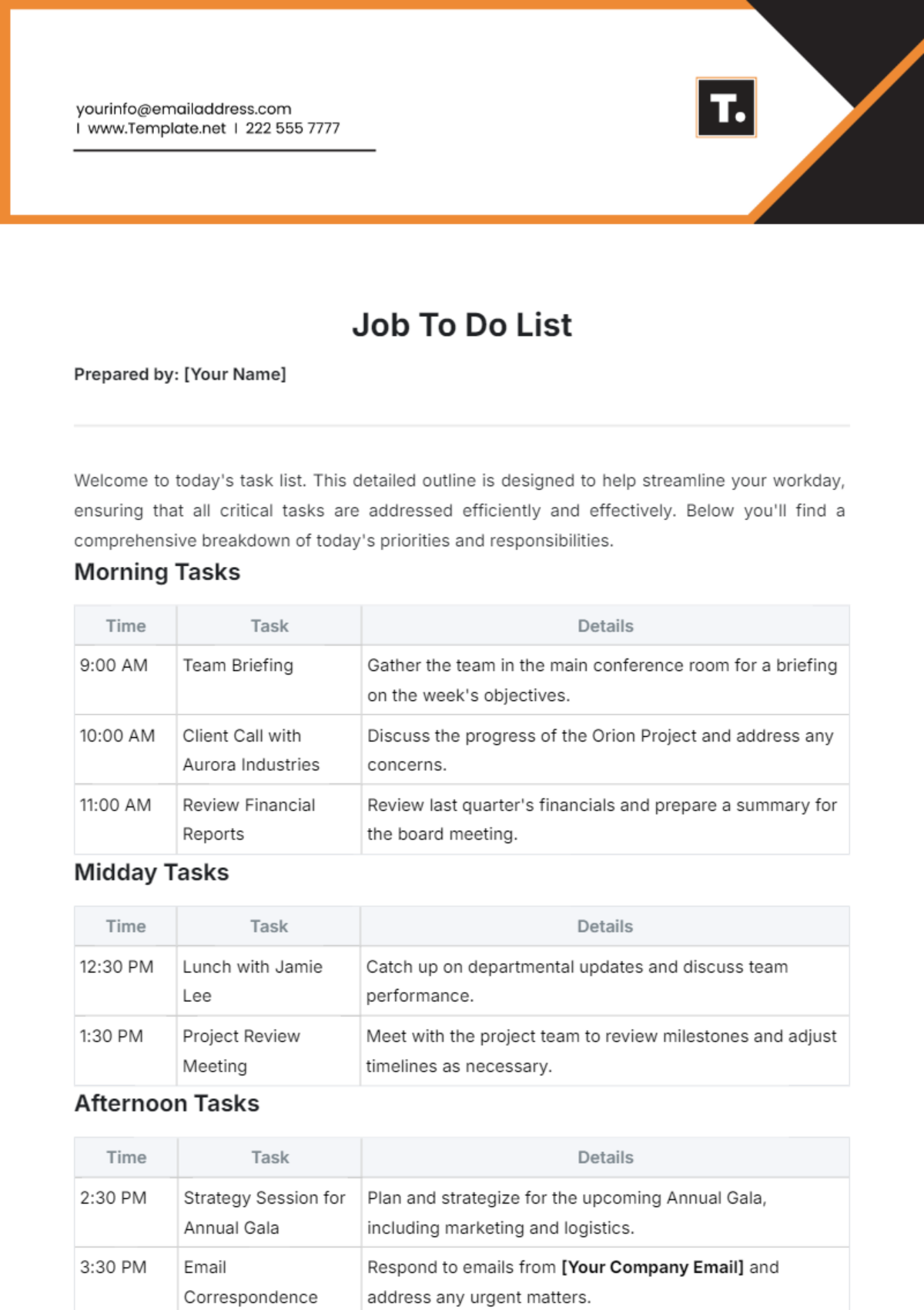
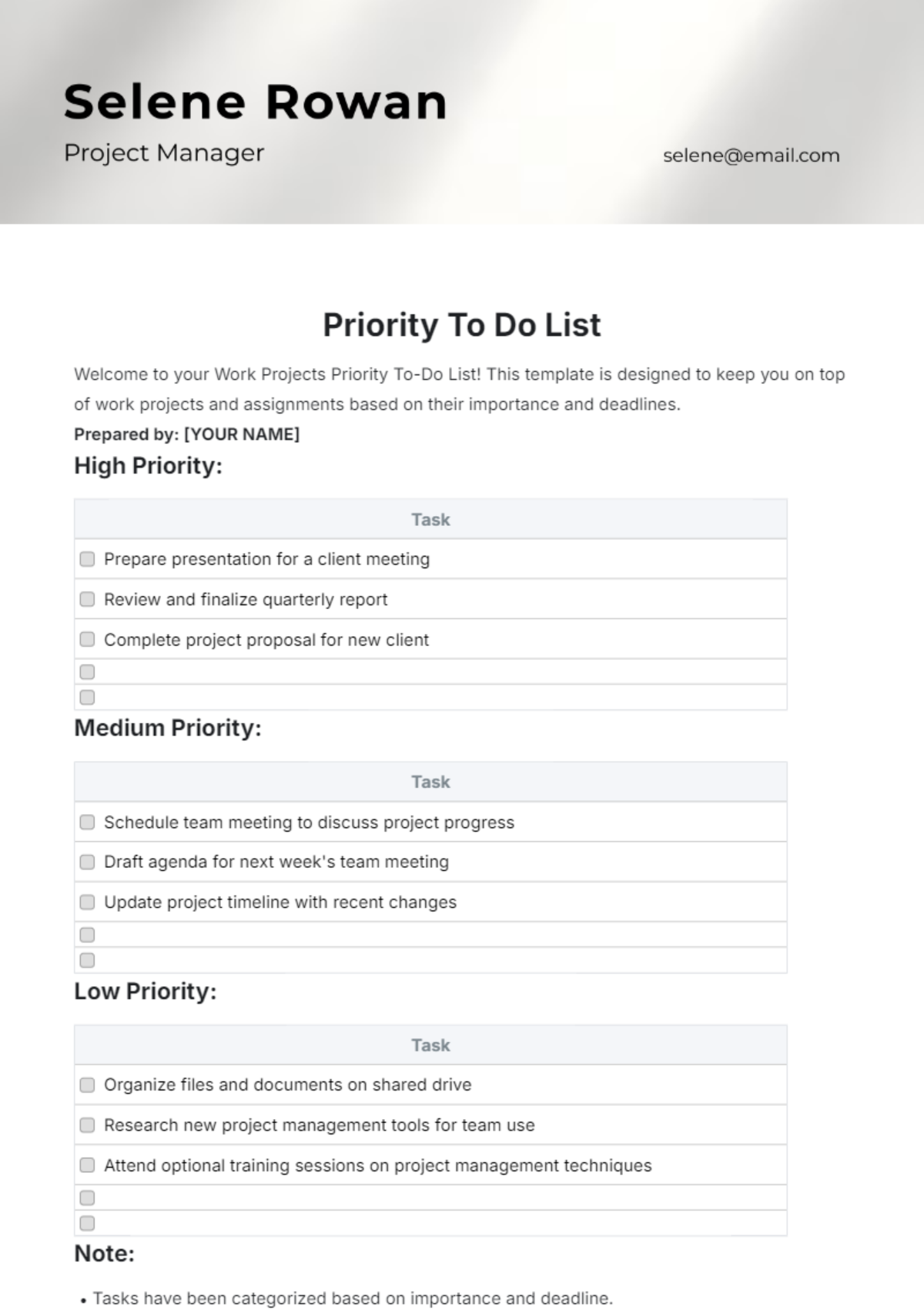
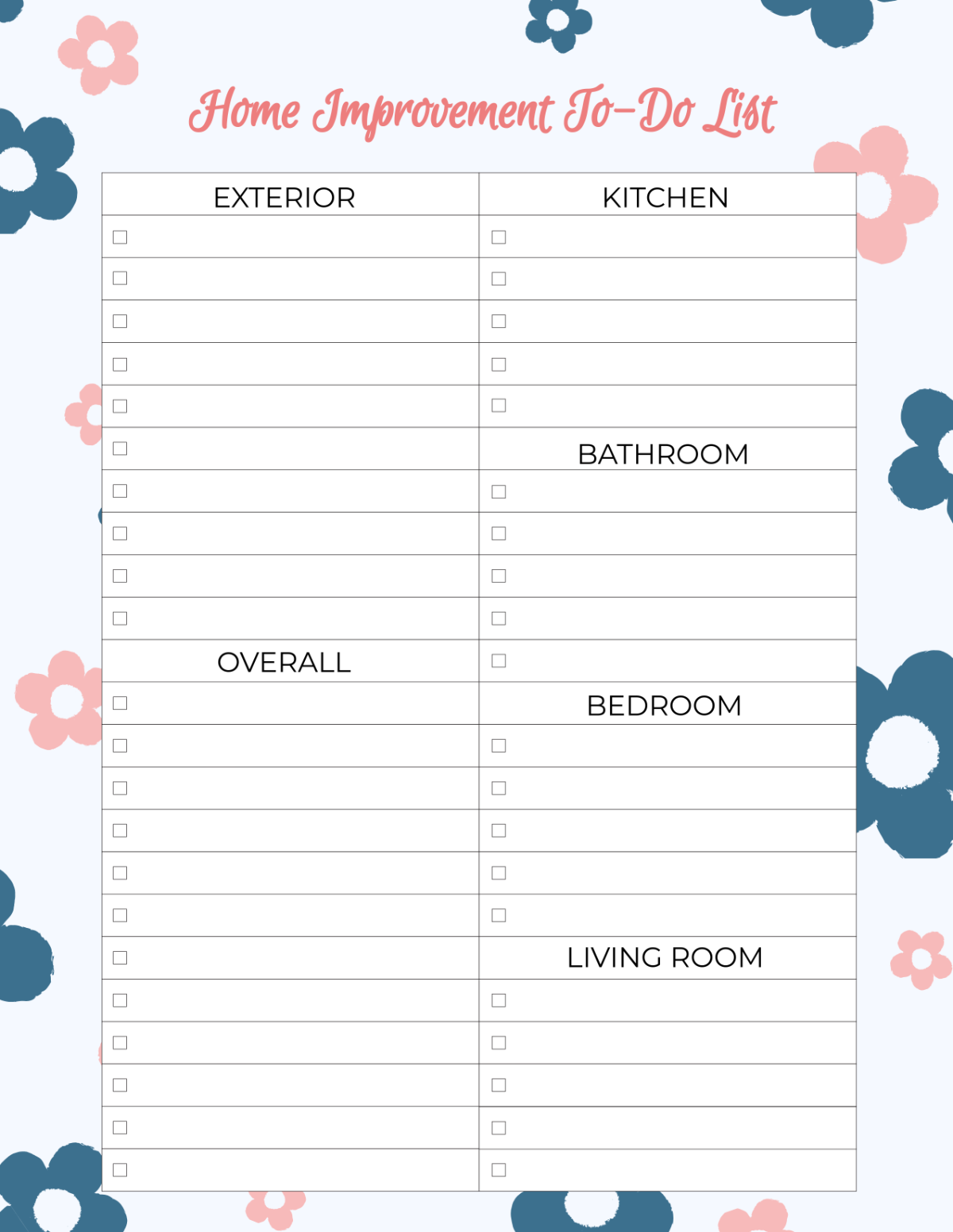
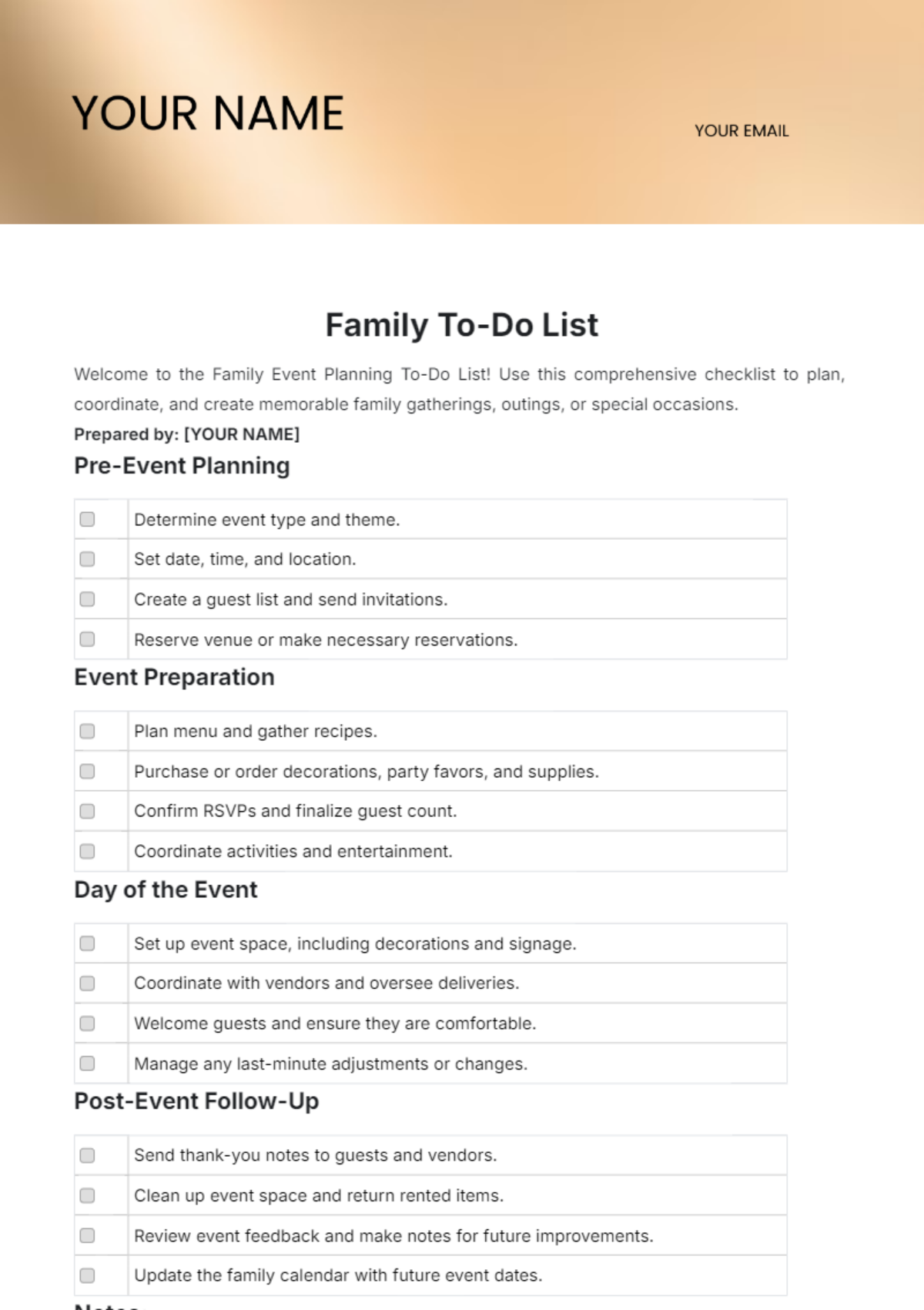
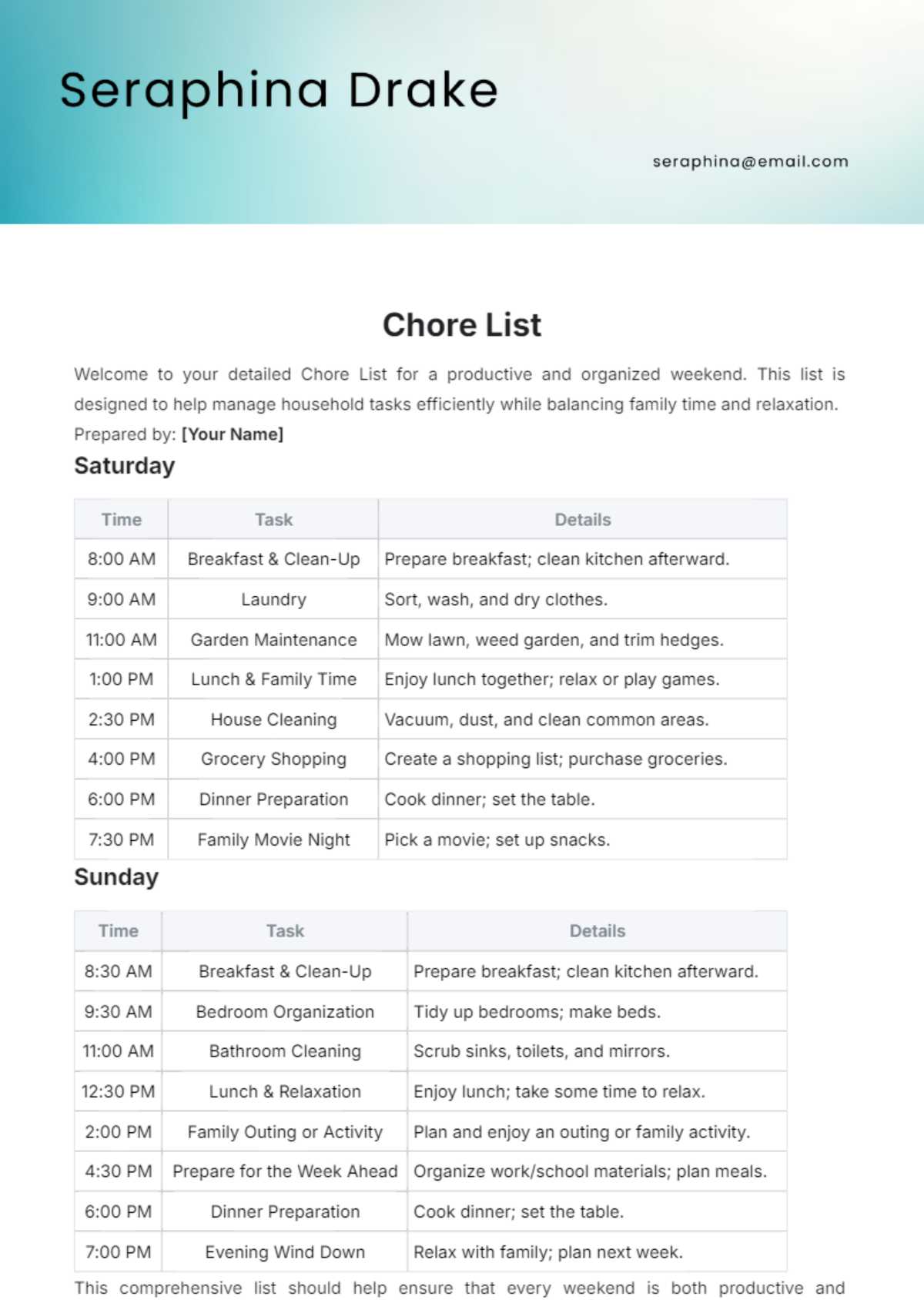
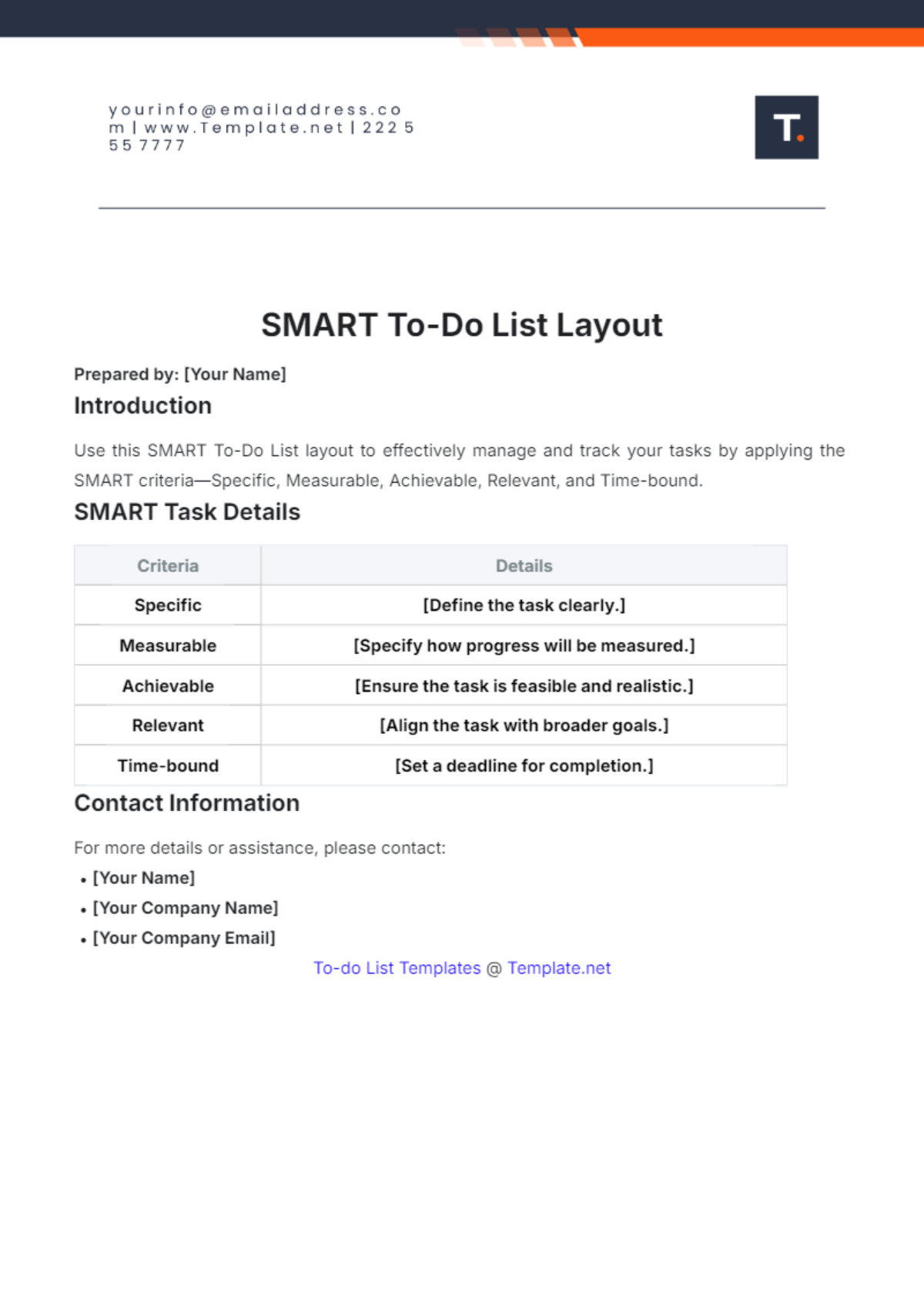
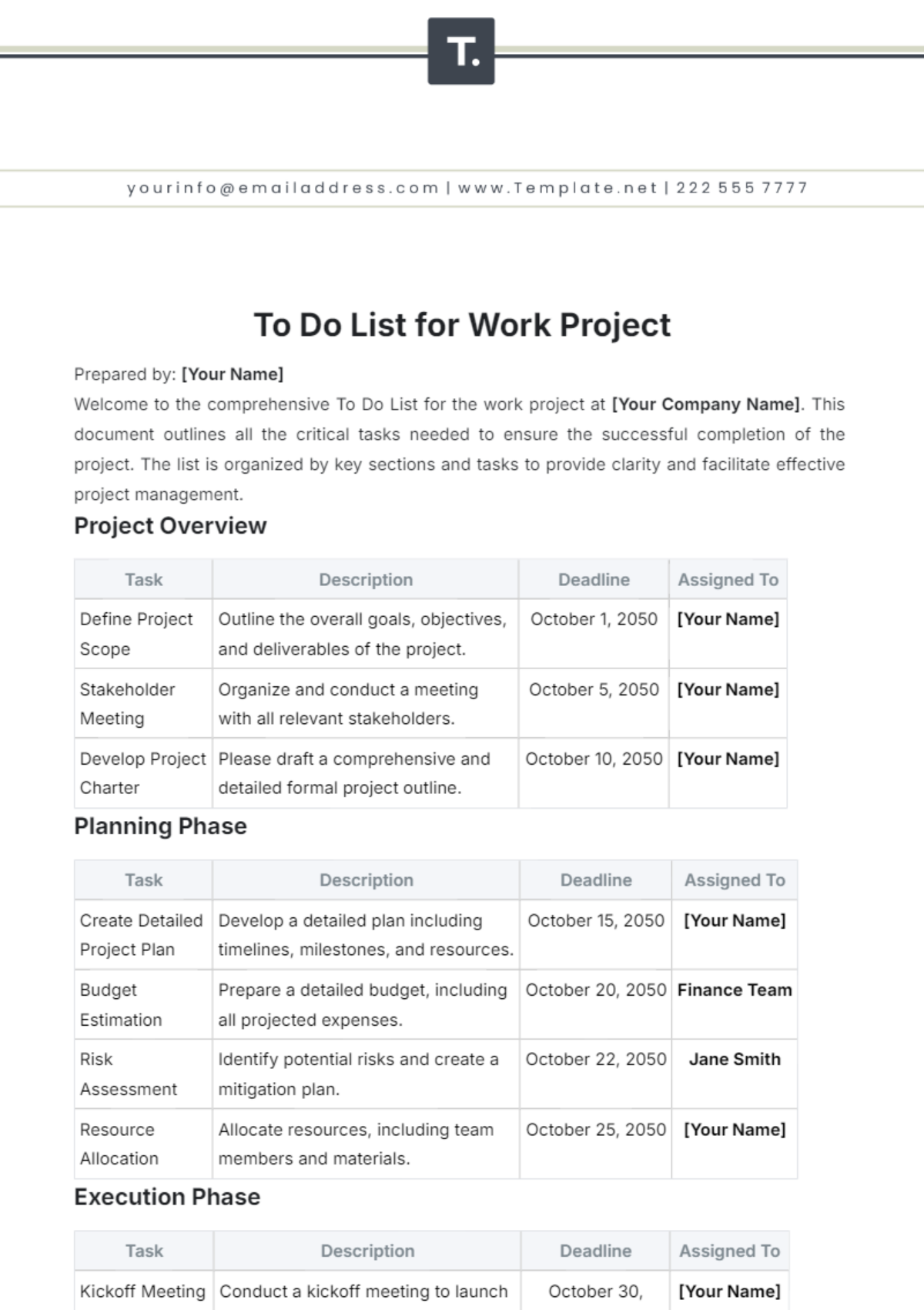
A To Do List is a document that organizes and tracks tasks or activities you need to complete, helping you manage your time and priorities effectively. It typically includes sections for task descriptions, deadlines, and status updates to ensure clear workflow management.

Why should I use a To Do List?
Using a To Do List helps increase productivity by providing clear visibility of your tasks and priorities. It supports better time management, reduces stress by organizing responsibilities, and ensures you meet deadlines with organized task tracking and workflow benefits.

Who uses To Do Lists?
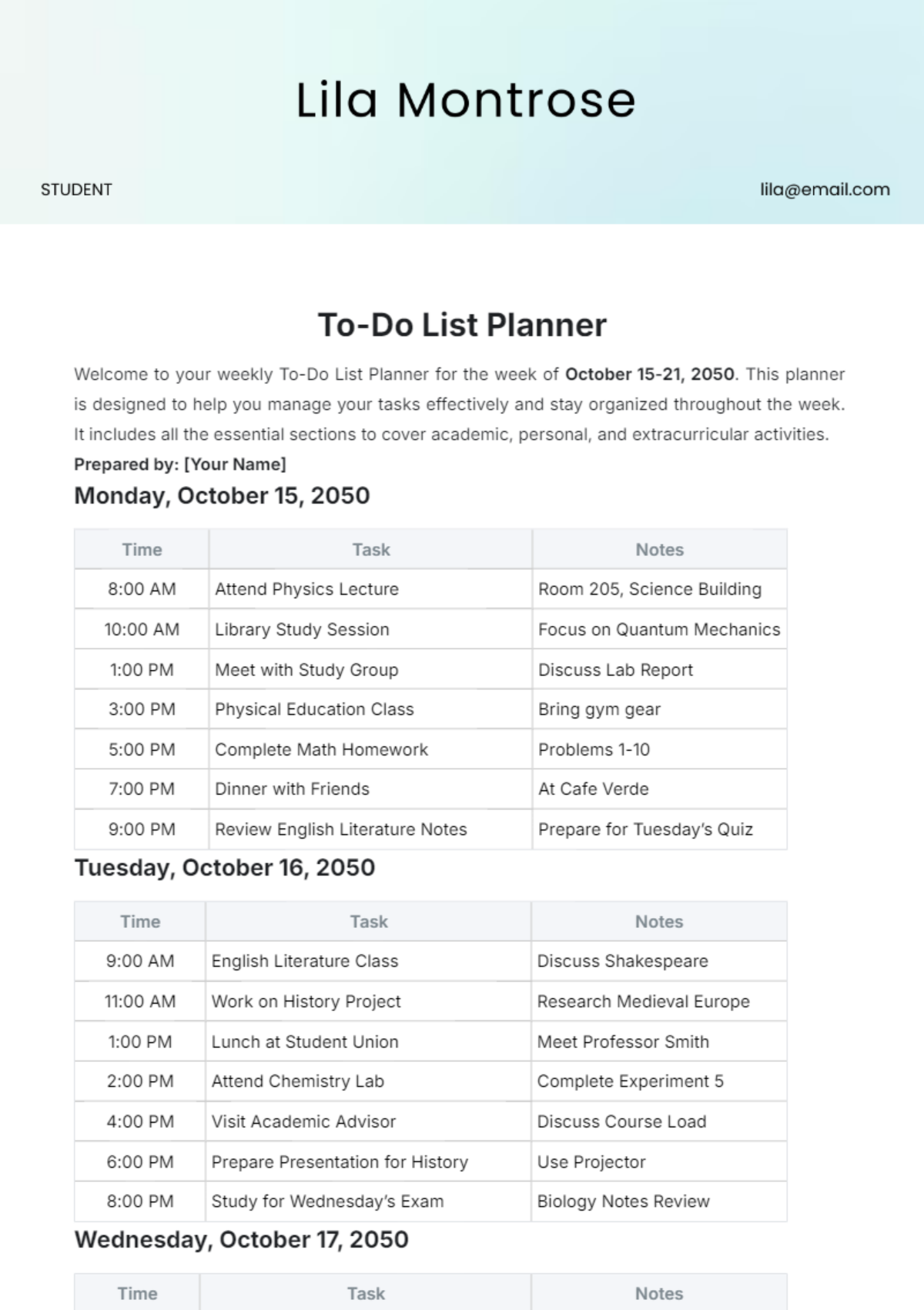
To Do Lists are used by professionals, students, project managers, and anyone needing to organize daily tasks. They benefit individuals and teams by improving task delegation, tracking progress, and maintaining accountability in various workflows.

What are the best tips for completing my To Do List?
Effective completion of your To Do List involves strategic planning and prioritization. Consider the following tips:
- Prioritize tasks – focus on high-impact items first
- Set realistic deadlines – avoid overloading your schedule
- Break down large tasks – create manageable subtasks
- Review and update – keep your list current daily
- Use clear descriptions – avoid ambiguity in tasks
- Limit task count – focus on achievable goals per day
- Track progress – mark completed tasks promptly
- Eliminate distractions – focus during task execution
- Use reminders – set alerts for important deadlines
- Reflect regularly – assess your productivity and adjust

What file formats can I download for my To Do List?
Template.net offers To Do List templates in multiple export formats for convenient editing and professional sharing including Apple Pages, Word, Google Docs, Excel, Google Sheets, and PDF.

Can I create a To Do List using AI?
Template.net provides an AI-powered tool that generates new To Do List drafts from prompts, simplifying the creation process. You can access this feature via the To Do List Generator.

What essential sections should be included in my To Do List?
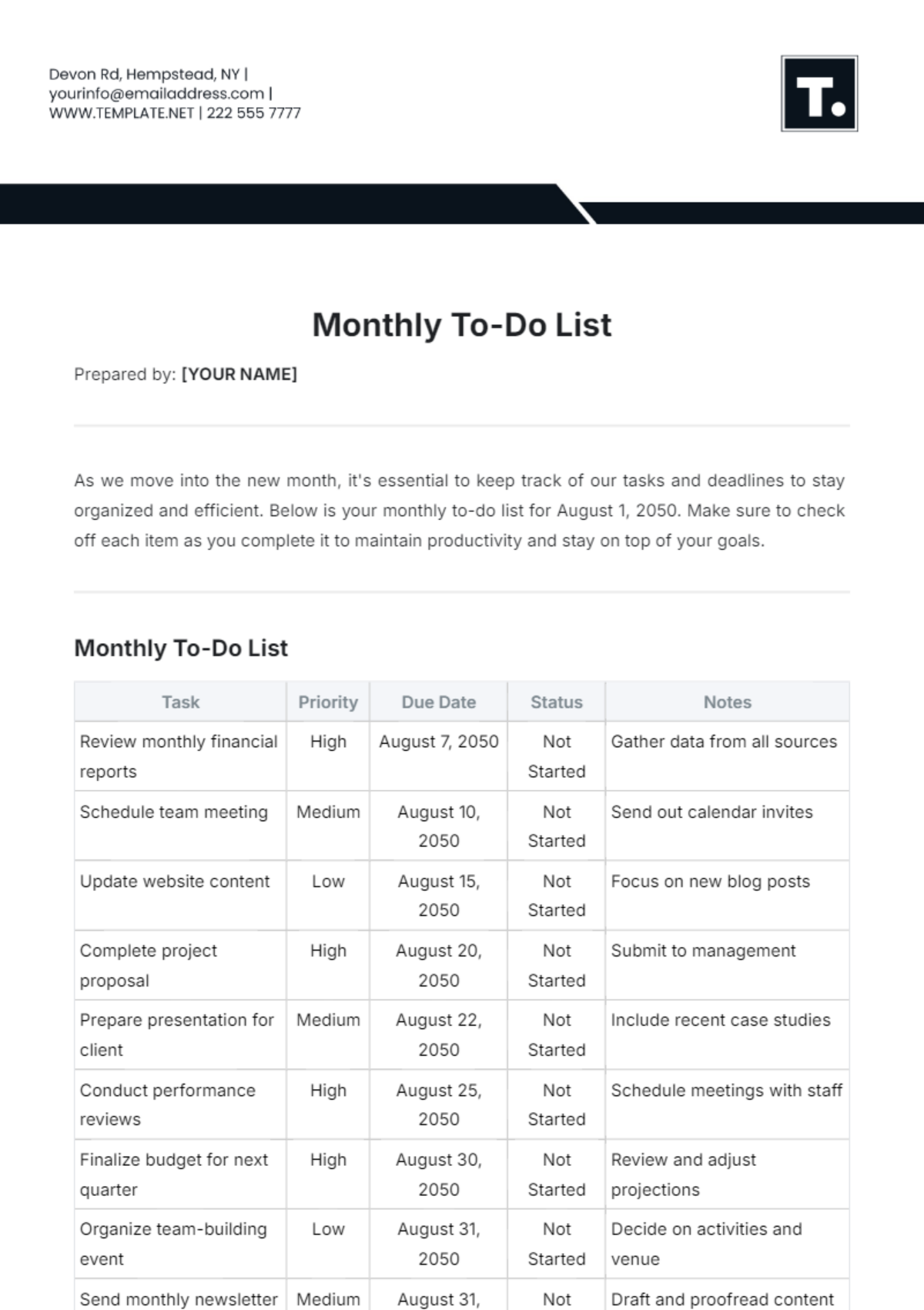
A well-structured To Do List should include essential sections to track tasks effectively.
- Task name – clear description of each task
- Priority level – indicates task urgency
- Deadline – completion due date
- Status – progress indicator such as pending or completed
- Notes – additional details or instructions
- Assigned to – if tasks are delegated
- Category – grouping related tasks
- Date created – tracking task origination
What are the benefits of using To Do List in my business workflow?
In a business workflow, using a To Do List enhances organization, communication, and productivity. It supports clear task delegation, deadline management, and prioritization, enabling teams to collaborate efficiently and meet project goals.
- Improves task tracking – visibility of responsibilities
- Enhances accountability – clear ownership of duties
- Facilitates prioritization – focus on critical tasks
- Streamlines communication – shared task updates
- Reduces missed deadlines – effective time management
How do I ensure my To Do List follows professional standards?
To ensure your To Do List follows professional standards, maintain clarity, consistency, and completeness. Use standardized formats, clear headings, and unambiguous task descriptions, and regularly update status to reflect accurate progress for compliance and workflow efficiency.
- Use consistent formatting – fonts, colors, and layout
- Include all necessary sections – task, deadline, status
- Write clear, concise task descriptions
- Update regularly – reflect current task status
- Ensure readability – avoid clutter and ambiguous terms
